What Exactly Is SEO? Demystifying Search Engine Optimization
At its core, Search Engine Optimization (SEO) is the practice of increasing the quantity and quality of traffic to your website through organic search engine results. When someone types a query into Google, Bing, or another search engine, they are presented with a list of results. The goal of SEO is to ensure your website appears as high as possible on that list, ideally on the first page, for relevant searches. This isn’t about paying for ad space – that’s a different beast known as What Is Pay Per Click Advertising – but rather about earning your spot through strategic optimization.
Think of search engines as vast digital libraries. When you search for a book, the librarian (the search engine) needs a system to quickly find and recommend the most relevant, authoritative, and helpful books (webpages). Search engines use complex algorithms to crawl the internet, index billions of pages, and then rank them based on hundreds of factors. These factors include everything from the words on your page to how other websites link to you, and how users interact with your site.
For startups, understanding and implementing SEO is not just an option; it’s a strategic imperative. While paid advertising can deliver immediate traffic, SEO builds a foundation for long-term, sustainable growth. Organic traffic is often seen as more trustworthy by users, leading to higher engagement and conversion rates. It’s an investment that compounds over time, steadily increasing your brand’s visibility and authority without the continuous spend associated with paid campaigns. In a competitive market, being found organically can mean the difference between thriving and merely surviving. It’s about creating a presence that naturally draws in your target audience, establishing your brand as a credible and valuable resource in your niche.
The Three Core Pillars of SEO: A Holistic Approach
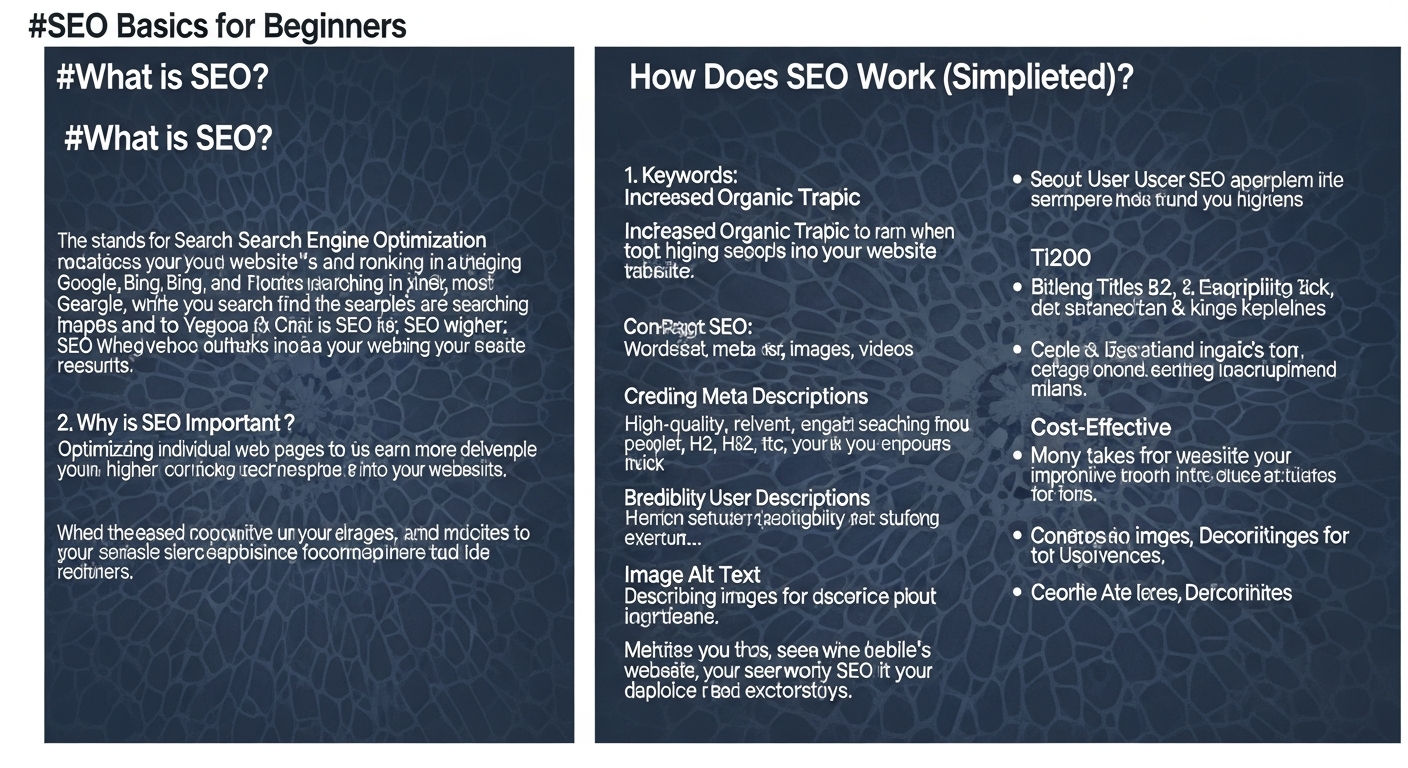
SEO isn’t a single tactic but a multifaceted discipline built upon several interconnected components. To truly succeed, beginners need to understand that SEO requires a holistic approach, addressing three primary pillars: On-Page SEO, Off-Page SEO, and Technical SEO. Each pillar plays a crucial role in telling search engines what your website is about, how trustworthy it is, and how easily it can be accessed. Neglecting any one of these can significantly hinder your overall performance.
On-Page SEO: Optimizing Your Content and Website Elements
On-Page SEO refers to all the optimizations you can make directly on your website and within your content to improve its ranking. This is about making your content not only appealing to your human readers but also easily understandable by search engine crawlers. It involves strategically integrating keywords, crafting compelling content, and structuring your pages in a logical way.
- Content Quality: At the heart of on-page SEO is high-quality, relevant, and valuable content. This means creating articles, blog posts, product descriptions, and landing pages that genuinely answer user queries and provide comprehensive information.
- Keyword Integration: Identifying the right keywords (the terms people search for) and naturally incorporating them into your page titles, headings, body text, and meta descriptions.
- Page Structure: Using HTML header tags (H1, H2, H3, etc.) to organize your content logically, making it easy to read and scan for both users and search engines.
- Image Optimization: Including descriptive alt text for images, compressing images for faster loading, and ensuring they are relevant to the content.
- Internal Linking: Creating links between relevant pages within your own website to help users and search engines navigate your site and distribute “link equity.”
Off-Page SEO: Building Authority and Trust Beyond Your Site
Off-Page SEO encompasses all the activities performed outside of your website to improve its ranking. The primary goal here is to build your site’s authority, credibility, and trustworthiness in the eyes of search engines. The most significant factor in off-page SEO is backlinks – links from other reputable websites pointing to yours. Think of backlinks as votes of confidence; the more high-quality, relevant votes your site receives, the more authoritative it appears.
- Backlink Building: Earning links from authoritative and relevant websites is crucial. This is often achieved through creating valuable content that others want to reference, guest posting on other blogs, or strategic outreach. For Best Project Management Software Startups, for instance, securing backlinks from industry review sites or tech news outlets can significantly boost their perceived authority.
- Social Media Marketing: While social shares don’t directly impact rankings, they increase content visibility, drive traffic, and can lead to more backlinks and brand mentions.
- Brand Mentions: When your brand or products are mentioned online, even without a direct link, search engines can still pick up on this as a signal of popularity and relevance.
- Online Reviews: Positive reviews on platforms like Google My Business, Yelp, or industry-specific sites can influence local SEO and overall brand reputation.
Technical SEO: Ensuring Search Engines Can Find and Understand Your Site
Technical SEO deals with the structural and backend elements of your website that influence how easily search engines can crawl, index, and understand your content. This pillar ensures your website provides a seamless experience not only for users but also for the search engine bots trying to navigate and categorize your information. A strong What Is A Tech Stack How To Choose decision is foundational to effective technical SEO, as your underlying technologies directly impact site performance and crawlability.
- Site Speed & Performance: Fast-loading websites are crucial for both user experience and search engine rankings. Metrics like Core Web Vitals (LCP, FID, CLS) are key ranking factors.
- Mobile-Friendliness: With the majority of searches now happening on mobile devices, having a responsive design that adapts to different screen sizes is non-negotiable.
-
Crawlability & Indexability: Ensuring search engine bots can access and add your pages to their index. This involves optimizing your
robots.txtfile and submitting XML sitemaps. - Site Structure: A logical and hierarchical site structure helps search engines understand the relationships between your pages and the overall context of your website.
- SSL (HTTPS): Having a secure website (indicated by HTTPS in the URL) is a minor but confirmed ranking factor and builds user trust.
- Schema Markup: Adding structured data to your HTML helps search engines better understand the content on your pages, potentially leading to rich snippets in search results.
Laying the Foundation: Keyword Research for Beginners
The goal of keyword research is twofold: to uncover high-value keywords that align with your business goals and to understand the intent behind those searches. Are people looking to buy (commercial intent), learn (informational intent), or navigate to a specific website (navigational intent)? Matching your content to user intent is paramount for ranking success and driving relevant traffic.
How to Approach Keyword Research:
- Brainstorm Seed Keywords: Start with broad topics related to your business. If you sell artisanal coffee, seed keywords might include “coffee,” “espresso,” “cold brew,” “coffee beans,” etc. Think like your customer.
- Expand with Long-Tail Keywords: These are longer, more specific phrases (e.g., “best organic single-origin coffee beans for pour-over”). Long-tail keywords generally have lower search volume but much higher conversion rates because they reflect more specific user intent. They are also less competitive, making them ideal for beginners.
- Analyze Your Competitors: See what keywords your successful competitors are ranking for. Tools can help you identify their top-performing pages and the keywords driving their traffic. This can uncover opportunities you might have missed.
-
Use Keyword Research Tools:
- Google Keyword Planner (Free): Requires a Google Ads account but provides search volume data and related keyword ideas. Excellent for initial exploration.
- Google Search Console (Free): Shows you what keywords you are already ranking for and how many impressions and clicks you’re getting.
- Ubersuggest, Ahrefs, SEMrush, Moz Keyword Explorer (Paid/Freemium): These professional tools offer in-depth data on search volume, keyword difficulty, competitor analysis, and more. While they come with a subscription, their value for serious SEO efforts is immense.
- AnswerThePublic (Freemium): Visualizes questions, prepositions, comparisons, and alphabetical searches related to your seed keyword, helping you understand user intent and content ideas.
-
Consider Key Metrics:
- Search Volume: How many times a keyword is searched per month. Aim for a balance between high volume and manageable competition.
- Keyword Difficulty (KD): An estimate of how hard it is to rank for a particular keyword. As a beginner, target keywords with lower KD scores initially.
- Relevance: Most importantly, is the keyword relevant to your business and the content you can provide? Don’t chase high-volume keywords if they don’t align with your offerings.
- User Intent: What is the user hoping to achieve with this search? Informational (e.g., “how to make cold brew”), navigational (e.g., “Starbucks near me”), or commercial (e.g., “buy coffee beans online”)?
By meticulously researching and selecting your keywords, you lay the groundwork for all subsequent SEO efforts, ensuring that your content effectively reaches the people who are most likely to become your customers.
On-Page SEO Essentials: Crafting Content That Ranks
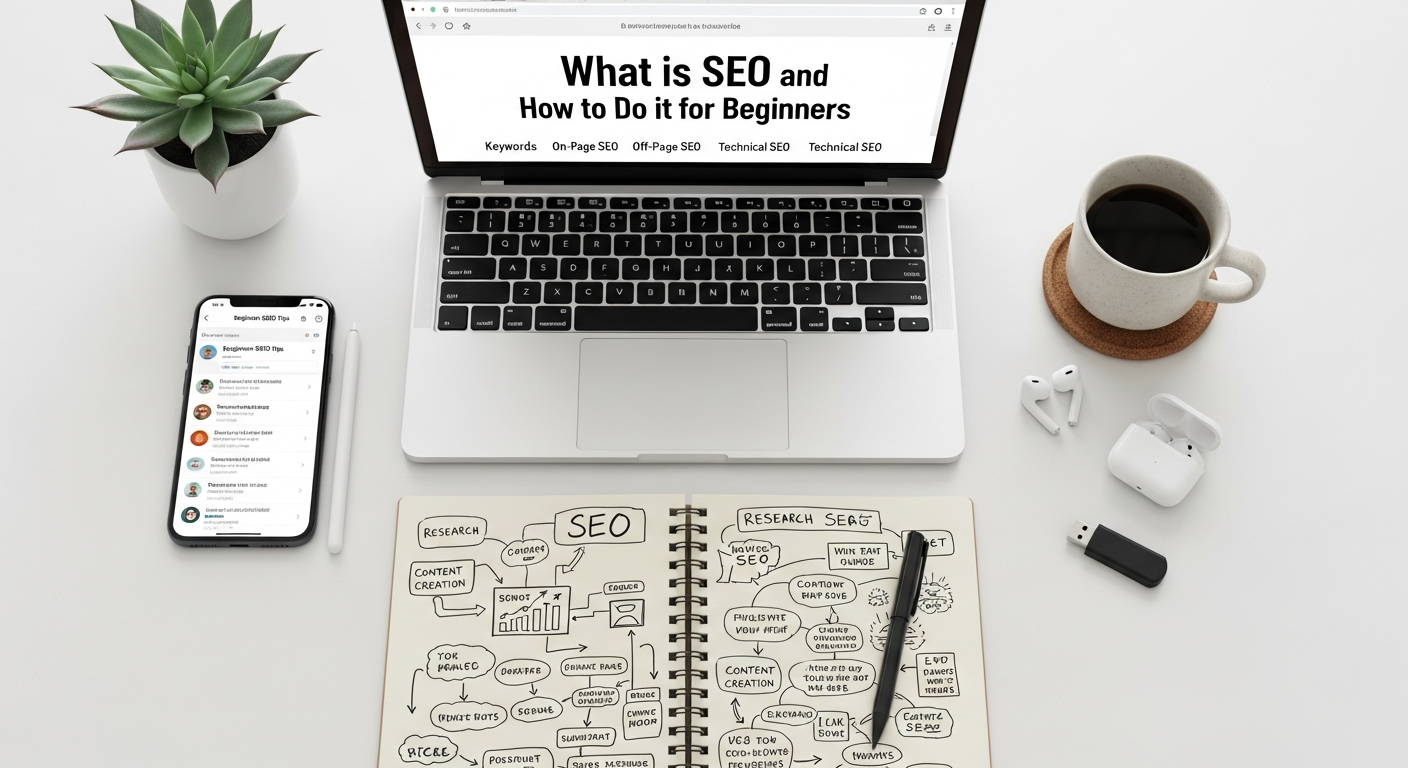
Once you have your target keywords, it’s time to put them to work on your website. On-Page SEO is about optimizing the individual pages of your site to rank higher and earn more relevant traffic. It’s the art of creating content that is both appealing to human readers and easily understood by search engines. Here’s how to master the essentials:
1. Optimize Your Title Tags and Meta Descriptions
-
Title Tag (HTML
<title>): This is the most crucial on-page element. It’s the clickable headline that appears in search results and at the top of your browser tab.- Include your primary keyword naturally, ideally near the beginning.
- Keep it concise (around 50-60 characters) to avoid truncation.
- Make it compelling and accurately describe the page’s content.
- Each page should have a unique title tag.
-
Meta Description (HTML
<meta name="description">): A brief summary of your page’s content, displayed under the title tag in search results. While not a direct ranking factor, a well-crafted meta description can significantly improve click-through rates (CTR) by enticing users to click on your result.- Include your primary and secondary keywords.
- Write a compelling, concise summary (around 150-160 characters).
- Include a call to action if appropriate.
2. Master Your Header Tags (H1, H2, H3, etc.)
- H1 Tag: This is your main page heading. Every page should have one and only one H1 tag. It should contain your primary keyword and accurately reflect the page’s main topic. Think of it as the title of a book chapter.
-
H2, H3, H4 Tags: Use these to break up your content into logical, digestible sections and subsections. They improve readability for users and help search engines understand the hierarchy and structure of your content.
- Integrate related keywords and variations into your H2s and H3s where it makes sense.
- Use them to create an outline for your content, guiding both readers and crawlers.
3. Produce High-Quality, Engaging Content
- Relevance and Depth: Your content must thoroughly address the user’s search query. Go beyond surface-level information; provide comprehensive, accurate, and unique insights. Aim to be the best resource on the topic.
- Keyword Integration: Naturally weave your target keywords and related terms throughout your content. Avoid “keyword stuffing,” which is overusing keywords to the point of sounding unnatural, as this can harm your rankings.
- Readability: Write clear, concise, and easy-to-understand language. Use short paragraphs, bullet points, and numbered lists (like this one!) to enhance readability. Aim for a conversational yet authoritative tone.
- Freshness: Regularly update and refresh your content to keep it current and relevant. Search engines favor up-to-date information, especially for topics where timeliness is important.
4. Optimize Your Images
- Alt Text: Provide descriptive “alt text” for every image. This text describes the image for visually impaired users and helps search engines understand what the image is about. Include keywords where appropriate, but only if they naturally describe the image.
-
File Names: Use descriptive, keyword-rich file names (e.g.,
best-project-management-software.jpginstead ofIMG_001.jpg). - File Size: Compress images to reduce their file size without sacrificing quality. Large images slow down your page, negatively impacting user experience and rankings.
5. Implement Strategic Internal Linking
- Link to other relevant pages within your own website using descriptive anchor text (the clickable text of the link).
- Internal links help search engines discover and index new pages, pass “link equity” (ranking power) between pages, and guide users through your site.
- Aim for a logical internal linking structure that reinforces the hierarchy and relationships between your content.
By diligently applying these on-page SEO essentials, you’ll create content that not only attracts search engine crawlers but also provides a superior experience for your human visitors, leading to better rankings and more engaged users.
Off-Page SEO & Link Building: Earning Authority and Trust
While on-page SEO makes your content appealing to search engines, off-page SEO builds your website’s authority and trustworthiness across the internet. The cornerstone of off-page SEO is link building, the process of acquiring backlinks—hyperlinks from other websites that point back to yours. Think of each backlink as an endorsement or a vote of confidence from another site. Not all votes are equal, however; quality trumps quantity. A single backlink from a highly authoritative and relevant website is far more valuable than dozens from low-quality, irrelevant sites.
Why Backlinks Matter So Much:
- Authority: Search engines view backlinks from reputable sites as a strong signal that your content is valuable, trustworthy, and authoritative.
- Relevance: Links from sites within your industry or niche tell search engines that your content is relevant to that specific topic.
- Discovery: Backlinks help search engine crawlers discover new pages on your site, leading to faster indexing.
- Traffic: Beyond SEO benefits, backlinks can directly drive referral traffic to your site from interested readers on other platforms.
Ethical Link Building Strategies for Beginners:
The key to successful link building is to earn links naturally by creating genuinely valuable content and fostering relationships. Avoid black-hat tactics like buying links, which can lead to severe penalties from search engines.
-
Create Link-Worthy Content (Content Marketing):
This is the most sustainable strategy. Produce exceptional content that others naturally want to link to. Examples include:
- In-depth guides and tutorials: Comprehensive resources that become go-to references.
- Original research or data studies: Unique insights that are cited by others.
- Infographics and visual content: Easily shareable and digestible information.
- “Skyscraper” content: Find popular content in your niche, create something significantly better and more comprehensive, then reach out to sites linking to the original to suggest yours.
For example, Best Project Management Software Startups might create an annual report on project management trends, packed with unique data, which other industry blogs and news sites would be keen to cite.
-
Guest Posting:
Write high-quality articles for other reputable blogs and websites in your industry. In return, you’ll typically get an author bio with a link back to your website.
- Focus on sites with relevant audiences and good domain authority.
- Offer genuine value to their readers, not just promotional content.
-
Broken Link Building:
Find broken links on relevant websites (links that lead to a 404 error). Then, create content that can replace the missing resource and suggest to the website owner that they swap the broken link with a link to your new, valuable content.
-
Resource Page Link Building:
Identify websites that curate lists of resources relevant to your niche. If you have a valuable piece of content that would fit well on their list, reach out and suggest they include it.
-
Brand Mentions & Unlinked Mentions:
Monitor the web for mentions of your brand or products. If someone mentions you without linking to your site, reach out and politely ask if they would consider adding a link.
-
Directory Submissions (Selectively):
While most general directories are not valuable, submitting your business to highly relevant, niche-specific directories or local business directories (like Google My Business, Yelp, industry-specific associations) can still provide value and improve local SEO.
Beyond Backlinks: Other Off-Page Signals
- Social Signals: While social media shares and likes aren’t direct ranking factors, they increase content visibility, drive traffic, and can indirectly lead to more backlinks and brand mentions.
- Online Reviews: Positive reviews on Google My Business and other relevant platforms build trust and can influence local search rankings.
- Forum and Community Engagement: Participating in online communities related to your niche (e.g., Reddit, industry forums) can establish your expertise and indirectly drive traffic and brand awareness, which may lead to natural links.
Off-page SEO, particularly link building, requires patience and consistent effort. It’s about building genuine relationships and providing value, leading to a stronger, more authoritative online presence.
Technical SEO Fundamentals: Making Your Site Search Engine Friendly
Technical SEO often sounds intimidating, but it’s about ensuring your website’s infrastructure is optimized for search engine crawlers, allowing them to efficiently access, understand, and index your content. Even the most brilliant content won’t rank if search engines can’t properly find and process it. A well-chosen What Is A Tech Stack How To Choose can significantly simplify many technical SEO considerations, ensuring your website is built on a robust foundation for performance and discoverability.
1. Site Speed and Core Web Vitals
Page loading speed is a critical ranking factor and a huge determinant of user experience. Google explicitly uses Core Web Vitals (CWV) as ranking signals, which measure real-world user experience for loading performance, interactivity, and visual stability.
- Largest Contentful Paint (LCP): Measures loading performance. Aim for under 2.5 seconds.
- First Input Delay (FID): Measures interactivity. Aim for under 100 milliseconds.
- Cumulative Layout Shift (CLS): Measures visual stability. Aim for a score under 0.1.
How to improve: Optimize images (compress, use modern formats like WebP), leverage browser caching, minimize CSS/JavaScript, use a Content Delivery Network (CDN), and choose a fast hosting provider. Your hosting choice, part of your tech stack, plays a massive role here.
2. Mobile-Friendliness
Google uses mobile-first indexing, meaning it primarily uses the mobile version of your content for indexing and ranking. If your site isn’t mobile-friendly, you’re at a significant disadvantage.
- Responsive Design: The most common and recommended approach, where your website automatically adjusts its layout to fit any screen size (desktop, tablet, mobile).
- Test Your Site: Use Google’s Mobile-Friendly Test tool to check your site’s compatibility.
3. Crawlability and Indexability
Search engines use “crawlers” or “spiders” to discover new and updated content. For your content to appear in search results, it must first be crawled and then added to Google’s index.
- XML Sitemaps: An XML sitemap lists all the important pages and files on your site, helping search engines understand your site structure and find all your content. Submit your sitemap via Google Search Console.
- Robots.txt: This file tells search engine bots which parts of your site they can and cannot crawl. Use it to prevent crawling of unimportant or private pages (e.g., admin areas, duplicate content). Be careful not to block important pages.
-
Noindex Tag: If you want a page to be crawled but not indexed (i.e., not appear in search results), you can use a
noindexmeta tag in the page’s HTML.
4. Site Structure and URL Optimization
- Logical Hierarchy: Organize your content in a clear, hierarchical structure (e.g., Home > Category > Subcategory > Product). This helps users and search engines navigate your site.
-
Clean URLs: Use descriptive, keyword-rich, and easy-to-read URLs. Avoid long strings of numbers or irrelevant characters.
-
Good:
yourdomain.com/blog/what-is-technical-seo -
Bad:
yourdomain.com/p?id=12345&cat=blog
-
Good:
5. SSL (HTTPS)
Having a secure website using HTTPS (Hypertext Transfer Protocol Secure) is a minor ranking factor and essential for user trust. HTTPS encrypts data transferred between the user’s browser and your server. Most hosting providers offer free SSL certificates.
6. Duplicate Content
Having identical or very similar content accessible at multiple URLs can confuse search engines, diluting your ranking power.
-
Canonical Tags: Use a
rel="canonical"tag to tell search engines which version of a page is the “master” version, consolidating ranking signals to that preferred URL. - 301 Redirects: If you change a URL or merge pages, use 301 (permanent) redirects to send users and search engine bots to the new correct page, preserving any accumulated SEO value.
7. Structured Data (Schema Markup)
Schema markup is a form of microdata that you add to your HTML to help search engines better understand the content on your pages. It doesn’t directly boost rankings but can lead to “rich snippets” in search results (e.g., star ratings, product prices, event dates), which can significantly improve click-through rates
Recommended Resources
Check out Motion Graphics Basics For Beginners on Layout Scene for a deeper dive.
For more on what is SEO, see How To Use Keyboard Shortcuts For Productivity on Bookmark Sharer.