What is Pay-Per-Click (PPC) Advertising? The Core Concept
At its heart, Pay-Per-Click (PPC) advertising is an online advertising model where advertisers pay a fee each time one of their ads is clicked. Instead of organically earning visits to your website through search engine optimization (SEO) or social media engagement, you are essentially buying those visits. The beauty of PPC lies in its directness: you only pay when there’s a tangible action – a click – indicating interest from a potential customer. This model contrasts sharply with traditional advertising, where you pay for impressions regardless of whether anyone engages with your ad.
The most common form of PPC is search engine advertising. When you type a query into Google, Bing, or another search engine, you’ll often see ads displayed prominently at the top and bottom of the search results page. These are PPC ads. Advertisers bid on keywords relevant to their products or services. When a user searches for one of those keywords, the search engine runs an instantaneous auction to determine which ads appear and in what order.
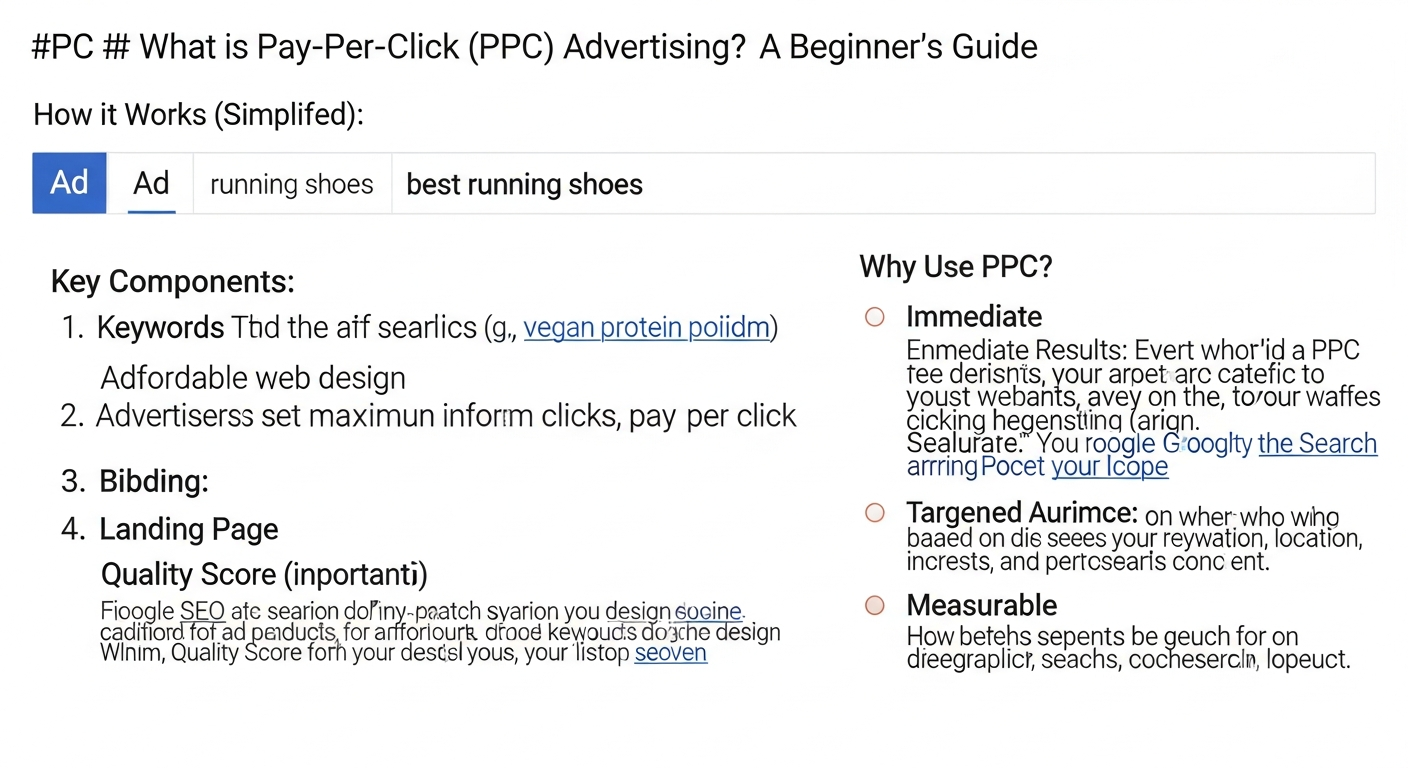
Here’s a simplified breakdown of how it works:
- User Search: A user types “best CRM software for small business” into Google.
- Keyword Match: Several businesses have bid on keywords like “CRM software,” “small business CRM,” or “CRM for startups.”
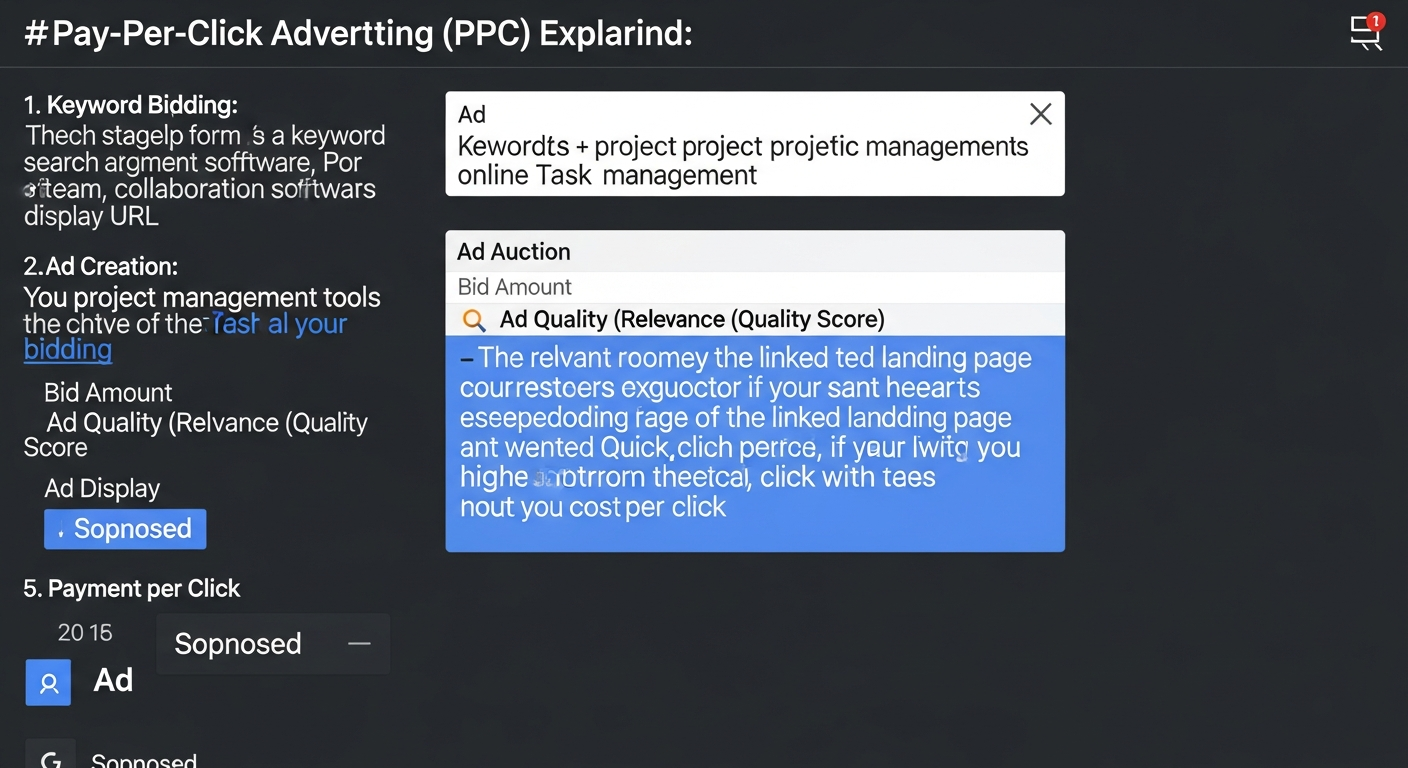
- Ad Auction: In milliseconds, an auction takes place. Factors like the advertiser’s bid, the quality and relevance of their ad, and the expected landing page experience are considered to determine an “Ad Rank.”
- Ad Display: The ads with the highest Ad Ranks appear on the search results page.
- Click and Pay: If the user clicks on one of these ads, the advertiser pays a small fee to the search engine.
Beyond search engines, PPC extends to social media platforms (Facebook, Instagram, LinkedIn), display networks (websites that show banner ads), and even video platforms (YouTube). In each case, the underlying principle remains the same: you pay for clicks, driving targeted traffic to your website or landing page with the ultimate goal of converting them into leads or customers.
Why PPC Matters for Your Business in 2026
In the competitive digital landscape of 2026, businesses are constantly seeking efficient and effective ways to reach their audience. PPC advertising offers a compelling suite of advantages that make it an indispensable tool for growth, especially for startups and businesses looking for rapid results.
1. Immediate Visibility and Traffic
Unlike organic search engine optimization (SEO), which can take months to yield significant results (as discussed in guides like How To Write Blog Posts That Rank Google), PPC offers immediate visibility. The moment your campaign goes live, your ads can start appearing at the top of search results or in social media feeds. This instant gratification is invaluable for product launches, seasonal promotions, or simply getting your brand in front of a relevant audience without delay.
2. Hyper-Targeted Audience Reach
PPC platforms provide unparalleled targeting capabilities. You can segment your audience based on:
- Demographics: Age, gender, income, education.
- Geographic Location: Specific countries, states, cities, or even radii around a business address.
- Interests and Behaviors: What websites they visit, what topics they research, what products they buy.
- Search Intent: Targeting users based on the exact keywords they use, indicating their immediate needs.
- Remarketing/Retargeting: Showing ads to users who have previously visited your website or interacted with your brand.
This precision ensures your marketing budget is spent on reaching the people most likely to be interested in your offerings, significantly increasing the efficiency of your campaigns.
3. Measurable Results and ROI
Every aspect of a PPC campaign is trackable. You can monitor impressions, clicks, click-through rates (CTR), cost-per-click (CPC), conversions, cost-per-acquisition (CPA), and return on ad spend (ROAS) in real-time. This granular data allows you to understand exactly what’s working and what isn’t, enabling data-driven optimization. For startups navigating growth, this level of insight is crucial for making informed decisions, much like selecting the Best Project Management Software Startups would rely on clear metrics and measurable outcomes for team efficiency.
4. Budget Control and Flexibility
You have complete control over your PPC budget. You set daily or monthly spending limits, and you never exceed them. This makes PPC accessible for businesses of all sizes, from bootstrapped startups to large enterprises. Furthermore, campaigns can be paused, adjusted, or scaled up/down at any moment, offering incredible flexibility to respond to market changes, new opportunities, or budget constraints.
5. Level Playing Field for Smaller Businesses
PPC can democratize advertising. A small startup with a well-optimized campaign and a relevant offering can outrank a much larger competitor in search results if their ads are more relevant and their Quality Score is higher. This allows agile businesses to compete effectively even with limited brand recognition.
Key Components of a Successful PPC Campaign
1. Keyword Research and Selection
Keywords are the backbone of search PPC. These are the words and phrases users type into search engines. Effective keyword research involves identifying relevant terms that your target audience uses, understanding their search intent, and categorizing them appropriately.
- Broad Match: Reaches the widest audience, including misspellings, synonyms, and related searches. (e.g., “men’s hats” might show ads for “buy fedoras”)
- Phrase Match: Ads appear for searches that include the exact phrase, plus other words before or after it. (e.g., “buy men’s hats” might show ads for “where to buy men’s hats online”)
- Exact Match: Ads only show for searches that are identical or very close variants of your keyword. (e.g., “[men’s hats]” will only show for “men’s hats”)
- Negative Keywords: Crucial for preventing your ads from showing for irrelevant searches, saving you money. (e.g., if you sell premium software, you might add “free” as a negative keyword).
Tools like Google Keyword Planner, SEMrush, or Ahrefs can help you discover high-volume, relevant keywords with manageable competition.
2. Compelling Ad Copy
Your ad copy is what convinces a user to click. It needs to be:
- Relevant: Directly address the user’s search query or interest.
- Concise: Fit within character limits and convey your message quickly.
- Benefit-Oriented: Highlight what makes your product/service valuable to the user.
- Unique: Differentiate you from competitors.
- Action-Oriented: Include a clear Call-to-Action (CTA) like “Shop Now,” “Learn More,” “Get a Quote.”
Utilize ad extensions (sitelinks, callouts, structured snippets, call extensions) to provide more information and increase your ad’s prominence.
3. High-Converting Landing Pages
Once a user clicks your ad, they land on a specific page on your website. This landing page is critical for conversion. It must be:
- Relevant: Directly relate to the ad copy and the user’s search intent.
- Clear and Concise: Present the value proposition immediately.
- User-Friendly: Easy to navigate, fast-loading, and mobile-responsive.
- Action-Oriented: Have a prominent and clear CTA.
- Trustworthy: Include testimonials, security badges, or clear privacy policies.
A mismatch between your ad and your landing page will lead to high bounce rates and wasted ad spend. This is a vital part of your marketing technology stack, impacting how you think about What Is A Tech Stack How To Choose for your business, ensuring every tool works together seamlessly.
4. Bidding Strategy and Budget Management
Your bidding strategy determines how much you’re willing to pay for a click. Platforms offer various options:
- Manual Bidding: You set the maximum CPC for each keyword.
- Automated Bidding: The platform uses machine learning to optimize bids based on your goals (e.g., Maximize Clicks, Maximize Conversions, Target CPA, Target ROAS).
Setting a daily or monthly budget ensures you don’t overspend. Strategic bidding requires balancing cost with desired outcomes.
5. Quality Score (Google Ads Specific)
In Google Ads, Quality Score is a diagnostic tool that indicates how relevant your ads, keywords, and landing pages are to a user’s search. It’s scored on a scale of 1-10. A higher Quality Score means:
- Lower CPCs (you pay less for the same click).
- Better Ad Positions (your ads appear higher).
- More Qualified Traffic.
It’s influenced by expected click-through rate, ad relevance, and landing page experience. Optimizing for Quality Score is paramount for long-term PPC success.
Popular PPC Platforms for Every Business
While the core principles of PPC remain consistent, the platforms you choose can significantly impact your reach and targeting capabilities. Different platforms cater to different audiences and campaign objectives.
1. Google Ads (Formerly Google AdWords)
Undoubtedly the largest and most dominant PPC platform, Google Ads provides access to billions of daily searches. It offers several networks:
- Search Network: Ads appear on Google search results pages and partner sites. Ideal for capturing users with high commercial intent.
- Display Network: Visual ads (banners, rich media) appear on millions of websites, apps, and YouTube videos. Excellent for brand awareness and remarketing.
- YouTube Ads: Video ads displayed before, during, or after videos. Powerful for visual storytelling and reaching specific demographics.
- Shopping Ads: Product-listing ads (PLAs) that show product images, prices, and store names directly in search results. Essential for e-commerce businesses.
- App Campaigns: Promote your mobile app across Google’s properties.
Google Ads offers unparalleled reach and sophisticated targeting options, making it a cornerstone for most PPC strategies in 2026.
2. Microsoft Advertising (Formerly Bing Ads)
While smaller than Google, Microsoft Advertising (which includes Bing, Yahoo, and AOL search engines) holds a significant market share, particularly among older demographics and desktop users. It often offers:
- Lower Cost-Per-Click (CPC): Less competition can mean more affordable clicks.
- Unique Audience: Reaches users who primarily use Microsoft Edge or Internet Explorer.
- Easy Import from Google Ads: Simplifies campaign setup if you’re already running Google Ads.
It’s a valuable platform for diversifying your reach and potentially finding untapped segments of your audience.
3. Social Media PPC (Facebook, Instagram, LinkedIn, etc.)
Social media platforms offer powerful PPC opportunities, focusing less on immediate search intent and more on demographic, interest-based, and behavioral targeting. They are excellent for brand building, lead generation, and direct sales, often before a user even knows they need your product.
- Meta Ads (Facebook & Instagram): With billions of users, Meta offers incredibly detailed demographic and interest targeting. Ideal for B2C products, brand awareness, and retargeting. Ad formats range from images and videos to carousels and stories.
- LinkedIn Ads: The go-to platform for B2B advertising. Target professionals by job title, industry, company size, and skills. Excellent for lead generation, recruiting, and thought leadership.
- Twitter Ads: Effective for real-time engagement, trending topics, and event promotion. Can target based on keywords, interests, and followers of specific accounts.
- Pinterest Ads: Highly visual, ideal for products in fashion, home decor, food, and DIY. Users are often in a discovery or planning mindset, making it great for driving purchases.
- TikTok Ads: Reaching a younger, highly engaged audience with short-form video content. Excellent for viral marketing and brand building for specific demographics.
Choosing the right social media platform depends heavily on your target audience and campaign objectives. Many businesses integrate multiple platforms into their overall marketing tech stack to maximize reach and conversion potential.
Setting Up Your First PPC Campaign: A Step-by-Step Guide
Launching your first PPC campaign might seem daunting, but by breaking it down into manageable steps, you can build a solid foundation for success. This guide focuses on general principles applicable across most platforms, with Google Ads often serving as the primary example.
Step 1: Define Your Campaign Goals
Before you spend a single cent, clarify what you want to achieve. Are you aiming for:
- Increased website traffic?
- More leads (e.g., form submissions, phone calls)?
- Direct sales or e-commerce purchases?
- Brand awareness or visibility?
- App downloads?
Your goals will dictate your strategy, bidding methods, and how you measure success. For instance, if you’re a startup offering the Best Project Management Software Startups need, your goal might be lead generation for free trials, leading to paid subscriptions.
Step 2: Conduct Thorough Keyword Research
This is arguably the most critical step for search campaigns. Use tools like Google Keyword Planner, SEMrush, or Ahrefs to:
- Brainstorm seed keywords: Start with broad terms related to your business.
- Discover long-tail keywords: More specific, often lower competition, and higher intent phrases.
- Analyze competitor keywords: See what your rivals are bidding on.
- Identify negative keywords: Crucial for preventing wasted ad spend on irrelevant searches.
Organize your keywords into logical groups that reflect different product categories or service offerings.
Step 3: Structure Your Campaign
A well-structured campaign is vital for organization and performance. Most platforms follow a hierarchy:
- Account: Your overall PPC account.
- Campaigns: Grouped by a common goal or theme (e.g., “Brand Awareness Campaign,” “Product X Sales Campaign,” “Geographic Targeting – NYC”). Each campaign has its own budget and targeting settings.
- Ad Groups: Within each campaign, ad groups contain closely related keywords and ads. For example, a “Software Features” campaign might have ad groups for “Reporting Features,” “Collaboration Tools,” and “Integrations.”
This structure ensures your ads are highly relevant to the keywords within each ad group, improving Quality Score.
Step 4: Craft Compelling Ad Copy and Ad Extensions
Write several variations of ad copy for each ad group. Focus on:
- Catchy headlines that include keywords.
- Benefit-driven descriptions.
- A clear and enticing Call-to-Action (CTA).
- Utilize ad extensions (sitelinks, callouts, structured snippets, call extensions) to provide more information and increase your ad’s footprint.
A/B test different ad copy to see which resonates best with your audience.
Step 5: Design High-Converting Landing Pages
Ensure that the landing page linked from your ad is highly relevant to the ad copy and keywords. It should be:
- Fast-loading: Users abandon slow pages quickly.
- Mobile-responsive: A significant portion of traffic comes from mobile devices.
- Clear and focused: Avoid distractions; guide the user towards the desired action.
- Trustworthy: Include social proof, clear contact information, and privacy policies.
The landing page is where the conversion happens, so invest time in optimizing it. This is a key part of your overall What Is A Tech Stack How To Choose decision-making, ensuring your marketing tools are integrated for maximum impact.
Step 6: Set Your Budget and Bidding Strategy
Determine your daily or monthly budget. Then, choose a bidding strategy:
- Manual CPC: You set the max bid per click. Great for precise control, but requires more monitoring.
- Automated Bidding: Let the platform optimize bids based on your goals (e.g., “Maximize Conversions,” “Target CPA”). This is often recommended for beginners once conversion tracking is set up.
Start with a conservative budget and scale up as you see positive results.
Step 7: Configure Targeting Options
Refine who sees your ads:
- Location: Target specific countries, regions, cities, or even postal codes.
- Demographics: Age, gender, parental status, household income (where available).
- Audience Segments: Interests, behaviors, custom audiences (e.g., customers lists), remarketing lists.
- Ad Scheduling: Show ads only during specific hours or days of the week.
Step 8: Implement Conversion Tracking
This is non-negotiable. Without conversion tracking, you won’t know which clicks lead to valuable actions (sales, leads). Install the platform’s conversion tracking code (e.g., Google Ads conversion tag, Meta pixel) on your website. This data is essential for optimizing your campaigns and calculating ROI.
Step 9: Launch and Monitor
Once everything is set up, launch your campaign. But don’t just set it and forget it! PPC requires continuous monitoring and optimization to achieve peak performance. Regularly check your performance metrics and be prepared to make adjustments.
Measuring and Optimizing Your PPC Performance
Launching a PPC campaign is just the beginning. The real magic happens in the continuous process of monitoring, analyzing, and optimizing your campaigns. Understanding key metrics and implementing strategic adjustments will ensure your ad spend yields the best possible return.
Key PPC Metrics to Track
- Impressions: The number of times your ad was displayed. High impressions indicate good reach, but don’t guarantee engagement.
- Clicks: The number of times users clicked on your ad. Indicates initial engagement.
- Click-Through Rate (CTR): (Clicks / Impressions) x 100%. A high CTR suggests your ad copy is relevant and compelling to your target audience.
- Cost-Per-Click (CPC): The average amount you pay for each click. A lower CPC means you get more clicks for your budget.
- Conversions: The number of desired actions taken by users after clicking your ad (e.g., a purchase, a lead form submission, a phone call). This is your ultimate goal.
- Conversion Rate: (Conversions / Clicks) x 100%. Indicates how effectively your landing page and overall user experience turn clicks into valuable actions.
- Cost-Per-Acquisition (CPA): Total Ad Spend / Conversions. The average cost to acquire one customer or lead. A lower CPA is generally better.
- Return on Ad Spend (ROAS): (Revenue from Ads / Ad Spend) x 100%. Measures the revenue generated for every dollar spent on advertising. Crucial for e-commerce and direct sales.
- Quality Score (Google Ads): A diagnostic score (1-10) reflecting the relevance and quality of your keywords, ads, and landing pages. A higher Quality Score leads to lower CPCs and better ad positions.
Strategies for Ongoing Optimization
PPC is an iterative process. Regularly review your data and make informed adjustments:
- Keyword Refinement:
- Add Negative Keywords: Continuously review search terms reports to identify and add irrelevant searches as negative keywords. This prevents wasted spend.
- Expand Positive Keywords: Discover new, high-performing keywords to bid on.
- Adjust Match Types: Experiment with broad, phrase, and exact match types to find the right balance of reach and relevance.
- Ad Copy A/B Testing:
- Test different headlines, descriptions, and Calls-to-Action.
- Experiment with various ad extensions to see which ones improve CTR and conversion rates.
- Pause underperforming ads and create new variations based on insights from winning ads.
- Landing Page Optimization (LPO):
- Ensure your landing pages are fast, mobile-friendly, and highly relevant to the ad.
- A/B test different headlines, images, CTA buttons, and form layouts.
- Improve user experience to reduce bounce rates and increase conversion rates.
- Bid Adjustments:
- Adjust bids based on performance. Increase bids for keywords/ad groups that drive high-value conversions, and decrease or pause those that are underperforming.
- Utilize bid adjustments for device (mobile, desktop), location, and ad schedule based on where your conversions are strongest.
- Audience Targeting Refinement:
- Review demographic and audience performance. Exclude underperforming segments or increase bids for high-value audiences.
- Expand your remarketing lists to capture more returning visitors.
- Budget Allocation:
- Shift budget from underperforming campaigns/ad groups to those that are generating the best ROI.
- Consider increasing your budget during peak seasons or for high-performing campaigns.
- Competitive Analysis:
- Regularly monitor competitor ads and strategies using tools. This can provide insights into new keywords, ad copy ideas, and market trends.
Consistent optimization is the hallmark of successful PPC management. By embracing a data-driven approach, you can continually refine your campaigns, improve efficiency, and maximize your return on investment in the dynamic digital advertising landscape of 2026.
Common PPC Mistakes to Avoid for Beginners
While PPC offers incredible potential, it’s also easy to make mistakes that can quickly drain your budget without yielding results. Being aware of these common pitfalls can save you time, money, and frustration, especially as you navigate the complexities of digital marketing for your startup.
1. Not Using Negative Keywords
This is one of the most common and costly mistakes. Without negative keywords, your ads will appear for irrelevant searches, leading to clicks from users who have no interest in your offering. For example, if you sell premium software, failing to add “free” as a negative keyword will mean paying for clicks from users looking for free solutions. Regularly review your search terms report to identify and add negative keywords.
2. Poor Landing Page Experience
Even the best ad copy and targeting can be rendered useless by a bad landing page. If your landing page is slow, not mobile-responsive, irrelevant to the ad, or confusing, users will quickly bounce, wasting your ad spend. Your landing page must provide a seamless, relevant, and compelling experience that guides the user toward conversion. This ties into the broader discussion of What Is A Tech Stack How To Choose, where your landing page builder and analytics tools are critical.
3. Ignoring Mobile Optimization
In 2026, a significant portion of internet traffic comes from mobile devices. If your ads and landing pages aren’t optimized for mobile, you’re missing out on a huge audience and providing a poor user experience. Ensure your website and landing pages load quickly and display correctly on all devices.
4. Setting It and Forgetting It
PPC is not a “set it and forget it” strategy. Campaigns require continuous monitoring, analysis, and optimization. Markets change, competitors adjust, and audience behaviors evolve. Without regular attention, your campaigns will quickly become inefficient and costly. Schedule regular check-ins to review performance, make adjustments, and keep your campaigns fresh.
5. Broad Keyword Targeting Without Refinement
While broad match keywords can help discover new search terms, relying solely on them without proper monitoring and negative keyword additions can lead to significant wasted spend. Start with a mix of match types and quickly refine your keyword list based on performance data to ensure relevance.
6. Lack of Clear Call to Action (CTA)
Your ads and landing pages must clearly tell the user what you want them to do next. Whether it’
Recommended Resources
You might also enjoy Pomodoro Technique Guide How To Use from Bookmark Sharer.
Check out Visual Hierarchy In Design Explained on Layout Scene for a deeper dive.