Why Your Business Absolutely Needs a YouTube Channel in 2026
The digital ecosystem is constantly evolving, and by 2026, video content has cemented its position as the undisputed king of engagement. For businesses, overlooking YouTube is akin to ignoring a goldmine of potential customers and brand advocates. The reasons are multifaceted and compelling, extending far beyond mere trend-following to fundamental shifts in consumer behavior and search engine algorithms.
Firstly, consider the sheer scale of YouTube’s audience. Billions of users log on monthly, watching billions of hours of video. This isn’t just about entertainment; it’s about learning, researching, and making purchasing decisions. Your target demographic, regardless of your niche, is almost certainly active on YouTube, searching for solutions, product reviews, tutorials, or insights related to your industry. A well-curated business channel positions you directly in front of this massive, engaged audience, offering an unparalleled reach that traditional advertising often struggles to match in terms of organic discovery.
Secondly, visual storytelling fosters a deeper connection than text or static images ever could. Video allows you to convey your brand’s personality, values, and expertise with authenticity and emotion. You can demonstrate complex products, provide step-by-step tutorials, share behind-the-scenes glimpses, or conduct interviews that build trust and credibility. In an era where consumers crave transparency and relatability, video content provides a powerful medium for humanizing your brand and forging stronger relationships with your audience.
Beyond direct audience engagement, the SEO benefits of YouTube are immense and often underestimated. YouTube videos frequently rank high on Google search results pages, especially for “how-to” queries, product reviews, and educational content. By optimizing your videos with relevant keywords, compelling titles, and rich descriptions, you can significantly boost your visibility not only on YouTube itself but also across Google’s broader search network. This dual-pronged SEO advantage means your content is discoverable where people are actively looking for solutions, whether they start their search on Google or directly on YouTube. Think about how effectively a video tutorial explaining how to use a feature of your software could rank, similar to how How To Write Blog Posts That Rank Google discusses optimizing text content for search engines. The principles of keyword research and content relevance are equally vital.
Furthermore, a YouTube channel establishes your business as a thought leader in your industry. By consistently publishing valuable, insightful, and high-quality content, you position your brand as an authoritative source of information. This builds trust, enhances your reputation, and can significantly influence purchasing decisions. When potential customers are evaluating options, a business with a well-maintained, informative YouTube channel often stands out as more credible and reliable.
Finally, a YouTube channel offers versatile content repurposing opportunities. A single video can be transcribed into a blog post, snippets can be shared on social media, audio can be repurposed as a podcast, and key takeaways can form the basis of email newsletters. This maximizes the return on your content creation investment and ensures your message reaches your audience across multiple touchpoints. In 2026, where content fatigue is a real challenge, offering information in diverse formats, including engaging video, is a strategic imperative for sustained business growth.
Setting Up Your Google Account and Brand Account for Business Success
Before you can even begin to think about channel art or video content, the foundational step for creating a YouTube channel for your business is establishing the correct Google account structure. This is a critical decision that impacts ownership, team collaboration, and long-term channel management. While it might seem straightforward, understanding the distinction between a personal Google account and a Brand Account is paramount.
Every YouTube channel is inherently linked to a Google account. If you already have a personal Google account (e.g., for Gmail or Google Drive), you might be tempted to create your business channel directly under it. However, for a business, this is generally not the recommended approach. A personal account links the channel directly to an individual’s identity, making it complicated to share management responsibilities with a team, transfer ownership if an employee leaves, or maintain a clear separation between personal and professional online presences.
This is where a YouTube Brand Account becomes indispensable. A Brand Account is a special type of Google account designed for businesses, organizations, and brands. It allows multiple people to manage the YouTube channel without sharing personal login credentials. Ownership can be easily transferred, and the channel’s identity remains independent of any single individual. This ensures business continuity, robust security, and scalable team collaboration – all vital aspects for any growing enterprise in 2026.
Here’s a step-by-step guide to setting up your Brand Account:
- Create a Google Account (If You Don’t Have One): If your business doesn’t already have a dedicated Google account, create one. It’s advisable to use a generic, business-oriented email address (e.g., [email protected]) rather than an individual’s personal email. Go to accounts.google.com and follow the prompts to set up a new account.
- Sign In to YouTube: Once your Google account is ready, go to YouTube.com and sign in using the credentials of your newly created or designated business Google account.
- Create Your Channel: Click on your profile picture (or the initial icon) in the top-right corner, then select “Create a channel.”
- Choose “Use a Business or Other Name”: YouTube will present you with two options: “Create a channel” (which typically links to your personal name) or “Use a business or other name.” Crucially, select the latter. This is the gateway to creating a Brand Account.
- Name Your Brand Account: You’ll be prompted to enter a name for your channel. This should be your business name or a clear, recognizable brand name. Think carefully about this, as it will be your public identity on YouTube.
- Confirm and Access Your Channel: After naming it, click “Create.” YouTube will then generate your new Brand Account-linked channel.
- Add Managers and Owners: Once the channel is created, navigate to YouTube Studio (by clicking your profile picture and selecting “YouTube Studio”). In the left-hand menu, go to “Settings” > “Permissions.” Here, you can invite other team members to manage the channel, assigning them roles such as Manager, Editor, or Viewer. This hierarchical permission structure is a core benefit of a Brand Account, ensuring that your team can collaborate effectively while maintaining control and security over your digital asset. Managing these permissions is a straightforward process, much like setting up user access in Best Project Management Software Startups to ensure team members have the right level of access to project resources.
By taking these initial steps correctly, you lay a solid, professional foundation for your YouTube channel, ensuring it’s scalable, secure, and ready for collaborative growth as your business expands.
Channel Customization and Branding for Maximum Impact
Your YouTube channel is an extension of your brand’s online presence, and every element should align with your existing marketing materials and brand guidelines. Here’s how to customize your channel for maximum impact:
- Channel Name Optimization: While you’ve already named your Brand Account, ensure the display name is clear, concise, and ideally includes relevant keywords if appropriate and natural. For example, “Eamped – Tech Startups & Digital Marketing” clearly states the brand and its focus. Consistency with your website and other social media handles is key for brand recognition.
- Profile Picture (Channel Icon): This is your primary identifier, appearing next to your videos and comments. For businesses, this should almost always be your company logo. Ensure it’s high-resolution, easily recognizable, and fits within the circular display format. A crisp, professional logo reinforces your brand identity at every touchpoint.
-
Channel Art (Banner Image): This large banner at the top of your channel page is prime real estate for branding. It should be visually appealing, reflective of your brand’s aesthetic, and provide a snapshot of what your channel offers.
- Visuals: Use high-quality images, brand colors, and relevant graphics.
- Key Information: Consider including your business tagline, a brief value proposition, or even a call to action (e.g., “New Videos Every Tuesday!”).
- Dimensions: Design for YouTube’s recommended dimensions (2560 x 1440 pixels, with a safe area of 2560 x 423 pixels for all devices). Test how it appears on desktop, mobile, and TV screens to ensure critical information is always visible.
-
Channel Description (About Section): This is one of the most underrated yet powerful tools for both branding and YouTube SEO. Your “About” section should be a compelling narrative that tells visitors who you are, what your business does, and what kind of content they can expect.
- Keywords: Naturally weave in relevant keywords that describe your business and the topics you cover. Think about terms your target audience would search for (e.g., “tech startup advice,” “digital marketing strategies,” “SEO tips 2026”).
- Value Proposition: Clearly articulate the benefits of subscribing to your channel.
- Call to Action: Encourage viewers to subscribe, visit your website, or explore your products/services.
- Links: Include links to your official website, social media profiles, and any other important landing pages.
A well-crafted channel description not only informs but also serves as an SEO powerhouse, helping your channel appear in YouTube and Google searches.
-
Channel Trailer: For new visitors, a channel trailer is an excellent way to introduce your brand and channel. This short, engaging video (typically 30-90 seconds) automatically plays for non-subscribers who land on your channel homepage.
- Purpose: Hook viewers, explain what your channel is about, and showcase your best content.
- Content: Highlight your unique selling proposition, feature snippets of your most popular videos, and include a strong call to action to subscribe.
- Video Watermark: Upload a small, transparent image (usually your logo) to appear in the corner of all your videos. This serves as a subtle branding element and, when clicked, allows viewers to subscribe to your channel directly from the video player. It’s a small detail that reinforces brand recognition and can gently nudge viewers towards subscribing.
- Custom URLs: Once your channel meets eligibility requirements (100+ subscribers, 30+ days old, uploaded profile picture and banner), you can claim a custom URL (e.g., youtube.com/c/YourBusinessName). This makes your channel link professional and easy to remember, further enhancing your brand’s online presence.
- Linked Accounts: Ensure your website and social media profiles are correctly linked on your channel. This provides easy navigation for viewers to explore more of your brand’s ecosystem, creating a cohesive digital footprint.
By investing time and effort into these customization elements, you create a professional, engaging, and on-brand YouTube channel that is not only visually appealing but also optimized for discovery and subscriber growth. Consistency across all these elements is key to building a strong and memorable brand presence on YouTube in 2026.
Crafting a Winning Content Strategy for Your Business Channel
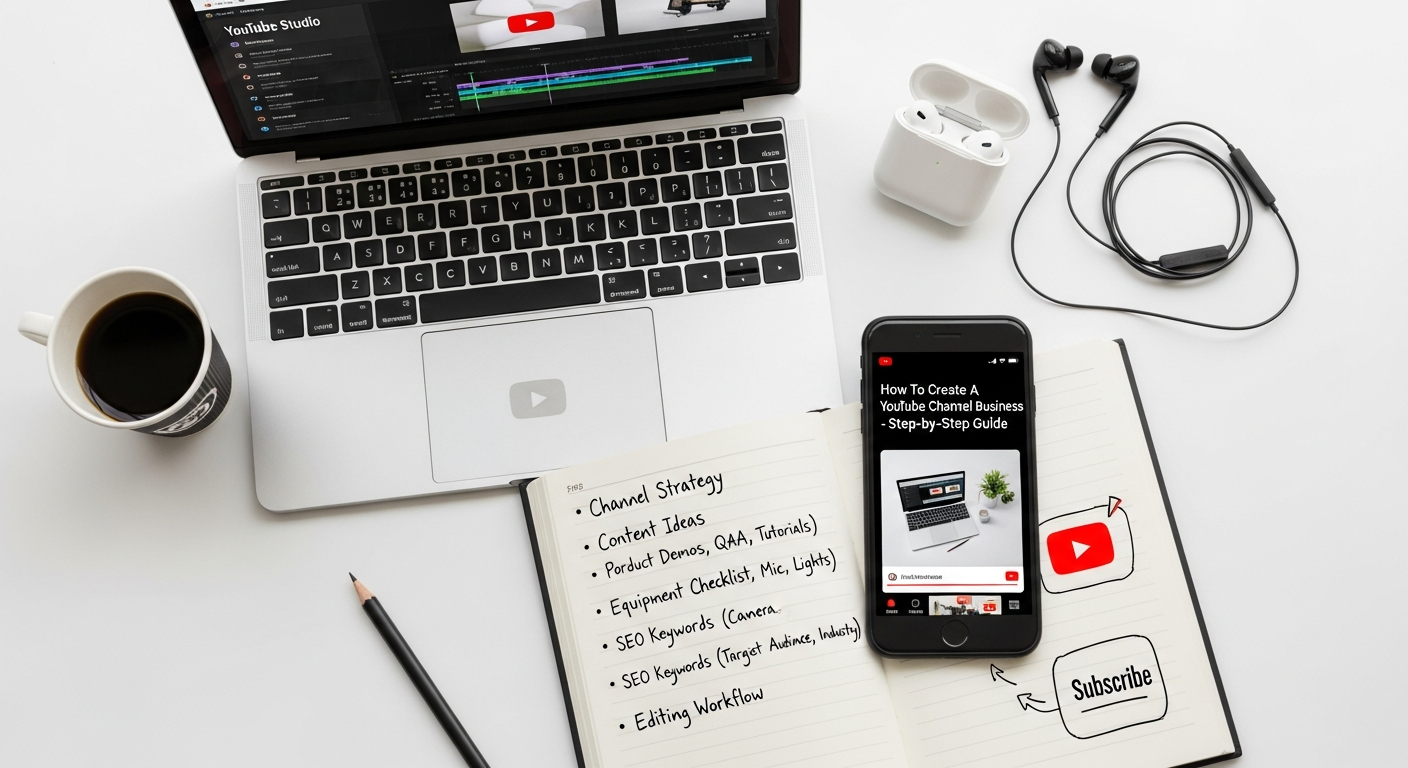
A beautifully branded YouTube channel is merely an empty vessel without a compelling content strategy. What you publish, when you publish it, and how it resonates with your audience are the linchpins of long-term success. In 2026, content saturation means that merely “creating videos” is not enough; you need a strategic approach that aligns with your business goals, addresses your audience’s needs, and stands out in a crowded digital space.
The foundation of any successful YouTube content strategy begins with understanding your audience. Who are you trying to reach? What are their demographics, interests, pain points, and questions? Conduct thorough audience research using tools like YouTube Analytics, Google Analytics, social media insights, and even customer surveys. This data will inform the types of videos you create and the language you use. For instance, if your business specializes in Best Project Management Software Startups, your audience might be looking for tutorials on specific features, comparisons with other tools, or advice on streamlining workflow.
Once you understand your audience, you can define your content pillars – the main themes or categories your videos will consistently cover. These pillars should directly relate to your business offerings and expertise. For Eamped, content pillars might include “Startup Growth Hacks,” “Digital Marketing Deep Dives,” or “Tech Stack Reviews.”
Now, let’s explore types of video content that businesses can leverage effectively:
- Educational/Tutorial Videos: These are goldmines for businesses. Show viewers how to solve a problem, use your product, or understand a complex concept. For example, a software company could create a tutorial on “How to Integrate X with Y” or “Mastering Feature Z in 5 Minutes.” These videos often have excellent SEO potential, similar to how How To Write Blog Posts That Rank Google focuses on providing value through informative articles.
- Product/Service Demos & Reviews: Visually showcase your offerings in action. Highlight features, benefits, and use cases. Product reviews, especially for B2B tech, can be highly influential.
- Behind-the-Scenes: Humanize your brand by showing glimpses of your company culture, team, or production process. This builds trust and authenticity.
- Interviews & Expert Q&A: Bring in industry experts, thought leaders, or even satisfied customers to share insights or answer common questions. This positions your brand as knowledgeable and connected.
- Testimonials & Case Studies: Real-world success stories from your customers are incredibly powerful. Video testimonials are far more impactful than written ones.
- Webinars & Live Streams: Host live sessions for interactive Q&A, product launches, or deep dives into industry topics. Repurpose the recordings as evergreen content.
- Company Culture & Recruitment: Attract top talent by showcasing what it’s like to work at your company.
Keyword Research for Video: Just as you conduct keyword research for blog posts, it’s crucial for YouTube videos. Use YouTube’s search bar suggestions, competitor analysis, Google Trends, and dedicated YouTube SEO tools. Look for keywords with high search volume and low competition that align with your content pillars. For example, instead of just “marketing tips,” you might target “B2B digital marketing strategies 2026” or “SEO for startups.”
Content Calendar and Consistency: A content calendar is non-negotiable for a consistent and effective strategy. Plan your video topics, production schedule, and publication dates in advance. This ensures a steady stream of content, which YouTube’s algorithm favors, and keeps your audience engaged. Managing this pipeline, from ideation to scriptwriting, filming, editing, and publishing, can become complex. This is where robust project management comes into play. Just as startups rely on efficient tools to manage their development cycles, using one of the Best Project Management Software Startups available can significantly streamline your video production workflow, helping you track tasks, assign responsibilities, and meet deadlines for your content releases.
Finally, remember that your YouTube content strategy should not exist in a vacuum. It should be an integral part of your overall digital marketing strategy, complementing your blog posts, social media efforts, and email campaigns. By consistently delivering high-quality, relevant video content, your business channel will become a powerful engine for brand growth and customer acquisition in 2026.
Mastering YouTube SEO: Optimizing Your Videos for Discovery
Creating compelling video content is only half the battle; the other half is ensuring that your target audience can actually find it. This is where YouTube SEO (Search Engine Optimization) comes into play. Just like optimizing your website or blog posts to rank on Google, your YouTube videos need strategic optimization to appear high in YouTube’s search results and suggested videos, as well as on Google’s universal search. Mastering YouTube SEO in 2026 is crucial for maximizing your channel’s reach and impact.
Here are the key elements of YouTube SEO you need to master:
-
Compelling and Keyword-Rich Video Titles: Your video title is the first thing viewers see and a primary signal for YouTube’s algorithm.
- Keywords: Include your primary target keyword naturally at the beginning of the title whenever possible.
- Clarity and Appeal: Make it clear what the video is about and intriguing enough to encourage clicks. Use numbers, power words, and questions to capture attention (e.g., “7 Essential Digital Marketing Strategies for Startups in 2026”).
- Length: Aim for titles between 60-70 characters to ensure they display fully in search results.
-
Detailed and Keyword-Optimized Video Descriptions: The description box is a powerful, yet often underutilized, space for providing context and boosting SEO.
- Keywords: Include your target keyword and related secondary keywords multiple times throughout the description, naturally woven into coherent paragraphs.
- Comprehensive Information: Write a detailed summary of your video, including key takeaways, timestamps for different sections, and additional resources. Aim for at least 200-300 words.
- Call to Action (CTA): Encourage viewers to subscribe, visit your website, or check out related videos.
- Links: Include links to your website, social media profiles, and any products or services mentioned in the video. Place important links at the top, above the “show more” fold.
Think of your video description as a mini-blog post that provides context and value, much like the detailed content needed for How To Write Blog Posts That Rank Google.
-
Relevant and Varied Tags: Tags help YouTube understand the content and context of your video, making it easier for the platform to show it to relevant audiences.
- Primary Keyword: Include your main target keyword as a tag.
- Long-tail Keywords: Use more specific phrases that people might search for.
- Broad Keywords: Include general terms related to your industry.
- Competitor Names: (Use sparingly and ethically) If relevant, you can include names of competitors or popular figures in your niche.
- Avoid Stuffing: Use a reasonable number of relevant tags; stuffing irrelevant tags can hurt your ranking.
-
Custom, Click-Worthy Thumbnails: Your thumbnail is arguably the most important factor in whether someone clicks on your video or scrolls past it.
- High-Resolution: Always use a custom, high-quality image (1280×720 pixels, minimum width of 640 pixels).
- Clear and Engaging: Make it visually appealing, with clear text, prominent faces (if applicable), and brand elements.
- Convey Content: The thumbnail should accurately represent the video’s content.
- Consistency: Maintain a consistent style for your thumbnails to build brand recognition.
-
Transcripts and Closed Captions (CC): Uploading a full transcript or utilizing YouTube’s auto-generated captions (and then correcting them) offers significant SEO benefits.
- Accessibility: Makes your content accessible to a wider audience, including those with hearing impairments or non-native speakers.
- SEO Boost: YouTube can crawl the text, identifying more keywords and understanding the video’s context better, leading to improved rankings.
-
End Screens and Cards: These interactive elements keep viewers engaged on your channel and direct them to other valuable content or your website.
- End Screens: Appears in the last 5-20 seconds of your video. Use them to promote other videos, playlists, your subscribe button, or a link to your website.
- Cards: Small, clickable banners that appear at specific times during your video, linking to other videos, playlists, or external websites.
- Organize with Playlists: Group related videos into playlists. This not only improves user experience by making it easier for viewers to find more content they’re interested in, but it also increases watch time (a key YouTube ranking factor) and can help your playlists rank in search results.
- Encourage Engagement: Likes, comments, shares, and watch time are all strong signals to YouTube that your content is valuable. Encourage viewers to interact by asking questions, running polls, and responding to comments. The more engagement your videos receive, the higher they are likely to rank.
By diligently implementing these YouTube SEO strategies, your business can significantly improve the discoverability of its video content, attracting more viewers, driving more traffic, and ultimately contributing to your overall digital marketing success in 2026.
Promoting Your Channel and Analyzing Performance for Growth
Having a perfectly optimized YouTube channel and a robust content strategy is an excellent start, but it’s only half the journey. To truly succeed and maximize your channel’s impact in 2026, you need to actively promote your videos and channel, and then rigorously analyze your performance to inform future decisions. Promotion extends your reach beyond YouTube itself, while analytics provide the insights needed for continuous improvement.
1. Cross-Promotional Strategies: Spreading Your Reach
Don’t keep your YouTube content confined to YouTube. Integrate it seamlessly into your broader digital marketing ecosystem:
- Embed Videos on Your Website and Blog: Whenever a video is relevant to a blog post or a page on your website, embed it directly. This not only provides additional value to your visitors but also increases video views and watch time. For instance, if you have a blog post on “How To Write Blog Posts That Rank Google,” embedding a video that visually explains SEO tactics would be highly beneficial. This also encourages visitors to explore your YouTube channel.
- Share Across Social Media: Share new video announcements and snippets across all your social media platforms (Facebook, Instagram, LinkedIn, Twitter, TikTok, etc.). Tailor your posts to each platform’s audience and format. Use compelling captions and relevant hashtags to drive traffic.
- Email Marketing: Include your latest videos in your email newsletters. A dedicated section for “New on YouTube” can be highly effective. Use eye-catching thumbnails and direct links to encourage clicks.
- Offline Promotion: Don’t forget physical touchpoints. Include your YouTube channel URL on business cards, brochures, and in-store displays.
- Collaborations: Partner with other businesses or influencers in your niche who have a similar target audience but aren’t direct competitors. This exposes your channel to a new, engaged viewership and can be a powerful growth hack.
2. Engaging with Your Community: Building a Loyal Audience
YouTube is a social platform, and engagement is key to building a loyal community:
- Respond to Comments: Acknowledge and reply to comments promptly. This shows you value your audience and encourages further interaction. Engage in discussions, answer questions, and build rapport.
- Ask for Engagement: Don’t be afraid to ask viewers to like, comment, share, and subscribe in your videos. Simple calls to action can significantly boost engagement metrics.
- Host Live Streams: Live Q&A sessions, product launches, or industry discussions create a real-time connection with your audience and foster a sense of community.
- Polls and Community Tab: Utilize YouTube’s Community tab to post polls, images, or text updates. This keeps your audience engaged between video uploads and gathers valuable feedback.
3. Leveraging
Recommended Resources
Learn more about this topic in Social Media Graphics Design Guide at Layout Scene.
Learn more about this topic in Pomodoro Technique Guide How To Use at Bookmark Sharer.