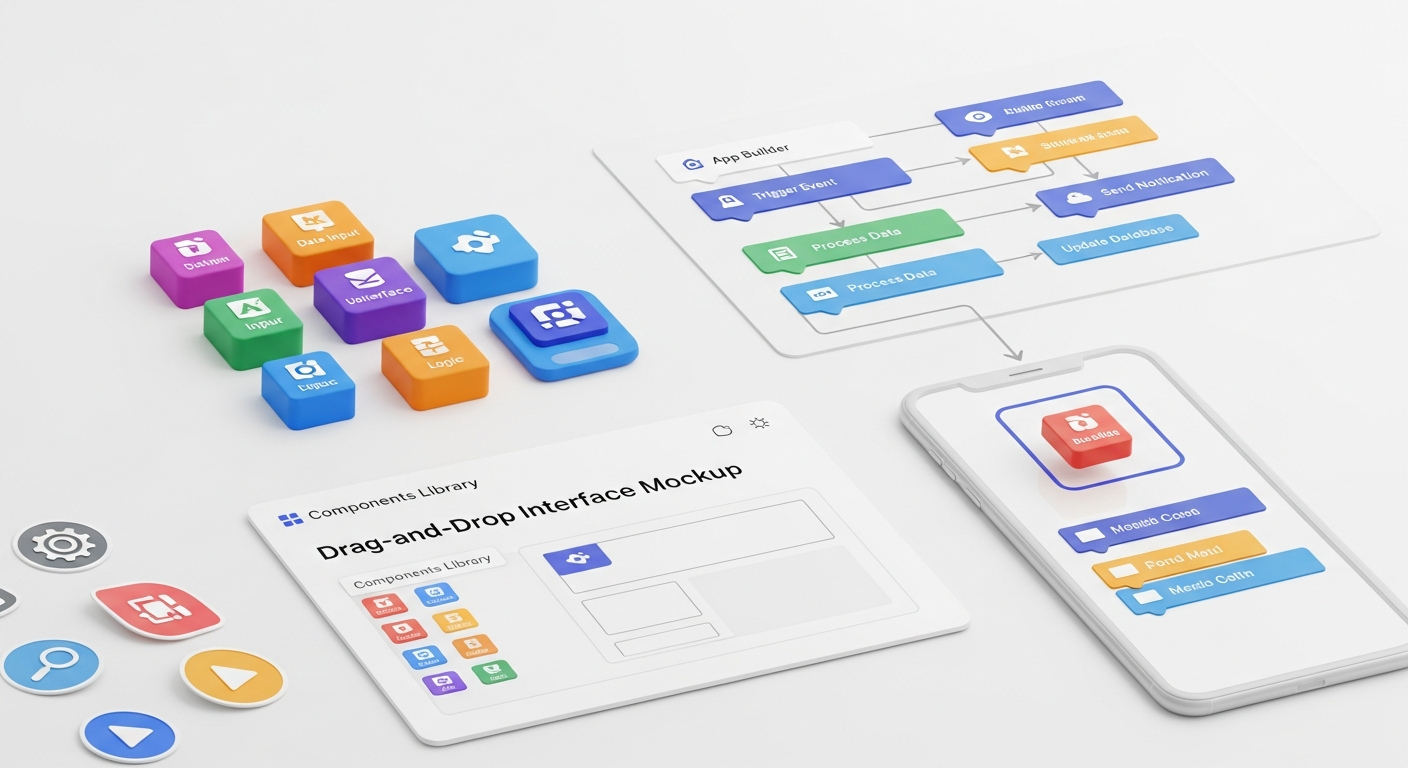
Best No-Code Tools for Startups: Build Faster Without Coding 2026
TL;DR: No-code tools are crucial for startups aiming for rapid development, iteration, and scaling by 2026. They empower founders and marketers to build sophisticated web and mobile apps, automate critical workflows, and manage data efficiently, significantly reducing time-to-market and development costs without requiring coding expertise.
Rapid Web & Mobile App Development: Launch Your Vision Faster
In the startup ecosystem, having a functional web or mobile application is often the core of your offering. Traditional development cycles can stretch for months, draining precious capital and delaying market entry. No-code platforms have entirely rewritten this narrative, enabling founders to build sophisticated, scalable applications in weeks, not months. This speed is not just about getting to market; it’s about rapid iteration, user feedback integration, and pivoting without prohibitive costs.
Bubble stands as a titan in this space, allowing you to design, develop, and host fully functional web applications without writing any code. From social networks and marketplaces to SaaS products, Bubble’s visual programming interface gives you granular control over databases, workflows, and user interfaces. A prime example is Dividend Finance, a fintech startup that used Bubble to build and launch its initial platform, demonstrating that even complex financial applications can start with no-code. Bubble’s pricing starts with a free tier, scaling up to professional plans around $134/month, making it accessible for bootstrapped ventures. Its robust plugin ecosystem further extends its capabilities, allowing integrations with payment gateways, analytics, and more.
For visually stunning and highly customizable websites, Webflow is the undisputed champion. While often seen as a website builder, Webflow allows for complex interactions, animations, and a powerful CMS, making it ideal for marketing sites, portfolios, and even e-commerce fronts. Startups like Loom have leveraged Webflow for their marketing sites, showcasing its ability to handle high traffic and dynamic content while maintaining brand integrity. Webflow offers a free starter plan, with paid plans for sites starting around $14/month, scaling up for e-commerce and enterprise needs. Its clean code output is also a significant advantage for SEO and performance.
When it comes to native mobile app development, Adalo offers a compelling solution. You can build both iOS and Android apps with a drag-and-drop interface, connecting to external APIs or using Adalo’s internal database. This means you can create customer-facing apps, internal tools, or event apps with relative ease. Adalo’s pricing includes a free tier, with paid plans beginning at $36/month, offering more app screens and custom branding. The ability to publish directly to app stores without a developer account is a game-changer for many startups, enabling them to test mobile concepts quickly and cost-effectively. The global no-code market is projected to grow to $187 billion by 2030, and these platforms are at the forefront of that expansion, democratizing app development for millions.
Workflow Automation & Integration: Streamline Operations, Boost Efficiency
Zapier remains the gold standard for connecting thousands of web applications. Think of it as the ultimate digital glue. Whether it’s automatically adding new leads from a Typeform submission to your CRM, sending Slack notifications for new sales, or moving files between cloud storage services, Zapier handles it with ease. With over 5,000 app integrations, the possibilities are virtually limitless. Many startups use Zapier to automate their entire sales funnel, from lead capture to customer onboarding. For instance, a startup might use Zapier to connect their marketing automation platform (e.g., Mailchimp) with their CRM (e.g., HubSpot) and project management tool (e.g., Asana), ensuring every new lead triggers a series of automated actions. Zapier offers a generous free tier, with paid plans starting around $19.99/month for increased task volumes and multi-step Zaps. This flexibility makes it indispensable for growing businesses.
Make (formerly Integromat) provides a more visual and powerful automation experience, often preferred for complex, multi-step workflows. Its canvas-based interface allows users to design intricate scenarios, complete with conditional logic, error handling, and sophisticated data manipulation. Make excels when you need to transform data between applications or build mini-applications that react to specific triggers. A startup could use Make to automate complex data synchronization between an e-commerce platform and an internal inventory management system, or to process and enrich lead data before it enters the CRM. Make also offers a free tier, with paid plans starting at $9/month, offering a significantly higher number of operations for the price, making it a highly cost-effective solution for advanced automation needs. Its ability to handle more complex scenarios makes it a favorite among power users and those looking to build robust internal tools.
Another strong contender is Pabbly Connect, which offers a competitive alternative with a focus on affordability and a large number of integrations. Pabbly Connect provides a user-friendly interface for setting up automations between various applications, often boasting lifetime deal options that appeal to budget-conscious startups. For a startup looking to automate customer support workflows, Pabbly Connect could integrate a ticketing system with a communication platform, ensuring prompt responses and efficient issue resolution. The ability to automate tasks that previously required hours of manual effort translates directly into reduced operational costs and improved employee productivity, often cutting down administrative time by 30-50% for many teams. This efficiency gain is critical for startups operating with lean teams and limited resources.
Database & CRM Solutions: Organize Data, Empower Decisions
Data is the lifeblood of any modern startup. From customer information and product inventories to project statuses and marketing campaign metrics, effective data management is paramount for informed decision-making and sustainable growth. Traditional databases often require SQL knowledge or specialized developers, creating a barrier for non-technical founders. No-code database and CRM solutions bridge this gap, offering intuitive, visual interfaces to organize, analyze, and act upon your most critical information.
Airtable has redefined what a spreadsheet can be. It’s a hybrid database-spreadsheet tool that combines the familiarity of a spreadsheet with the power of a relational database. Startups use Airtable for everything from project management and content calendars to CRM and inventory tracking. Its rich field types (attachments, checkboxes, dropdowns, linked records) and ability to create multiple views (grid, calendar, gallery, kanban) make it incredibly versatile. For example, a marketing agency startup might use Airtable to manage client projects, track campaign performance, and organize client communication, all within a single, interconnected base. With its robust API, Airtable can integrate seamlessly with other no-code tools via Zapier or Make, extending its utility even further. Airtable offers a free tier for basic use, with paid plans starting around $20/user/month, providing increased record limits and advanced features. Its flexibility allows teams to build custom solutions that perfectly fit their unique workflows.
SmartSuite takes the concept of a “work management platform” to the next level, offering a comprehensive suite of solutions that combine project management, CRM, and process management with a powerful relational database. It’s designed to be a single source of truth for all your operational data, reducing the need for multiple disparate tools. Startups can leverage SmartSuite to manage their entire product development lifecycle, from ideation to launch, track sales pipelines, or even onboard new employees. Its ready-to-use solution templates for various industries and use cases (e.g., Venture Capital CRM, Marketing Campaign Management) allow for rapid deployment. SmartSuite offers a free trial, with paid plans starting around $10/user/month, positioning it as a strong contender for startups seeking an all-in-one operational hub. Its emphasis on customizable dashboards and reporting empowers founders to visualize key performance indicators (KPIs) and make data-driven decisions swiftly.
Coda is another innovative platform that blurs the line between documents, spreadsheets, and applications. It’s a powerful tool for creating interactive documents that act like apps, complete with databases, buttons, and integrations. A startup could use Coda to build a dynamic product roadmap, a comprehensive employee handbook, or even a lightweight CRM tailored to their specific sales process. Its ability to pull data from various sources and present it in an actionable format makes it incredibly valuable for internal operations and team collaboration. Coda offers a free plan for individuals and small teams, with paid tiers starting at $10/doc maker/month, providing more automation and larger document sizes. The power of these tools lies in their ability to transform raw data into actionable insights, enabling startups to respond to market changes, optimize customer experiences, and manage growth effectively, often leading to a 25-40% improvement in data-related task efficiency.
Internal Tools & Operations Management: Empower Your Team
As a startup grows, so does the complexity of its internal operations. From managing HR processes and tracking inventory to facilitating team communication and reporting, efficient internal tools are crucial for maintaining productivity and scalability. Building these tools traditionally can be costly and time-consuming, diverting engineering resources from core product development. No-code platforms for internal tools empower non-technical team members to create custom applications that streamline workflows, improve data accessibility, and enhance overall operational efficiency.
Softr is a fantastic platform for building powerful web applications from your Airtable or Google Sheets data. It allows you to transform your existing spreadsheets and databases into customer portals, internal tools, marketplaces, and more, all with a beautiful, responsive user interface. Imagine having an internal dashboard for your sales team that pulls real-time data from your CRM (Airtable), showing their performance metrics, lead assignments, and upcoming tasks. Or a customer portal where clients can log in, view their project status, and access relevant documents. Softr makes this possible in hours, not weeks. Startups can use Softr to create an internal knowledge base, an employee directory, or a project tracking system that is easily accessible and updatable by the entire team. Softr offers a free plan to get started, with paid plans beginning around $49/month, scaling up for more users and advanced features. Its ease of use combined with powerful integrations makes it a go-to for many lean teams.
Glide focuses on transforming Google Sheets or Airtable data into stunning, user-friendly mobile apps. Perfect for creating internal directories, event apps, simple CRMs, or field service management tools, Glide allows for rapid deployment of functional applications. A startup could build an app for their field sales team to log client visits, update inventory, or access product information on the go. Or an HR team could create an employee onboarding app that guides new hires through essential information and tasks. The beauty of Glide is its simplicity and speed; you can often have a working app in less than an hour. Glide offers a free tier for basic apps, with paid plans starting at $25/month for private apps and more features. The ability to quickly deploy mobile solutions without native development expertise empowers every department within a startup to solve their unique operational challenges.
Stacker provides a robust solution for building portals, CRMs, and internal tools on top of your existing data sources like Airtable, Google Sheets, or Salesforce. What sets Stacker apart is its focus on permissions and user roles, making it ideal for creating secure, tailored experiences for different user groups. For a startup, this means you can build a client portal where each client only sees their specific data, or an internal tool where managers have different access levels than junior staff. This level of control is critical for data security and operational integrity. Stacker is particularly effective for building comprehensive client dashboards, internal project management systems with nuanced access, or even applicant tracking systems. Stacker offers a free trial, with paid plans starting at $59/month, making it a strong option for startups with more complex permission requirements and data governance needs. Building these custom internal tools with no-code can reduce reliance on expensive third-party software by upg to 60%, significantly impacting a startup’s bottom line.
Marketing & Sales Funnel Builders: Convert Leads, Drive Growth
For any startup, effective marketing and sales are non-negotiable. Converting website visitors into leads, and leads into paying customers, requires a robust and optimized sales funnel. Traditionally, building high-converting landing pages, setting up email sequences, and managing CRM entries often involved multiple tools, coding, and significant time investment. No-code marketing and sales funnel builders streamline this entire process, allowing digital marketers and founders to create, test, and optimize their funnels with unprecedented speed and autonomy.
Unbounce is a leading platform for building high-converting landing pages without code. Its drag-and-drop builder, combined with AI-powered optimization features like Smart Traffic and Smart Copy, helps marketers create pages that resonate with specific audience segments. Startups use Unbounce to build dedicated landing pages for ad campaigns (Google Ads, social media), product launches, webinars, and lead magnet downloads. The ability to A/B test different page variations, headlines, and calls-to-action is critical for maximizing conversion rates. For example, a SaaS startup could use Unbounce to create a landing page for a free trial offer, testing different value propositions to see which drives more sign-ups. Unbounce offers a free 14-day trial, with paid plans starting around $99/month, justified by the significant ROI it can deliver through improved conversion rates, often boosting them by 20-30%.
Leadpages provides another excellent no-code solution for creating landing pages, pop-ups, and alert bars. It’s known for its user-friendly interface and extensive library of mobile-responsive templates, making it quick and easy to launch new campaigns. Leadpages also integrates well with popular email marketing services and CRMs, ensuring a seamless flow of lead data. A startup might use Leadpages to quickly set up a series of landing pages for different marketing campaigns, collecting emails for their newsletter, or offering gated content. Its focus on lead generation makes it a powerful tool for early-stage startups needing to rapidly build their audience. Leadpages offers a free 14-day trial, with paid plans starting at $49/month, offering unlimited landing pages and lead collection. The platform’s emphasis on speed and conversion-focused design makes it an invaluable asset for lean marketing teams.
For ultra-simple, single-page websites or landing pages, Carrd is an incredibly efficient and cost-effective no-code tool. It’s perfect for creating “coming soon” pages, personal profiles, portfolio sites, or simple lead capture pages in minutes. Many startups use Carrd for initial product teasers, waitlist sign-ups, or to quickly validate a concept with a minimal online presence. The platform’s simplicity means there’s virtually no learning curve, and its responsive designs ensure your page looks great on any device. Carrd offers a free tier with limited features, and its Pro plans start at an astonishingly low $9/year, making it one of the most budget-friendly options available for getting a professional online presence up and running almost instantly. Leveraging these tools allows startups to experiment with different marketing messages and offers rapidly, reducing customer acquisition costs by optimizing their funnel performance.
E-commerce & Marketplace Platforms: Build Your Digital Storefront
Launching an online store or a multi-vendor marketplace used to be a complex undertaking, often requiring significant development resources for inventory management, payment processing, user accounts, and product catalogs. No-code e-commerce and marketplace platforms have democratized this process, allowing startups to build robust, scalable digital storefronts and vibrant online communities without ever touching code. This empowers entrepreneurs to bring their products or services to market faster, test demand, and scale their operations with agility.
Shopify, while often considered low-code due to its extensive app store and customization options, is fundamentally a no-code platform for building and managing online stores. Its intuitive interface allows anyone to set up a professional-looking e-commerce site, add products, manage inventory, process payments, and fulfill orders. For a product-based startup, Shopify is often the first and best choice. Consider Allbirds, which started as a direct-to-consumer brand built on Shopify, demonstrating its capability to scale from a small startup to a global enterprise. Shopify handles everything from secure payment gateways to shipping integrations, allowing founders to focus on their products and marketing. Pricing for Shopify starts at $29/month for the basic plan, scaling up with more features and lower transaction fees for larger businesses. Its vast ecosystem of apps means you can add virtually any functionality, from advanced SEO tools to customer loyalty programs, without custom coding.
For startups looking to build a multi-vendor marketplace (think Etsy or Airbnb), Sharetribe offers a powerful no-code solution. Sharetribe provides two main products: Sharetribe Go (a hosted solution for launching quickly) and Sharetribe Flex (a more flexible, API-first platform for custom builds, though still largely no-code in its frontend capabilities). With Sharetribe, you can create a platform where multiple sellers can list their products or services, and buyers can browse, purchase, and review. This is ideal for startups creating niche marketplaces for anything from local services to unique artisanal goods. For example, a startup aiming to connect local farmers with consumers for fresh produce could build their entire platform on Sharetribe. Sharetribe Go offers plans starting around $79/month, making it accessible for early-stage marketplace concepts. Its built-in payment processing, user management, and listing features significantly reduce the technical barrier to entry for aspiring marketplace founders. By 2026, the demand for specialized online marketplaces will only grow, and no-code solutions like Sharetribe make it feasible for anyone to tap into this trend, often reducing the time to launch a fully functional marketplace by over 75% compared to custom development.
Data Visualization & Analytics Dashboards: Insight at Your Fingertips
Understanding your data is critical for making informed business decisions, identifying growth opportunities, and optimizing performance. However, traditional data visualization and analytics often require complex coding, database queries, and specialized tools that are beyond the reach of many startup founders and marketing teams. No-code data visualization platforms democratize access to insights, allowing you to create interactive dashboards and reports from various data sources without writing a single line of code.
While often considered a low-code tool, Retool offers significant no-code capabilities for building internal tools and dashboards that leverage existing data. You can connect Retool to virtually any database (PostgreSQL, MongoDB, Firebase, etc.) or API, and then drag-and-drop components (tables, charts, forms, buttons) to create custom dashboards. For a startup, this means you can quickly build an internal analytics dashboard that pulls sales data from your CRM, marketing campaign performance from Google Analytics, and product usage metrics from your database, all into one unified view. This empowers non-technical team members to monitor KPIs, track user behavior, and respond to trends in real-time. Retool is particularly powerful for creating operational dashboards for customer support, finance, or marketing teams. Retool offers a free plan for up to 5 users, with paid plans starting at $10/user/month, offering more advanced features and integrations. Its flexibility makes it an excellent choice for startups needing highly customized data views without the overhead of full-stack development.
Softr, mentioned earlier for internal tools, also excels at creating data visualization dashboards when paired with Airtable or Google Sheets. If your core data resides in these no-code databases, Softr can turn it into a beautiful, interactive dashboard for your team or even your customers. Imagine a startup offering a subscription service, providing a client portal built with Softr that shows each client their usage statistics, billing history, and performance metrics pulled directly from an Airtable base. This not only enhances transparency but also reduces the burden on your support team. Softr’s pre-built blocks and templates make it easy to display data in various formats, including charts, tables, and lists, making complex data digestible at a glance. Its integration with Airtable’s powerful filtering and sorting capabilities means you can create dynamic dashboards that update in real-time. Softr’s pricing structure, starting with a free plan and scaling up, makes it an accessible option for startups looking to leverage their existing no-code data sources for powerful visualizations.
Another powerful option is using Airtable itself, combined with its built-in Blocks (now Apps) or extensions. While not a dedicated visualization tool, Airtable’s ability to link records, create rollup fields, and use various views (like Kanban, Calendar, and Gallery) allows for a significant degree of data organization and basic visualization. For more advanced charting within Airtable, its Apps marketplace offers chart-building tools that can create bar charts, line graphs, and pie charts directly from your base data. This is ideal for startups that already rely heavily on Airtable for their data management and want to keep their analytics within the same ecosystem. This approach reduces the need for external tools and ensures data consistency. The integration of no-code data tools can reduce the time spent on reporting and analysis by up to 50%, freeing up valuable time for strategic planning and execution.
No-Code Tool Comparison Table
To help you navigate the vast landscape of no-code tools, here’s a comparison of some of the leading platforms across different categories, highlighting their primary use cases, key features, typical pricing models, and ideal user profiles. This table is designed to give you a quick overview to inform your strategic choices for 2026 and beyond.
| Tool Name | Primary Use Case | Key Features | Pricing Model (Approx. Monthly) | Ideal For |
|---|---|---|---|---|
| Bubble | Web App Development, SaaS, Marketplaces | Visual programming, custom workflows, database, API integrations, responsive design | Free, then $29 – $399+ | Founders building complex web apps, MVPs, SaaS products |
| Webflow | Website & CMS Development, E-commerce | Drag-and-drop design, powerful CMS, animations, clean code export, SEO-friendly | Free, then $14 – $49+ (site plans) | Design-focused startups, marketing teams, agencies needing custom websites |
| Zapier | Workflow Automation & Integrations | 5000+ app integrations, multi-step Zaps, conditional logic, webhooks | Free, then $19.99 – $599+ | Any startup needing to automate repetitive tasks and connect apps |
| Airtable | Database & Project Management | Relational database, flexible views (grid, kanban, calendar), rich field types, API | Free, then $10 – $20+ per user | Teams managing data, projects, content, CRM, and internal operations |
| Softr | Client Portals, Internal Tools, Web Apps from Data | Build on Airtable/Google Sheets, user authentication, permissions, pre-built blocks | Free, then $49 – $199+ | Startups building member areas, client portals, or internal dashboards |
| Unbounce | Landing Page & Conversion Optimization | Drag-and-drop builder, A/B testing, AI optimization (Smart Traffic), pop-ups | Free trial, then $99 – $225+ | Marketing teams, growth hackers, startups focused on lead generation |