The Architect’s Guide to Workflow Automation for Agile Teams
In the modern software development lifecycle, “Agile” is often a victim of its own success. As teams scale, the ceremonies and coordination required to maintain velocity frequently transform into a new kind of bureaucracy. For technical professionals—the developers, DevOps engineers, and integration specialists tasked with maintaining these systems—the bottleneck is rarely the code itself; it is the manual friction between tools. Workflow automation for Agile teams has evolved from a “nice-to-have” efficiency gain into a fundamental architectural requirement. In 2026, high-performing engineering organizations no longer view automation as a series of disconnected scripts, but as a cohesive orchestration layer that bridges the gap between project management, version control, and production environments. This guide explores how to build a resilient, automated ecosystem that eliminates manual overhead and allows engineering talent to focus on high-value problem solving rather than ticket maintenance.
1. Beyond Basic Syncing: The Hierarchy of Agile Automation
For many organizations, the first foray into automation involves simple triggers: a Jira ticket moves to “Done,” and a Slack message is sent. While useful, this represents the lowest tier of workflow maturity. For tech professionals, the goal is **Systemic Agility**—where the state of the work is automatically derived from the state of the codebase.
The hierarchy of automation begins with **Data Synchronization** (ensuring information is consistent across tools), moves to **Process Orchestration** (managing multi-step approvals and handoffs), and culminates in **Contextual Intelligence**. At this highest level, the workflow engine understands the relationships between a pull request (PR), a cloud resource, and a sprint goal.
By 2026, the industry has shifted toward “Git-centric” Agile. In this model, the repository is the source of truth for progress. When a developer opens a branch, the automation layer should create the corresponding sub-task, update the status in the project management tool, and provision a preview environment. This removes the “Update Jira” tax from the developer, ensuring that data is 100% accurate because it is captured at the moment of creation.
2. Integrating CI/CD with Agile Orchestration
The traditional wall between “the plan” (Agile boards) and “the work” (CI/CD pipelines) is a primary source of technical debt. Integrating these two domains requires a sophisticated approach to API orchestration.
Modern Agile automation leverages the metadata within CI/CD pipelines to drive project visibility. For example, a successful deployment to a staging environment should trigger a state change in the user story, but only if the automated regression suite passes with 100% coverage.
From a technical perspective, this is often achieved through custom middleware or robust iPaaS (Integration Platform as a Service) solutions that handle webhook payloads from tools like GitHub Actions, GitLab CI, or CircleCI. By building a “closed-loop” system, you can implement:
* **Automated Definition of Done (DoD) Checks:** Preventing tickets from moving to “Review” unless documentation files are updated in the PR.
* **Dynamic Resource Allocation:** Using automation to spin up or down testing environments based on the volume of tickets in the “Testing” column.
* **Build-Linked Release Notes:** Automatically aggregating commit messages and PR descriptions into a formatted changelog attached to the Agile release entity.
3. Event-Driven Architecture: The Engine of Agile Workflows
To build scalable automation, tech professionals must move away from polling-based integrations toward event-driven architectures (EDA). Polling APIs for changes is inefficient and introduces latency that can disrupt a fast-moving sprint.
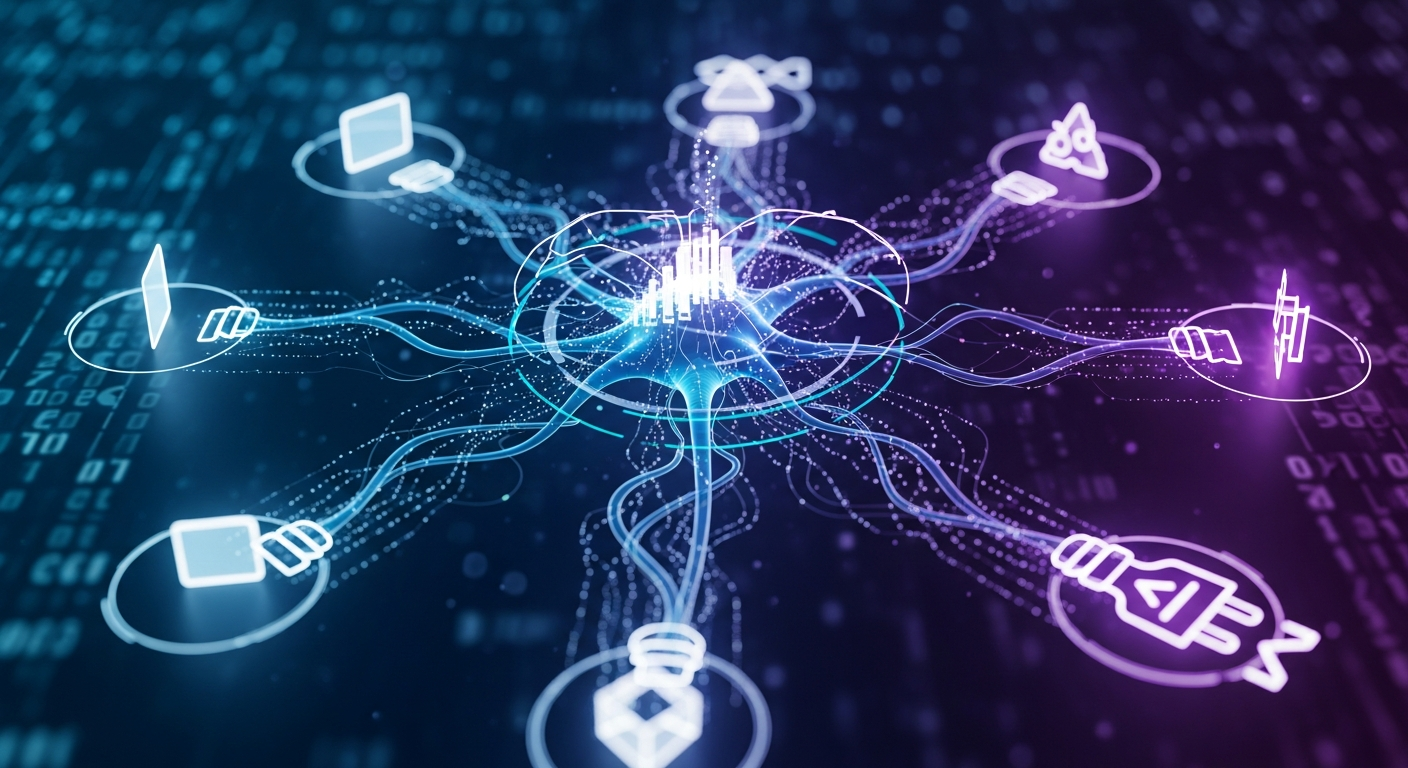
A robust Agile automation stack utilizes webhooks as the primary triggers, processed through a serverless layer (such as AWS Lambda or Google Cloud Functions) or a dedicated message broker (like RabbitMQ or Kafka). This allows for complex, multi-branch logic. For instance, an “Issue Created” event in an incident management tool like PagerDuty can trigger a high-priority “Bug” ticket in the sprint backlog, notify the on-call engineer, and simultaneously create a dedicated “War Room” Slack channel.
The challenge in 2026 is managing the **idempotency** of these automations. When building integrations, ensure that retries—common in distributed systems—do not result in duplicate tickets or redundant notifications. Implementing a robust logging and observability layer for your workflows is essential. If an automation fails to move a ticket, the team should be alerted to the “meta-failure” before the manual process breaks down.
4. Eliminating “Agile Debt” through Automated Reporting and Documentation
“Agile debt” refers to the administrative burden of keeping the backlog clean, the burn-down charts accurate, and the documentation up to date. This is where automation yields the highest ROI for product managers and lead engineers.
One of the most effective automations involves **automated backlog grooming**. Using predefined logic (e.g., “if a ticket has been in the backlog for more than three sprints without an update, move it to a ‘Stale’ folder and notify the reporter”), teams can keep their workspace lean.
Furthermore, automated reporting should go beyond basic velocity. By integrating DORA metrics (Deployment Frequency, Lead Time for Changes, Change Failure Rate, and Time to Restore Service) directly into the Agile dashboard, teams gain a data-driven view of their health.
* **Lead Time Automation:** Automatically calculating the time from the first commit on a branch to the ticket’s “Done” status.
* **Cycle Time Analysis:** Identifying where tickets linger (e.g., “Awaiting Code Review”) and triggering reminders to the team if a PR has been open for more than 24 hours.
This level of automation transforms the “Sprint Review” from a manual data-gathering exercise into a strategic analysis of live, accurate data.
5. Build vs. Buy: Selecting the Right Integration Stack
Tech professionals often face the dilemma of whether to build custom automation scripts or utilize commercial platforms. In 2026, the answer usually lies in a hybrid approach.
**Custom Scripts (The “Build” Approach):**
Building custom Python or Node.js scripts is ideal for highly proprietary workflows or when working with niche internal tools. This offers maximum flexibility but introduces a maintenance burden. If the API of a third-party tool changes, your internal script breaks, potentially halting the team’s workflow.
**Enterprise iPaaS (The “Buy” Approach):**
Platforms like Tray.io, Workato, or Zapier Central provide low-code/no-code interfaces that are increasingly sophisticated. These are excellent for standard integrations (e.g., Jira to Slack). They offer built-in error handling, retry logic, and security compliance (SOC2, GDPR), which are time-consuming to build from scratch.
**The Middle Ground: Open-Source Orchestrators:**
Tools like n8n or Temporal allow developers to write “Workflows as Code.” This approach is gaining traction among tech pros because it allows for version-controlled automation logic, unit testing of workflows, and the ability to host the infrastructure internally for better security and lower latency.
6. Future-Proofing for 2026: AI-Augmented Workflow Governance
As we look toward the remainder of 2026, the integration of Large Language Models (LLMs) into workflow automation is the new frontier. We are moving from “if-this-then-that” logic to **Intent-Based Automation**.
AI can now be used to:
* **Auto-Categorize Inbound Requests:** An LLM can analyze the sentiment and technical complexity of a support ticket and automatically assign it to the correct Agile squad with the appropriate priority.
* **Predictive Sprint Planning:** By analyzing historical velocity and ticket complexity, AI-driven workflows can flag when a sprint is over-committed before the team even starts the first task.
* **Automated Code Review Prep:** Automation can summarize the changes in a massive PR, highlight potential security vulnerabilities, and suggest the most qualified reviewer based on past contributions to that specific module.
For the integration professional, this means the focus shifts from writing logic to **Prompt Engineering and Model Orchestration**. You are no longer just connecting API endpoints; you are managing the flow of context through intelligent agents that help the team stay in “flow state.”
—
FAQ: Frequently Asked Questions
#
1. How do we ensure automation doesn’t create “notification fatigue”?
The key is **relevance and consolidation**. Instead of triggering a Slack message for every single ticket update, use “batching” or “digest” automations. Additionally, leverage “threaded” notifications—ensure all updates related to a specific PR or ticket happen in a single thread rather than cluttering the main channel. Always provide a “mute” or “opt-out” mechanism for non-essential alerts.
#
2. What is the biggest security risk in Agile workflow automation?
The most significant risk is **credential sprawl and over-privileged API keys**. Many automations require “Admin” level access to Jira or GitHub. In 2026, best practices dictate using “Least Privilege” access, scoped tokens, and secret management tools (like HashiCorp Vault or AWS Secrets Manager) to rotate keys. Never hard-code API keys in your automation scripts.
#
3. How can we measure the ROI of our workflow automations?
Measure the “Time Saved” vs. “Maintenance Time.” A good metric is the **reduction in Cycle Time**. If automating the handoff between “Dev” and “QA” reduces the time a ticket sits idle by 20%, that is a massive win. You can also track “Data Accuracy”—the reduction in tickets that have missing fields or outdated statuses.
#
4. Which tools are essential for an automated Agile stack in 2026?
A modern stack typically includes:
* **Source Control:** GitHub or GitLab (with robust API/Actions support).
* **Project Management:** Jira, Linear, or Monday.com.
* **Orchestration Layer:** n8n, Temporal, or a custom serverless framework.
* **Communication:** Slack or Microsoft Teams.
* **Observability:** Datadog or New Relic (to monitor the health of the automations themselves).
#
5. My team is resistant to “too much process.” How do I introduce automation?
Focus on “Invisible Automation.” The best automations are the ones the team doesn’t even see. Don’t ask them to use a new tool; instead, automate a task they already hate doing (like updating ticket statuses). When they realize their Jira board is magically staying up-to-date based on their GitHub activity, they will embrace the change.
—
Conclusion: The Path Forward for Agile Engineers
Workflow automation for Agile teams is no longer about saving a few minutes here and there; it is about creating a resilient infrastructure that can support the high-velocity demands of 2026. For tech professionals building these integrations, the mission is to eliminate the “meta-work”—the work about work—that stifles innovation.
By leveraging event-driven architectures, integrating CI/CD pipelines deeply with project management tools, and cautiously adopting AI-augmented governance, organizations can achieve a state of true agility. The goal is a system where the process serves the engineer, not the other way around. As you build and refine your automation stack, remember that the most successful workflows are those that provide clarity without friction, accuracy without effort, and scale without complexity. Start by automating the most painful manual step in your current sprint, and build outward toward a fully orchestrated, intelligent ecosystem.