What is Network Monitoring Software?
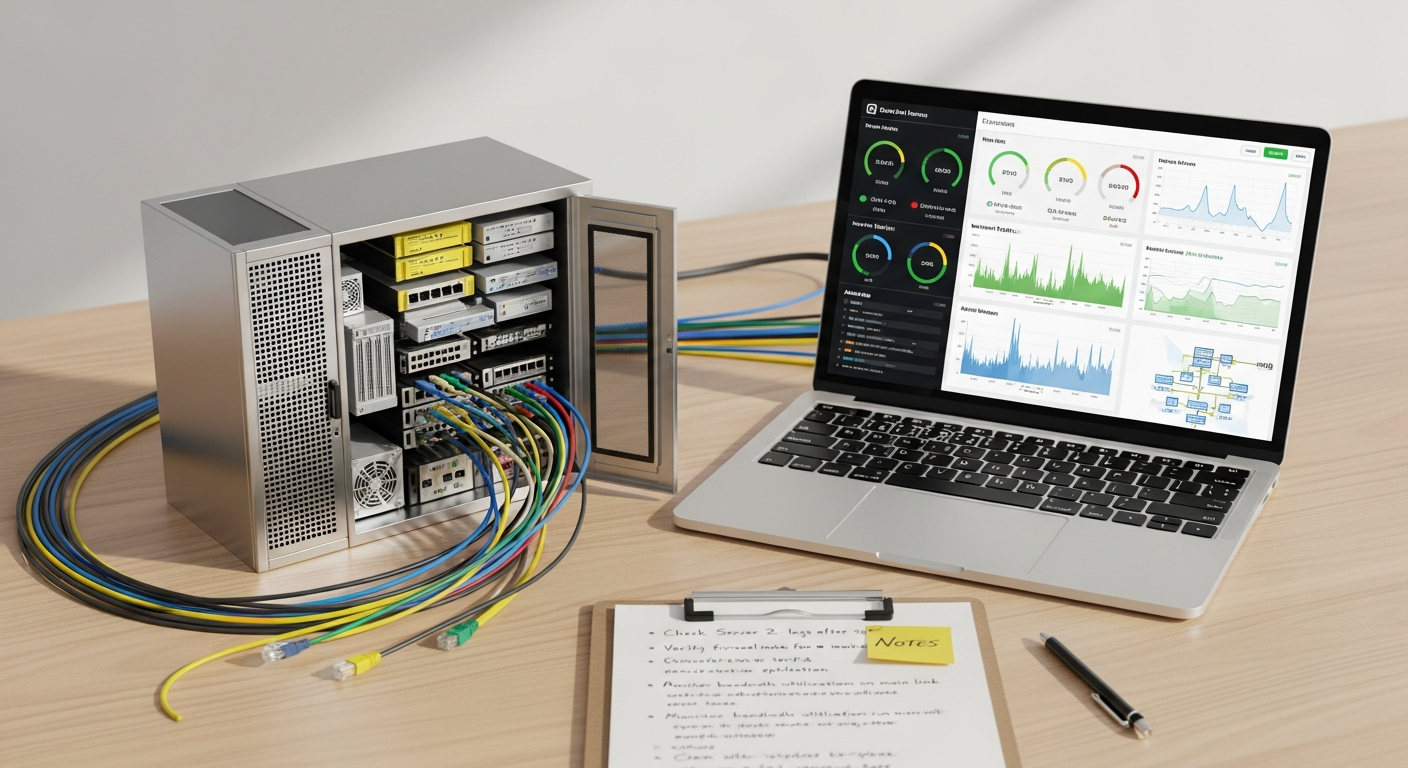
At its core, network monitoring software is a sophisticated suite of tools designed to observe, analyze, and report on the health, performance, and availability of all components within a computer network. Think of it as the central nervous system for your digital operations, providing real-time visibility into every connected device, application, and data flow. From servers and routers to switches, firewalls, virtual machines, and cloud instances, this software continuously collects data points to paint a clear picture of your network’s operational status.
The primary objective of network monitoring is to ensure that your network infrastructure is not just functional, but optimized. It achieves this by gathering metrics such as bandwidth utilization, latency, packet loss, CPU and memory usage of network devices, port status, and much more. This data is then processed, often visualized through intuitive dashboards, and compared against predefined baselines and thresholds. When deviations occur – perhaps a server’s CPU usage spikes abnormally, or a critical link experiences high latency – the system triggers alerts, notifying IT teams of potential issues before they escalate into serious problems or outages.
Key components typically found within a network monitoring solution include:
- Data Collectors/Agents: Software agents installed on devices or network appliances that gather performance metrics and send them back to a central server. Agentless monitoring is also common, using protocols like SNMP (Simple Network Management Protocol) or WMI (Windows Management Instrumentation).
- Central Monitoring Server: The hub where all collected data is aggregated, stored, and analyzed. This server hosts the core logic for processing metrics, comparing them against baselines, and triggering alerts.
- Database: Used to store historical performance data, allowing IT teams to analyze trends, identify recurring issues, and plan for future capacity needs.
- Dashboard and Reporting Interface: A user-friendly interface that presents real-time and historical data through customizable graphs, charts, and tables. This provides at-a-glance insights into network health and enables the generation of detailed reports.
- Alerting System: Configurable mechanisms that notify IT staff via email, SMS, instant messaging, or integration with ITSM (IT Service Management) tools when specific thresholds are breached or anomalies are detected.
By providing this level of granular insight, network monitoring software empowers IT teams to shift from a reactive “fix-it-when-it-breaks” approach to a proactive “prevent-it-from-breaking” strategy. This leads directly to improved service reliability, enhanced security posture, and a more efficient allocation of IT resources.
Why is Network Monitoring Crucial for Modern Businesses?
In today’s hyper-connected business environment, a robust and reliable network is non-negotiable. For tech entrepreneurs launching innovative platforms or established companies managing vast digital operations, the implications of network performance extend far beyond mere technicalities. Network monitoring software serves as a foundational element for operational excellence, offering a multitude of benefits:
Ensuring Uptime and Business Continuity
Every minute of downtime can translate into lost revenue, decreased productivity, and damage to reputation. Network monitoring provides the critical early warnings necessary to prevent outages. By continuously tracking device status, link health, and application performance, IT teams can identify and address potential failures – like an overloaded server or a failing router – before they impact users. This proactive stance ensures maximum uptime, safeguarding business continuity and maintaining seamless operations.
Optimizing Performance and User Experience
Slow applications, lagging connections, or dropped packets frustrate users and employees alike. Network monitoring helps pinpoint performance bottlenecks, whether they’re due to insufficient bandwidth, faulty hardware, or misconfigured software. Identifying these issues quickly allows IT teams to optimize network resources, balance loads, and ensure that critical business applications run smoothly. This directly translates to improved user experience, higher employee productivity, and satisfied customers accessing your services.
Enhancing Cybersecurity Best Practices
Network monitoring is an indispensable tool in bolstering your organization’s cybersecurity posture. It provides the visibility needed to detect anomalous activities that could indicate a security threat. For instance, sudden spikes in outbound traffic to unusual destinations might signal data exfiltration, while repeated failed login attempts could point to a brute-force attack. By integrating network monitoring with your broader Cybersecurity Best Practices, you create a powerful defense mechanism. It allows for the rapid identification of unauthorized access, suspicious port scans, or malware communications, enabling a swift response to contain and mitigate threats before significant damage occurs. It’s a critical layer of defense, working alongside firewalls and antivirus solutions.
Protecting Business Data
A core aspect of network monitoring is its contribution to How to Protect Business Data. By tracking data flows and access patterns, monitoring tools can identify unusual data transfers, unauthorized access to sensitive databases, or attempts to exfiltrate proprietary information. For example, if a large volume of data is suddenly being transferred from an internal server to an external, unknown IP address, the monitoring system will flag this anomaly. This immediate detection is crucial for preventing data breaches, which can have devastating financial and reputational consequences for any business.
Aiding Capacity Planning and Resource Allocation
Understanding current and historical network usage patterns is vital for strategic planning. Monitoring data helps IT teams identify trends in bandwidth consumption, server load, and storage utilization. This insight enables accurate capacity planning, ensuring that infrastructure investments are made wisely and proactively, rather that reactively. You can predict when upgrades will be needed, preventing performance degradation before it impacts operations and optimizing resource allocation for maximum efficiency.
Ensuring Compliance and Audit Readiness
Many industries are subject to stringent regulatory compliance requirements (e.g., GDPR, HIPAA, PCI DSS). Network monitoring solutions provide the necessary audit trails and historical data to demonstrate adherence to security policies, data access controls, and incident response procedures. Detailed logs and reports generated by monitoring software are invaluable during compliance audits, proving due diligence in maintaining a secure and reliable network environment.
In essence, network monitoring is not just a technical tool; it’s a strategic asset that underpins the reliability, security, and efficiency of your entire digital enterprise, making it indispensable for any forward-thinking IT team in 2026.
Key Features to Look for in Network Monitoring Solutions
1. Real-time Monitoring and Alerting
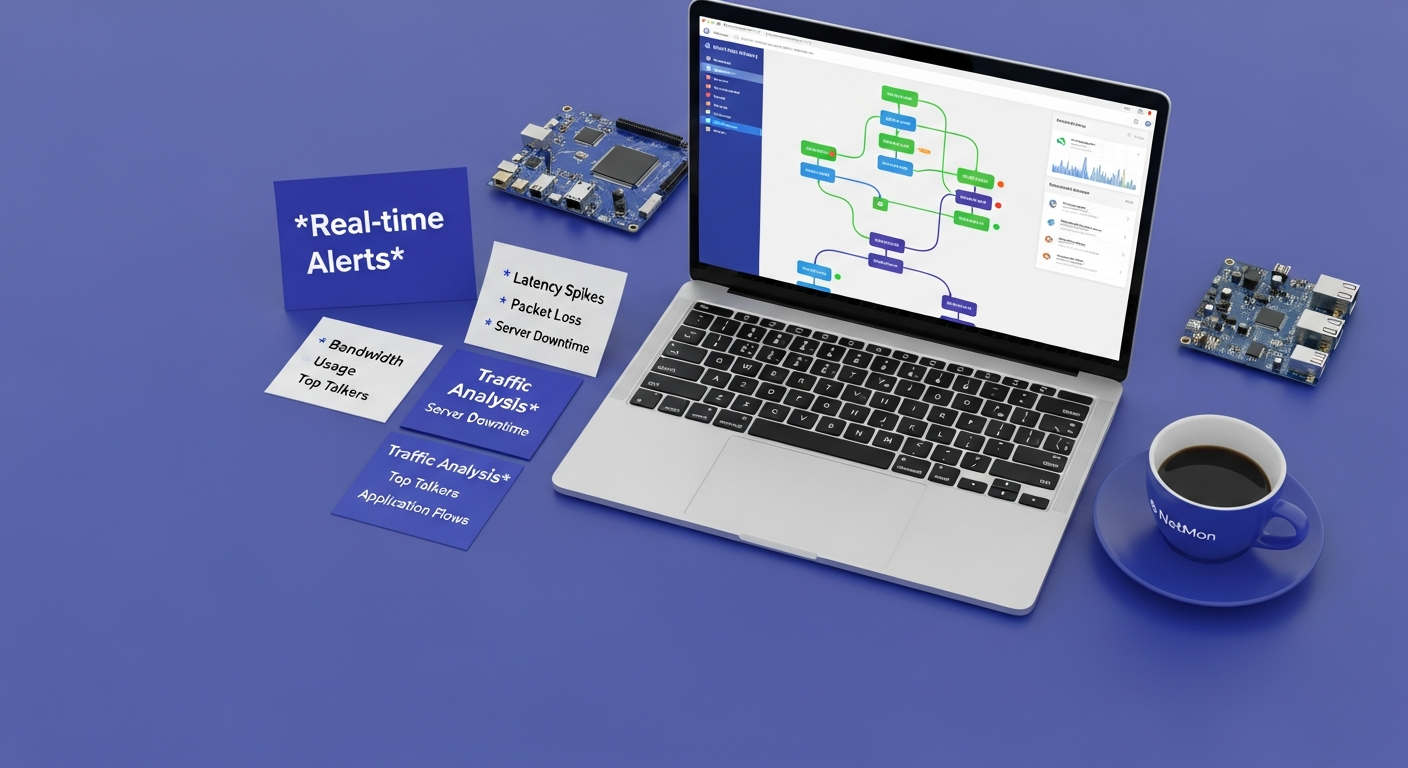
This is the cornerstone of any effective monitoring system. The ability to collect and display data in real-time (or near real-time) is critical for immediate incident detection. Equally important is a flexible and comprehensive alerting system. Look for solutions that:
- Provide instant notifications via multiple channels (email, SMS, Slack, Microsoft Teams, PagerDuty).
- Allow for customizable alert thresholds based on various metrics (e.g., CPU usage exceeding 80% for 5 minutes, specific port going down).
- Support escalation rules, ensuring critical alerts reach the right personnel if initial contacts don’t respond.
- Offer intelligent alerting that minimizes ‘alert fatigue’ by grouping related events or suppressing duplicate notifications.
2. Comprehensive Dashboards and Reporting
Data is only useful if it’s digestible. A good monitoring solution will offer:
- Customizable Dashboards: Allowing IT teams to build personalized views that highlight the most critical metrics and devices for their specific roles or projects.
- Visualizations: Clear, intuitive graphs, charts, and network maps that make it easy to understand complex data at a glance.
- Historical Data and Trend Analysis: The ability to store and analyze long-term data to identify trends, predict future needs, and justify infrastructure upgrades.
- Automated Reporting: Scheduled reports for management, compliance auditors, or internal review, covering performance, availability, and security metrics.
3. Automated Network Discovery and Mapping
Manually mapping a complex network is time-consuming and prone to errors. Look for features that:
- Automatically discover new devices as they join the network (servers, routers, switches, printers, IoT devices).
- Generate dynamic network topology maps, showing interconnections and dependencies. This is invaluable for troubleshooting and understanding the impact of failures.
- Keep maps updated as the network changes, ensuring the monitoring system always reflects the current infrastructure.
4. Multi-Vendor and Hybrid Environment Support
Modern networks are rarely monolithic. Organizations often use hardware and software from various vendors and increasingly operate in hybrid environments (on-premise, public cloud, private cloud). The monitoring solution should:
- Support a wide range of devices and operating systems (Windows, Linux, macOS, various network hardware brands).
- Be capable of monitoring cloud-native services (AWS, Azure, GCP) alongside traditional on-premise infrastructure.
- Offer flexible deployment options (on-premise, SaaS, hybrid) to match your existing architecture.
5. Deep Packet Inspection (DPI) and Flow Monitoring (NetFlow, sFlow, IPFIX)
Beyond basic device health, understanding what kind of traffic is flowing across your network is critical. Features like DPI and flow monitoring provide:
- Granular Traffic Analysis: Identifying top talkers, applications consuming the most bandwidth, and unusual traffic patterns.
- Quality of Service (QoS) Verification: Ensuring critical applications receive prioritized bandwidth.
- Security Insights: Detecting unauthorized applications, unusual protocol usage, or potential data exfiltration attempts by analyzing packet content or flow metadata.
6. Log Management and Analysis
Device logs (syslog, event logs, firewall logs) contain a wealth of information about network events, security incidents, and performance issues. A good monitoring solution should:
- Centralize log collection from all network devices and applications.
- Provide powerful search, filtering, and correlation capabilities to quickly identify relevant events.
- Integrate with SIEM (Security Information and Event Management) systems for advanced security analytics and compliance reporting.
7. Root Cause Analysis (RCA) Tools
When an issue arises, quickly identifying its root cause is crucial for rapid resolution. Look for features that:
- Help correlate events across different devices and metrics to pinpoint the origin of a problem.
- Provide dependency mapping to show how failures in one component might impact others.
- Offer historical data playback to understand the sequence of events leading up to an incident.
8. Scalability and Extensibility
As your business grows, your network will expand and evolve. The monitoring solution should:
- Be able to scale to monitor thousands of devices and interfaces without performance degradation.
- Offer APIs or SDKs for integration with other IT tools (ITSM, CMDB, automation platforms).
- Support custom scripts or plugins for monitoring unique devices or applications.
By carefully evaluating these features, IT teams can select a network monitoring solution that not only meets their current operational needs but also supports future growth and strategic objectives in 2026 and beyond.
Implementing Network Monitoring: A Strategic Approach

Deploying network monitoring software effectively requires more than just installing a tool; it demands a strategic, phased approach. For IT teams, a thoughtful implementation ensures maximum value, minimizes disruption, and sets the stage for continuous improvement. Here’s a step-by-step guide:
1. Define Your Goals and Scope
Before selecting any software, clearly articulate what you want to achieve. Are you primarily focused on:
- Reducing downtime?
- Improving application performance?
- Enhancing network security?
- Meeting compliance requirements?
- Optimizing resource utilization?
Define the scope of what needs to be monitored – is it just critical servers, or does it include all network devices, cloud instances, and specific applications? Having clear objectives will guide your tool selection and configuration.
2. Inventory and Baseline Your Network
You can’t monitor what you don’t know exists. Conduct a thorough inventory of all network devices, servers, virtual machines, cloud resources, and critical applications. Document their configurations, interdependencies, and normal operating parameters. This baseline data is crucial for:
- Identifying what metrics are ‘normal’ for your environment.
- Setting appropriate thresholds for alerts.
- Measuring improvements after optimizations.
Many monitoring tools offer automated discovery features that can significantly aid this initial inventory process.
3. Choose the Right Solution
Based on your defined goals, scope, budget, and existing infrastructure, select a network monitoring solution. Consider factors like:
- Features: Does it offer the key capabilities discussed previously?
- Scalability: Can it grow with your business?
- Ease of Use: Is the interface intuitive for your IT team?
- Integration: Does it integrate with your existing ITSM, SIEM, or automation tools?
- Support: What kind of vendor support is available?
- Deployment Model: On-premise, cloud-based (SaaS), or hybrid?
Don’t hesitate to leverage free trials and demonstrations to evaluate potential solutions in your specific environment.
4. Plan Your Deployment and Configuration
Develop a detailed deployment plan. This includes:
- Agent vs. Agentless: Decide whether to deploy agents on monitored devices or rely on agentless methods like SNMP, WMI, or API calls.
- Network Architecture: Determine where to place monitoring servers and collectors to minimize network overhead and ensure comprehensive coverage.
- Security Considerations: Ensure the monitoring system itself is secure, with proper access controls and encrypted communications.
- Phased Rollout: Start with critical systems or a small segment of your network, then expand incrementally.
Carefully configure device credentials, discovery settings, and monitoring protocols.
5. Configure Thresholds and Alerts
This is where the magic happens. Based on your baseline data, set intelligent thresholds for various metrics. Avoid ‘alert fatigue’ by:
- Starting with conservative thresholds and fine-tuning them over time.
- Using dynamic baselines if the tool supports it, which adapt to normal fluctuations.
- Configuring escalation paths for critical alerts.
- Implementing clear runbooks for alert responses.
Regularly review and adjust your thresholds as your network evolves.
6. Integrate with Existing IT Systems
To maximize efficiency, integrate your network monitoring tool with other critical IT systems:
- IT Service Management (ITSM): Automatically create tickets in your help desk system when an alert is triggered.
- Security Information and Event Management (SIEM): Forward security-relevant logs and alerts to your SIEM for correlation with other security data.
- Configuration Management Database (CMDB): Populate your CMDB with discovered network assets.
- Automation Tools: Trigger automated remediation scripts for common issues.
7. Train Your Team and Establish Processes
Even the best tool is useless without a trained team. Provide comprehensive training to all IT staff who will be using or responding to the monitoring system. Establish clear processes for:
- Responding to different types of alerts.
- Using dashboards for daily checks and troubleshooting.
- Generating reports for management and compliance.
- Regularly reviewing and optimizing the monitoring configuration.
8. Continuous Review and Optimization
Network monitoring is not a set-it-and-forget-it solution. Your network will change, and so should your monitoring strategy. Regularly:
- Review alert effectiveness and adjust thresholds.
- Add new devices and services to be monitored.
- Remove obsolete monitoring points.
- Evaluate new features and updates from your vendor.
- Conduct periodic performance reviews of the monitoring system itself.
By following this strategic approach, IT teams can unlock the full potential of network monitoring, transforming it into an indispensable asset for operational efficiency and resilience.
Network Monitoring’s Role in Cybersecurity & Data Protection
In 2026, the lines between network performance and network security are increasingly blurred. A robust network monitoring strategy is not merely about keeping lights on; it’s a critical component of a comprehensive cybersecurity and data protection framework. For tech entrepreneurs and IT teams, understanding this synergy is paramount to safeguarding valuable digital assets and maintaining trust.
Proactive Threat Detection
Network monitoring acts as an early warning system for potential cyber threats. By continuously analyzing traffic patterns, device behavior, and log data, it can detect anomalies that traditional security tools might miss. For instance:
- Unusual Traffic Spikes: A sudden, unexplained surge in outbound traffic could indicate data exfiltration by an insider or a compromised system.
- Unauthorized Port Activity: Monitoring can flag attempts to access non-standard ports or the opening of ports without proper authorization, which could be indicative of malware or a malicious actor attempting to establish a backdoor.
- Failed Login Attempts: A high volume of failed login attempts on a server or network device could signal a brute-force attack.
- Known Bad IP Connections: Some advanced monitoring tools can integrate with threat intelligence feeds to identify connections to known malicious IP addresses or domains.
These early indicators allow IT teams to investigate and neutralize threats before they escalate into full-blown breaches, significantly enhancing your overall Cybersecurity Best Practices.
Vulnerability Identification and Remediation
Network monitoring can also assist in identifying vulnerabilities within your infrastructure:
- Outdated Software/Firmware: By tracking device configurations, monitoring can flag devices running outdated software or firmware that might have known vulnerabilities.
- Misconfigurations: Monitoring can reveal network devices with insecure configurations, such as open ports that should be closed, default credentials, or incorrect firewall rules.
- Rogue Devices: Automated discovery features help identify unauthorized devices connected to the network, which could pose a security risk.
Prompt identification of these vulnerabilities allows IT teams to patch systems, reconfigure devices, and enforce stronger security policies, reducing the attack surface.
Incident Response and Digital Forensics
When a security incident does occur, network monitoring data becomes invaluable for incident response. Historical logs, traffic data, and performance metrics provide a detailed timeline of events, helping IT teams to:
- Scope the Breach: Understand which systems were affected and the extent of the compromise.
- Contain the Threat: Quickly identify the source and spread of an attack to isolate affected systems.
- Eradicate Malware: Pinpoint the location of malicious software.
- Recover Systems: Ensure a complete and secure recovery.
- Post-Mortem Analysis: Provide forensic data for understanding how the breach occurred and preventing future incidents.
Protecting Business Data
The ultimate goal of many cyberattacks is to compromise or exfiltrate sensitive business data. Network monitoring plays a direct role in How to Protect Business Data by:
- Monitoring Data Flows: Tracking who is accessing what data, from where, and how much data is being transferred. This helps detect abnormal access patterns or large data transfers that could indicate theft.
- Detecting Insider Threats: Monitoring employee network activity can help identify suspicious behavior, such as accessing sensitive files outside of normal working hours or transferring data to personal cloud storage.
- Ensuring Data Integrity: By monitoring the availability and performance of storage systems and databases, IT teams can quickly detect issues that might compromise data integrity.
Complementing VPNs and Secure Access
Many organizations utilize How to Set Up a VPN to provide secure remote access or connect disparate office locations. Network monitoring is crucial for ensuring the integrity and performance of these VPN tunnels. It allows IT teams to:
- Monitor VPN Tunnel Health: Ensure VPN connections are active, stable, and performing optimally (low latency, no packet loss).
- Track VPN User Activity: Monitor who is connecting via VPN, from where, and what resources they are accessing. This helps identify unauthorized access or suspicious activity within the secure tunnel.
- Detect VPN Anomalies: Flag unusual traffic patterns or connection attempts over the VPN that could indicate a compromised VPN client or an attempt to bypass security measures.
By monitoring the VPN infrastructure, IT teams can verify that the secure tunnel remains uncompromised and serves its intended purpose of protecting data in transit. In summary, network monitoring is not just a reactive troubleshooting tool but a proactive guardian of your digital assets, deeply integrated into the fabric of modern cybersecurity and data protection.
The Future of Network Monitoring in 2026 and Beyond
The landscape of IT infrastructure is constantly evolving, and with it, the demands on network monitoring. As we look towards 2026 and beyond, several key trends are shaping the next generation of monitoring solutions, driven by increasing complexity, scale, and the need for greater automation and intelligence.
1. AI and Machine Learning for Predictive Analytics and Anomaly Detection
The sheer volume of data generated by modern networks makes manual analysis untenable. Artificial intelligence (AI) and machine learning (ML) are becoming indispensable. In 2026, network monitoring solutions will heavily leverage these technologies for:
- Predictive Analytics: Forecasting potential issues (e.g., bandwidth exhaustion, device failure) before they occur, allowing for proactive intervention.
- Advanced Anomaly Detection: Automatically learning normal network behavior and flagging deviations that signify performance issues, security threats, or misconfigurations, far more effectively than static thresholds.
- Root Cause Analysis: AI-driven engines will rapidly correlate seemingly disparate events across the network to pinpoint the exact cause of a problem, significantly reducing mean time to resolution (MTTR).
2. AIOps Integration
AIOps (Artificial Intelligence for IT Operations) is the convergence of big data, AI/ML, and IT operations. Network monitoring will be a core data source for AIOps platforms, providing telemetry that fuels intelligent automation. In 2026, we’ll see:
- Intelligent Alert Grouping: AIOps will reduce alert fatigue by consolidating thousands of raw alerts into a handful of actionable incidents, prioritizing based on business impact.
- Automated Remediation: When an anomaly is detected, AIOps, informed by network monitoring data, can trigger automated scripts or workflows to self-heal the network without human intervention for common issues.
- Proactive Optimization: AI will analyze network performance trends and automatically suggest or implement configuration changes to optimize traffic flow, resource allocation, or security policies.
3. Increased Focus on Cloud-Native and Hybrid Environments
The pervasive adoption of public, private, and hybrid cloud models means that network monitoring must extend beyond traditional on-premise infrastructure. Future solutions will offer:
- Cloud-Native Monitoring: Deep integration with cloud provider APIs (AWS CloudWatch,
Recommended Resources
Explore Zapier Vs Make Automation Comparison for additional insights.
Learn more about this topic in Design Trends 2025 For Graphic Designers at Layout Scene.