
Best Practices for API Versioning: A Guide for Scalable Integrations
In the rapidly evolving landscape of 2026, APIs have moved beyond simple data connectors to become the central nervous system of global digital infrastructure. For tech professionals building complex integrations and automating high-stakes workflows, the stability of these interfaces is paramount. However, software is never static. Requirements change, security standards advance, and underlying data models shift. This creates a fundamental tension: the need to innovate versus the need for backward compatibility.
API versioning is the strategic process of managing changes to an API to ensure that existing integrations continue to function while new features are introduced. Poorly managed versioning leads to “integration rot,” where automated workflows break unexpectedly, causing cascading failures across microservices. Conversely, a robust versioning strategy provides a clear roadmap for developers, reduces technical debt, and enhances the overall developer experience (DX). This guide explores the industry-leading best practices for API versioning, designed for architects and engineers who prioritize long-term scalability and system resilience.
—
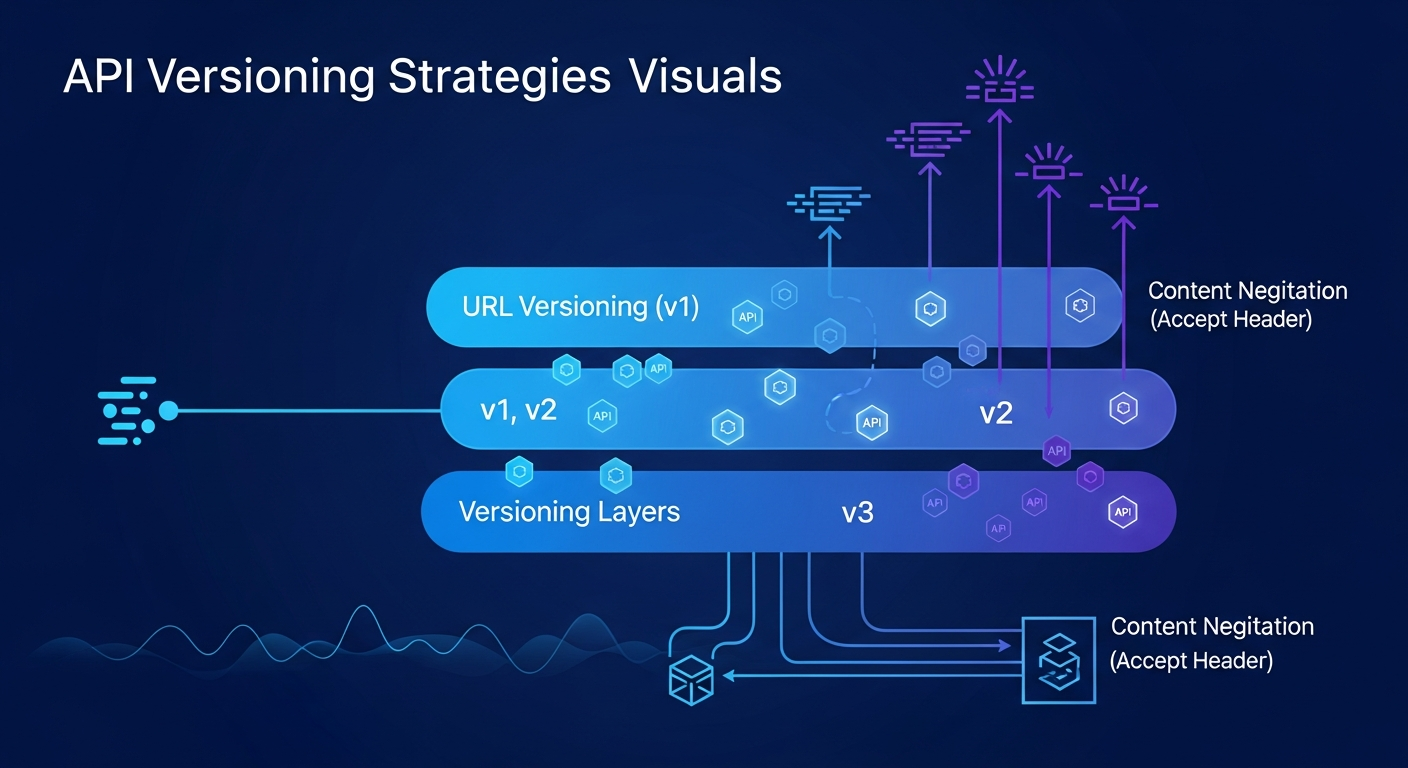
1. Choosing the Right Versioning Strategy: URI, Header, or Media Type
The first decision in any API design is where the version identifier should live. There is no “one size fits all” answer, but each approach has distinct implications for caching, discoverability, and client implementation.
#
URI Versioning
The most common approach involves embedding the version directly into the URL path (e.g., `https://api.example.com/v1/users`).
* **Pros:** It is highly visible, easy to test in a browser, and plays well with CDN caching. It makes it clear to any observer which version of the resource is being accessed.
* **Cons:** It technically violates the principle that a URI should represent a unique resource, not a version of that resource.
#
Header Versioning
In this model, the version is passed via a custom HTTP header (e.g., `X-API-Version: 2`).
* **Pros:** It keeps URIs clean and focuses on the resource itself. It allows for “version negotiation” without changing the endpoint structure.
* **Cons:** It makes testing harder (as headers can’t be set via a simple browser address bar) and can complicate caching strategies, as caches must be configured to vary by the custom header.
#
Media Type Versioning (Content Negotiation)
This approach uses the `Accept` header to specify the version (e.g., `Accept: application/vnd.example.v2+json`).
* **Pros:** This is widely considered the most “RESTful” approach. It allows for highly granular versioning at the representation level.
* **Cons:** It has a steep learning curve and can be difficult for third-party developers to implement correctly in their automation scripts.
**Best Practice for 2026:** For most public-facing APIs, **URI versioning** remains the gold standard due to its simplicity and cache-friendliness. However, for internal microservices where “clean” URIs are valued, header versioning is an excellent alternative.
—
2. Implementing Semantic Versioning (SemVer) for RESTful APIs
While Semantic Versioning (SemVer) was originally designed for software libraries, its principles are increasingly applied to API design. SemVer uses a `MAJOR.MINOR.PATCH` format, which provides a clear contract between the provider and the consumer.
* **MAJOR version:** Incremented when you make incompatible API changes (breaking changes).
* **MINOR version:** Incremented when you add functionality in a backward-compatible manner.
* **PATCH version:** Incremented when you make backward-compatible bug fixes.
#
When to Bump the Major Version
A major version bump is a “loud” event. It tells your users they must update their code or risk failure. Breaking changes include:
* Removing or renaming endpoints.
* Changing a data type (e.g., changing an ID from an integer to a UUID).
* Removing mandatory fields from a request or response.
* Changing the fundamental logic of an operation (e.g., a `POST` request that previously returned a `201 Created` now returns a `202 Accepted`).
#
Handling Minor and Patch Changes
For minor and patch updates, you should not change the version in the URI (if using URI versioning). For example, if you are on `/v1/`, adding a new optional field to a JSON response should not result in `/v2/`. This is why **Additive Change** is a core principle of modern API design: always prefer adding new fields over modifying existing ones.
—
3. Managing the Lifecycle: Deprecation and Sunset Policies
An API version should not live forever. Maintaining legacy code paths increases security risks and bloats the codebase. A clear deprecation and sunset policy is essential for moving users to newer, more efficient versions.
#
The Deprecation Phase
When a new version is released, the older version should be marked as “Deprecated.” This doesn’t mean it stops working; it means it is no longer receiving new features and will eventually be turned off.
* **Communication:** Use the `Deprecation` HTTP header to inform clients.
* **Documentation:** Clear banners in the API docs should point to the migration guide for the newer version.
#
The Sunset Phase
The “Sunset” date is the hard deadline when the API will be taken offline.
* **The Sunset Header:** Implement the `Sunset` HTTP header (RFC 8594), which provides a specific timestamp for when the resource will become unavailable.
* **Brownout Tests:** In the months leading up to the sunset, consider “brownouts”—brief, scheduled outages of the old API version. This forces developers to notice the impending change if they have ignored previous notifications.
A typical lifecycle in 2026 might include a 12-month deprecation period followed by a 3-month brownout phase, giving enterprise partners sufficient time to update their automated workflows.
—
4. Testing and Documentation: Ensuring Parity Across Versions
Versioning adds significant complexity to your testing suite. You are no longer testing one API; you are testing $N$ versions of an API.
#
Contract Testing
To ensure that a change in the backend doesn’t accidentally break a legacy version, use **Contract Testing** (e.g., using tools like Pact). Contract tests verify that the API provider still adheres to the “contract” expected by the consumer. If `v1` promises a field called `user_id`, the contract test will fail if a developer accidentally renames it to `uid` in the shared data model.
#
Automated Documentation
Documentation must be version-specific. Tools like Swagger/OpenAPI allow you to generate distinct documentation pages for each version.
* **Switchers:** Provide a version dropdown in your documentation portal.
* **Migration Guides:** Every major version bump should be accompanied by a “diff” or migration guide that explains exactly what changed and how to map old fields to new ones.
#
SDK and Client Library Maintenance
If you provide SDKs for Python, Go, or Java, these must also be versioned in lockstep with the API. Automated SDK generation (using OpenAPI Generator) is a best practice here, as it ensures that your client libraries are always in sync with the latest API definitions without manual coding errors.
—
5. Leveraging API Gateways for Traffic Routing
Modern API architecture often places an API Gateway (like Kong, Tyk, or AWS API Gateway) between the client and the microservices. The gateway is the perfect place to handle versioning logic.
#
Request Transformation
An API gateway can perform “version mapping.” If you have deprecated `v1` but still want to support it without maintaining legacy code in your microservice, the gateway can intercept a `v1` request, transform the payload into the `v2` format, call the `v2` service, and then transform the response back to `v1` format. This allows you to modernize your backend while maintaining outward-facing compatibility.
#
Canary Releases and Weighted Routing
Gateways allow for “Canary Releases,” where you route 5% of traffic to `v2` while 95% remains on `v1`. This is critical for tech professionals who need to validate the stability of a new version in a production environment before a full rollout. By monitoring error rates and latency on the 5% segment, you can catch breaking changes that were missed during the QA phase.
—
6. Future-Proofing API Evolution: GraphQL and Hypermedia
As we look toward the remainder of 2026 and beyond, some organizations are moving away from traditional versioning entirely by adopting different paradigms.
#
GraphQL and Schema Evolution
GraphQL is often touted as “versionless.” Instead of versioning the entire API, GraphQL encourages **Schema Evolution**. You can add new fields to a type without affecting existing queries. When a field is no longer needed, it is marked with the `@deprecated` directive. Because clients must explicitly request the fields they want, the server knows exactly which clients are still using deprecated fields, allowing for highly targeted communication and safer removals.
#
HATEOAS (Hypermedia as the Engine of Application State)
While complex to implement, HATEOAS allows an API to provide links to related resources and actions within the response. If an endpoint changes, the client (in theory) follows the new link provided by the API rather than relying on a hardcoded URI. While this “self-discovering” API reduces the need for URI versioning, it requires a high level of sophistication from both the provider and the consumer.
—
FAQ: Frequently Asked Questions
#
1. When should I officially increment a major version?
You should increment a major version whenever a change is “backward-incompatible.” This includes removing an endpoint, renaming a field, or changing the required authentication scope. If an existing client’s code will throw an error after your deployment, it’s a major version change.
#
2. Is it better to support many versions or force migrations?
While supporting multiple versions improves the developer experience for your users, it increases your maintenance burden and security surface area. Most successful companies support only the current version and one previous version (N and N-1).
#
3. How do I handle versioning in a microservices architecture?
Each microservice should be versioned independently. However, you should use an API Gateway to provide a unified entry point for consumers. The gateway can route `/v1/orders` to the Orders service and `/v2/users` to the Users service, hiding the internal complexity from the user.
#
4. Should I version my database alongside my API?
Yes. API versioning often reflects changes in the underlying data model. Use the “Expand and Contract” pattern: first, expand the database schema to support both the old and new API versions. Once the old API version is sunset, you can “contract” the database by removing the old columns or tables.
#
5. What is the “Sunset” header, and why should I use it?
The `Sunset` header (RFC 8594) is an HTTP response header that communicates to the client when a particular resource or version will be deprecated and removed. It allows automated tools to flag impending outages to developers before they happen, preventing workflow interruptions.
—
Conclusion: Building for Stability and Growth
In the landscape of 2026, the hallmark of a world-class API is not just its feature set, but its predictability. For tech professionals managing integrations, a well-versioned API is a promise of stability. By choosing a clear versioning strategy (like URI versioning), adhering to Semantic Versioning principles, and implementing rigorous deprecation policies, you build trust with your users.
Remember that API versioning is as much about communication as it is about code. Use automated tools for documentation and testing, leverage API gateways for smart routing, and always provide a clear path forward for your developers. When you treat your API as a long-term contract, you ensure that your automated workflows and integrations remain resilient, no matter how much your underlying technology evolves.