
What is the Best Project Management Software for Startups in 2026?

TL;DR: The best project management software for startups in 2026 offers a blend of scalability, intuitive design, robust features, and cost-effectiveness. Your ideal choice will depend on your specific team size, project complexity, and budget, but top contenders like ClickUp, Asana, Monday.com, Trello, Jira Software, and Notion provide excellent foundations for growth and efficiency.
Why is ClickUp the All-in-One Powerhouse for Growing Startups?

Key Features for Startups
ClickUp has rapidly ascended as a favorite among startups for its unparalleled versatility and comprehensive feature set, positioning itself strongly for 2026. Billed as “one app to replace them all,” it aims to consolidate various tools a startup might use for project management, documentation, goal tracking, and team collaboration into a single, cohesive platform. This consolidation is a massive advantage for startups looking to streamline their tech stack and reduce overhead costs.
At its core, ClickUp offers an incredible array of customizable views, allowing teams to manage projects in the way that best suits their workflow. Whether your team prefers list views for detailed task management, Kanban boards for agile sprints, Gantt charts for timeline visualization, or calendar views for scheduling, ClickUp has you covered. This adaptability means it can cater to diverse teams within a startup, from marketing and sales to product development and HR, all within the same ecosystem. Its flexibility extends to custom fields, statuses, and automations, enabling startups to tailor the platform precisely to their unique processes without needing to invest in complex, bespoke solutions.
Pricing and Scalability
For startups, the robust free plan is a significant draw, offering substantial features for small teams to get started without immediate financial commitment. As the startup grows, ClickUp’s paid tiers provide advanced functionalities like unlimited storage, more integrations, and enhanced reporting, ensuring the software scales seamlessly with the business. Features such as Docs, Whiteboards, and Goals further enhance its value, allowing teams to create collaborative documents, brainstorm ideas visually, and align individual tasks with overarching company objectives. Time tracking, native chat, and robust reporting tools provide founders and managers with the insights needed to monitor progress, allocate resources effectively, and make data-driven decisions.
Pros and Cons
- Pros: Highly customizable, all-in-one platform, robust free plan, diverse project views, strong automation.
- Cons: Can have a steeper initial learning curve due to its vast feature set.
Ideal Use Cases
For startups that anticipate rapid growth and require a highly adaptable, feature-rich platform that can evolve with their needs, ClickUp stands out as a top contender for 2026.
Integrations
While its vast feature set can sometimes lead to a steeper initial learning curve compared to simpler tools, ClickUp’s extensive documentation, tutorials, and active user community help new users get up to speed quickly. Its powerful integrations with popular tools like Slack, GitHub, Zoom, and Google Drive ensure that it fits seamlessly into an existing tech environment.
How Does Asana Offer Streamlined Task Management for Collaborative Startup Teams?

Key Features for Startups
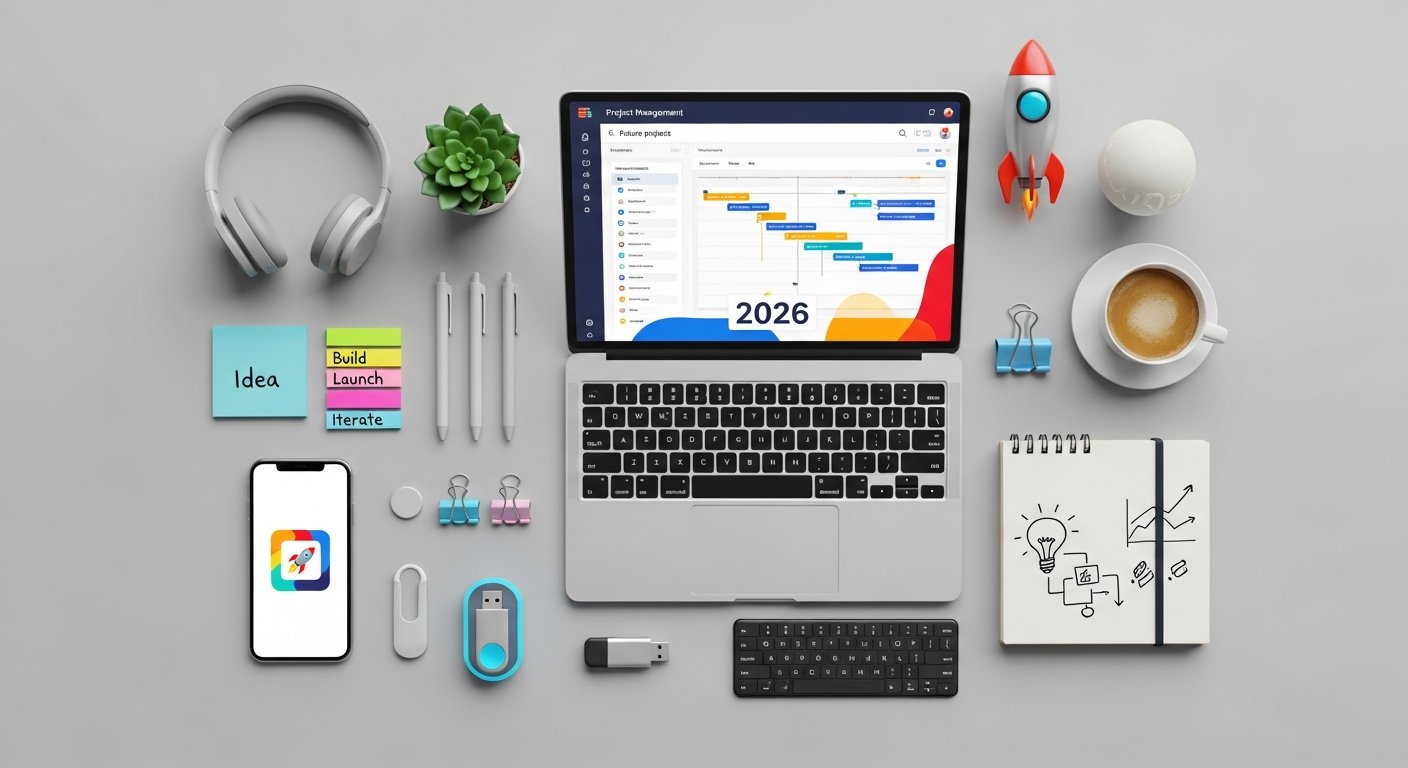
The platform excels at providing clarity on who is doing what, by when. Tasks can be assigned with due dates, descriptions, and attachments, and team members can communicate directly within each task, keeping all relevant information centralized. Asana offers multiple ways to view projects, including lists, boards (Kanban), and timelines (Gantt charts), allowing teams to choose the perspective that best suits their project type or individual preference. This flexibility ensures that whether your startup is running agile sprints, managing a content calendar, or launching a new product, Asana can adapt.
For startups, Asana’s strength lies in its ability to foster transparent collaboration. Team members can easily track progress, provide updates, and offer feedback, reducing the need for constant meetings and lengthy email threads. Its robust search and reporting features allow managers to quickly assess project health, identify bottlenecks, and reallocate resources as needed. The platform also includes features like custom fields and rules (automations) in its paid tiers, which can help startups standardize workflows and automate repetitive tasks, freeing up valuable time for strategic work.
Pricing and Scalability
Asana offers a generous free tier for up to 15 users, making it an excellent starting point for small teams and early-stage startups to experience its core functionalities. As the startup grows, its paid plans unlock advanced features like portfolios for overseeing multiple projects, workload management to prevent burnout, and more sophisticated reporting.
Pros and Cons
- Pros: User-friendly interface, excellent for task clarity and collaboration, generous free tier, strong reporting.
- Cons: Less depth in document creation or whiteboarding compared to all-in-one tools.
Ideal Use Cases
While Asana might not offer the same depth of features in areas like document creation or whiteboarding as some all-in-one tools, its focused excellence in task and project management, coupled with its user-friendly design, makes it an incredibly effective tool for startups aiming for clear communication and efficient execution.
Integrations
Its strong integration ecosystem with tools like Slack, Google Drive, Microsoft Teams, and Salesforce further enhances its utility within a startup’s existing tech stack.
What Makes Monday.com Ideal for Visual Workflows in Dynamic Startups?

Key Features for Startups
Monday.com distinguishes itself with its highly visual, customizable, and intuitive interface, making it an attractive option for dynamic startups in 2026. It’s designed to be a “Work OS” (Operating System), providing a flexible platform that can be molded to manage virtually any type of work, from project management and CRM to marketing campaigns and HR processes. This adaptability is especially beneficial for startups that need a tool capable of evolving alongside their diverse and often rapidly changing needs.
The core of Monday.com revolves around customizable “boards,” which are essentially visual spreadsheets where teams can track tasks, projects, and workflows. Each board can be configured with various column types—text, numbers, status labels, dates, files, and more—allowing for granular control over the information displayed. This visual clarity helps teams quickly grasp project status, identify bottlenecks, and understand individual responsibilities at a glance. The platform offers multiple views, including Kanban, Gantt, calendar, and even a map view, catering to different project management methodologies and team preferences.
Pricing and Scalability
While Monday.com doesn’t offer a completely free tier for unlimited use, it provides free trials that allow startups to thoroughly evaluate its capabilities. Its paid plans are structured to scale with team size and feature requirements, offering competitive pricing for the value it delivers.
Pros and Cons
- Pros: Highly visual and intuitive, extremely customizable boards, strong automation capabilities, versatile for various workflows.
- Cons: No free tier for unlimited use, can be more expensive for smaller teams.
Ideal Use Cases
For startups that value a highly visual, flexible, and engaging platform that encourages team adoption and can adapt to a wide range of operational needs, Monday.com presents a compelling solution for 2026.
Integrations
The platform boasts an extensive marketplace of integrations with popular tools like Slack, Zoom, Google Drive, HubSpot, and Salesforce, ensuring it can seamlessly connect with a startup’s existing software ecosystem.
How Does Trello Provide Simplicity and Agility with Kanban Boards for Startups?

Key Features for Startups
Trello remains a perennial favorite for startups, particularly those prioritizing simplicity, visual organization, and agile methodologies. Its enduring popularity stems from its intuitive Kanban board interface, which makes it incredibly easy for teams to visualize workflows, track progress, and collaborate effectively. For startups in 2026, Trello continues to be an excellent entry-level or specialized tool, especially for smaller teams or specific projects that benefit from a clear, card-based system.
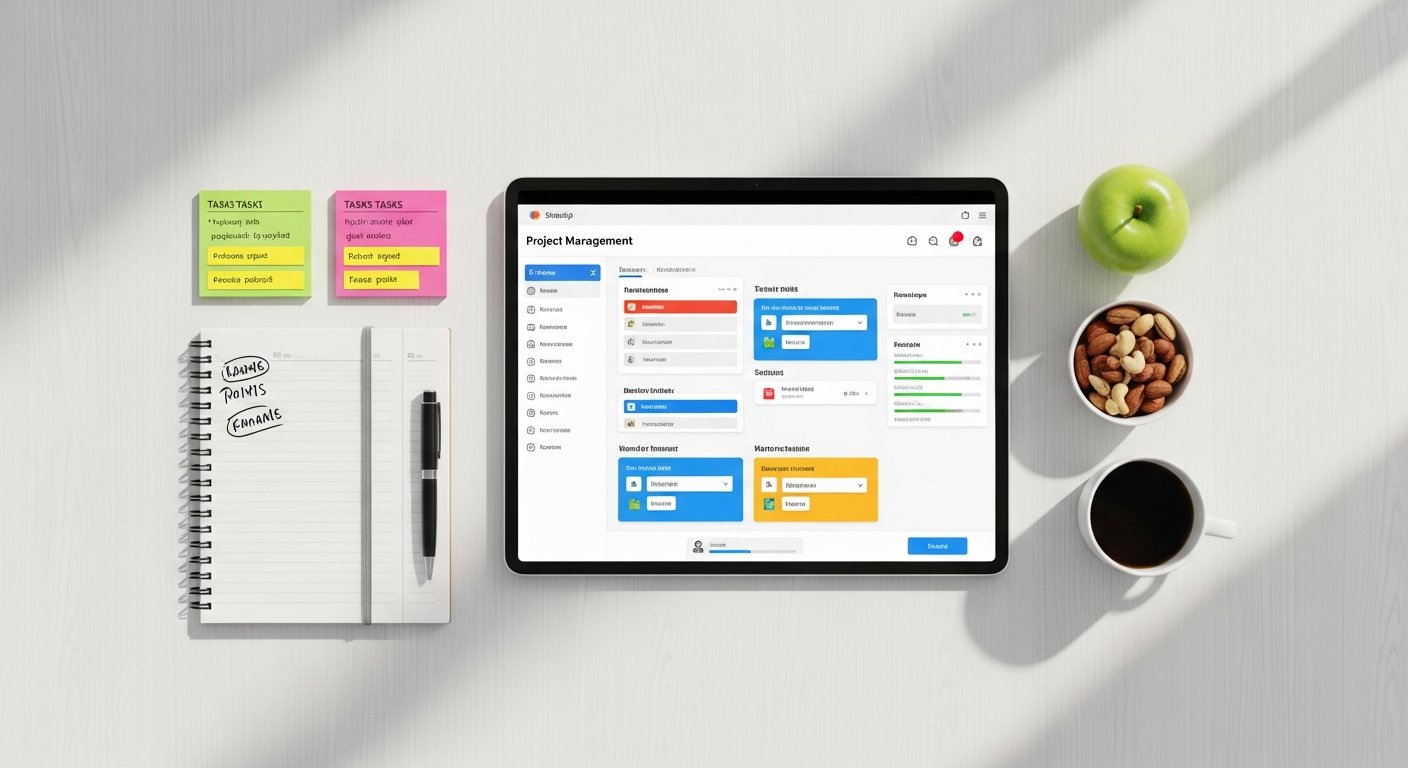
The core concept of Trello is straightforward: boards represent projects, lists represent stages within a project (e.g., “To Do,” “Doing,” “Done”), and cards represent individual tasks or items that move through these lists. Each card can contain detailed information, including descriptions, checklists, due dates, attachments, comments, and assigned team members. This visual, drag-and-drop functionality makes it exceptionally easy to manage tasks, assign ownership, and update progress with minimal effort. This simplicity is a huge advantage for startups, as it reduces the learning curve and allows teams to become productive almost immediately.
Pricing and Scalability
Trello offers a very generous free tier that provides unlimited boards, cards, and lists, making it an incredibly cost-effective solution for small startups or teams with basic project management needs. As a startup grows and requires more advanced features like unlimited Power-Ups, larger file attachments, or priority support, its paid plans are affordably priced.
Pros and Cons
- Pros: Extremely easy to use, highly visual Kanban boards, generous free plan, strong for agile workflows.
- Cons: Can become complex for very large or intricate projects without many Power-Ups.
Ideal Use Cases
Trello is ideal for managing content pipelines, sprint planning, customer feedback loops, or even personal task management. Its unparalleled ease of use, visual clarity, and strong focus on agile workflows make it an invaluable tool for startups seeking an agile, straightforward, and highly collaborative project management solution in 2026.
Integrations
The platform’s “Power-Ups” (integrations and add-ons) extend its functionality significantly, enabling users to integrate with tools like Slack, Google Drive, Salesforce, and even add advanced features like Gantt charts, calendar views, and time tracking. The built-in automation feature, Butler, further enhances efficiency by allowing teams to create rules that automate repetitive actions, such as moving cards, setting due dates, or archiving completed tasks.
Why is Jira Software Essential for Powering Agile Development in Tech Startups?

Key Features for Startups
For tech-focused startups, particularly those in software development, Jira Software by Atlassian remains the undisputed champion and an essential tool for 2026. While it can be perceived as more complex than other options, its robust capabilities for agile project management, bug tracking, and issue management are unparalleled, making it the industry standard for development teams globally.
Jira Software is purpose-built for agile methodologies, supporting Scrum, Kanban, and hybrid approaches. It provides powerful features for sprint planning, backlog grooming, and release management, allowing development teams to efficiently organize their work, track progress, and deliver high-quality software. Scrum boards and Kanban boards offer visual representations of work in progress, while roadmaps allow teams to plan and visualize the long-term strategic direction of their products. Its ability to handle complex workflows, custom fields, and issue types means it can be tailored to the exact needs of any development process, from a small MVP to a large-scale product launch.
Pricing and Scalability
Atlassian offers a free tier for up to 10 users, which is perfect for small development teams within early-stage startups to leverage its core functionalities. As the startup scales, paid plans provide additional users, storage, and advanced features.
Pros and Cons
- Pros: Industry-standard for agile development, comprehensive bug and issue tracking, powerful reporting, robust integrations with dev tools.
- Cons: Steeper learning curve, especially for non-technical users.
Ideal Use Cases
For any startup building software, whether it’s an app, a SaaS platform, or a complex system, investing in Jira Software in 2026 provides a robust, scalable, and industry-recognized foundation for efficient and high-quality product delivery.
Integrations
Jira integrates seamlessly with a vast ecosystem of development tools, including GitHub, Bitbucket, Confluence (for documentation), and Slack, creating a powerful, interconnected development environment.
How Does Notion Serve as a Flexible Workspace for Knowledge-Driven Startups?

Key Features for Startups
Notion has emerged not just as a project management tool, but as an all-in-one workspace that offers unparalleled flexibility for knowledge-driven startups in 2026. While not exclusively a PM software, its highly customizable database functionalities, combined with its powerful document and wiki features, allow startups to build bespoke project management systems tailored to their exact needs, alongside managing notes, wikis, CRMs, and more.
The core strength of Notion lies in its block-based editor and interconnected databases. Users can create pages for anything – project plans, meeting notes, product roadmaps, team wikis, or even personal tasks. These pages can contain various content blocks, including text, images, videos, code snippets, and embedded files. The real power for project management comes from its database feature, which can be viewed as tables, boards (Kanban), calendars, lists, or galleries. A single database can hold all your project tasks, and you can switch between these views instantly to see your data in the most relevant way. This means a task can exist in a Kanban board for sprint planning, appear on a calendar for deadlines, and be part of a detailed table for reporting, all from the same underlying data.
Pricing and Scalability
Notion offers a free personal plan that is quite generous, allowing individual users or very small teams to explore its capabilities. Team plans are affordably priced and scale with the number of users, providing features like version history, advanced permissions, and increased storage.
Pros and Cons
- Pros: Extreme flexibility and customization, all-in-one workspace, powerful databases, excellent for knowledge management.
- Cons: Requires more initial setup to configure workflows, can be overwhelming for users seeking a simple, out-of-the-box PM solution.
Ideal Use Cases
For startups that value a highly adaptable, integrated workspace where project management lives alongside all other critical company information, Notion is an incredibly powerful and future-proof choice for 2026, empowering teams to design their ideal workflow rather than conforming to a rigid system.
Consolidation and Collaboration
For startups, Notion’s appeal is its ability to consolidate disparate tools into a single source of truth. Instead of using one app for notes, another for project tracking, and a third for a team wiki, Notion can house it all. This reduces context switching, simplifies information retrieval, and fosters a more cohesive team environment. Teams can collaborate in real-time on documents, assign tasks within databases, and build comprehensive knowledge bases that grow with the company. The vast template library, both official and community-contributed, helps startups quickly set up common workflows for project tracking, content calendars, and OKR management without starting from scratch.
What is the Comparison Table for the Best Project Management Software for Startups in 2026?
| Software | Key Feature for Startups | Pricing Model (Free Tier/Starting Price) | Ease of Use | Scalability | Ideal For |
|---|---|---|---|---|---|
| ClickUp | All-in-one customization & feature richness | Free plan available; Paid plans from $7/user/month | Moderate (Steeper learning curve due to features) | High (Grows with your needs) | Startups needing a highly flexible, feature-packed solution to replace multiple tools. |
| Asana | Streamlined task management & collaboration clarity | Free plan for up to 15 users; Paid plans from $10.99/user/month | High (Intuitive, user-friendly) | High (Scales well for growing teams) | Startups prioritizing clear task ownership, deadlines, and cross-functional collaboration. |
| Monday.com | Highly visual, customizable boards & workflows | No free plan (free trial); Paid plans from $9/user/month (min 3 users) | High (Engaging, easy to visualize) | High (Adaptable to diverse departmental needs) | Startups valuing visual workflows, team engagement, and versatile use cases beyond PM. |
| Trello | Simple, agile Kanban boards for visual tracking | Generous free plan; Paid plans from $5/user/month | Very High (Extremely easy to learn) | Medium (Can become complex for large projects without Power-Ups) | Small teams or startups needing a simple, visual, and agile tool for specific projects. |
| Jira Software | Robust agile development & issue tracking | Free plan for up to 10 users; Paid plans from $8.15/user/month | Moderate (Steeper learning curve, especially for non-dev teams) | High (Industry standard for dev teams) | Tech startups with software development at their core, adhering to agile methodologies. |
| Notion | Flexible all-in-one workspace & customizable databases | Free personal plan; Paid plans from $8/user/month | Moderate (Requires initial setup to build workflows) | High (Extremely adaptable to any workflow) | Knowledge-driven startups looking for a consolidated workspace for PM, docs, wikis, and more. |
How to Choose the Right Project Management Software for Your Startup?
Selecting the ideal project management software is a critical decision for any startup. It’s not just about features; it’s about finding a tool that aligns with your team’s culture, workflow, and future growth trajectory. Consider these key criteria:
Team Size and Dynamics
For small, early-stage teams, simplicity and ease of adoption are paramount. Tools like Trello or Asana’s free tier can be excellent starting points. As your team grows and diversifies, you might need more robust features for different departments, making ClickUp or Monday.com more suitable. Tech-heavy teams, especially those focused on software development, will find Jira Software indispensable.
Budget Constraints
Startups often operate on tight budgets. Many top-tier tools offer generous free plans (ClickUp, Asana, Trello, Jira, Notion) that can support small teams for extended periods. Evaluate the cost per user for paid tiers and consider how quickly these costs will escalate as your team scales. Look for transparent pricing models and avoid hidden fees.
Specific Industry Needs and Project Types
Different industries have different project management requirements. A creative agency might prioritize visual workflows (Monday.com, Trello), while a software development startup will need strong agile support and bug tracking (Jira Software). Knowledge-driven startups that manage extensive documentation and wikis might lean towards Notion’s flexible workspace capabilities.
Integration Requirements
Your project management software shouldn’t exist in a vacuum. It needs to integrate seamlessly with your existing tech stack, including communication tools (Slack, Microsoft Teams), cloud storage (Google Drive, Dropbox), CRM systems (Salesforce, HubSpot), and development platforms (GitHub). Ensure your chosen tool has robust integrations or a strong API to connect with your essential applications.
Learning Curve and User Adoption
The best software is useless if your team won’t use it. Consider the learning curve associated with each platform. Simpler tools like Trello offer immediate productivity, while more feature-rich options like ClickUp or Jira might require dedicated training. Prioritize tools with intuitive interfaces and extensive support resources to ensure high user adoption across your startup.
Emerging Trends in PM Software
As we look towards 2026, project management software is increasingly integrating advanced capabilities. Keep an eye on tools that are incorporating AI for task automation, predictive analytics, and intelligent recommendations. The rise of no-code/low-code solutions is also making it easier for startups to customize their PM tools without extensive development, offering greater flexibility and future-proofing your investment.
Frequently Asked Questions About Project Management Software for Startups
What is project management software and why do startups need it?
Project management software is a digital tool designed to help teams plan, execute, track, and report on projects. Startups need it to organize tasks, manage deadlines, foster team collaboration, allocate resources efficiently, and maintain agility in a fast-paced environment. It provides a centralized hub for all project-related information, ensuring clarity and accountability.
Can startups use free project management software effectively?
Yes, many startups can effectively use free tiers of project management software, especially in their early stages. Tools like ClickUp, Asana, Trello, Jira Software, and Notion offer generous free plans that provide core functionalities sufficient for small teams and basic project needs. As a startup scales and requires more advanced features, paid plans become necessary.
How important is scalability when choosing PM software for a startup?
Scalability is extremely important for startups. As your business grows, your team size, project complexity, and operational needs will evolve. Choosing a project management tool that can scale seamlessly with your growth ensures you won’t outgrow your software quickly, avoiding the disruption and cost of migrating to a new platform later on.
What are the key features a startup should look for in project management software?
Startups should prioritize features such as customizable task management (lists, Kanban, Gantt charts), collaboration tools (comments, file sharing, real-time editing), automation capabilities, reporting and analytics, and integrations with other essential business tools. Cost-effectiveness, ease of use, and a strong free tier or trial are also crucial considerations.
Is an all-in-one workspace like Notion better than a dedicated PM tool for startups?
The “better” choice depends on the startup’s specific needs. An all-in-one workspace like Notion offers unparalleled flexibility to consolidate project management with notes, wikis, and CRMs, ideal for knowledge-driven startups valuing a single source of truth. Dedicated PM tools like Asana or Jira, however, often provide more specialized and robust features for specific project types (e.g., software development) with less initial setup.
What is the Conclusion on Choosing Project Management Software for Startups?
Choosing the best project management software for your startup in 2026 is a pivotal decision that can significantly influence your team’s productivity, collaboration, and ultimately, your business’s success. The tools highlighted in this guide—ClickUp, Asana, Monday.com, Trello, Jira Software, and Notion—each offer unique strengths tailored to different startup needs and operational styles. Whether you prioritize an all-in-one powerhouse, streamlined task management, visual workflows, agile simplicity, robust development capabilities, or a flexible workspace, there’s a solution designed to support your growth.
Remember, the “best” software isn’t a one-size-fits-all answer. It’s the one that aligns most closely with your startup’s specific challenges, team dynamics, project types, and budget constraints. We highly recommend taking advantage of free trials and free tiers to thoroughly test out your top contenders with your actual team before making a long-term commitment. As you navigate the exciting and demanding journey of building a startup, equipping your team with the right project management software will be an invaluable asset, fostering clarity, efficiency, and the strategic execution necessary to thrive in the competitive landscape of 2026 and beyond.