The Evolving Software Landscape: SaaS Ascendancy
The journey from monolithic, locally installed software to ubiquitous, cloud-delivered services represents one of the most significant shifts in enterprise technology. For decades, the on-premise model was the undisputed standard. Businesses would purchase software licenses, install the applications on their own servers, and manage all aspects of its operation, from hardware acquisition and maintenance to security patching and upgrades. This model offered a high degree of control and customization, but it came with significant capital expenditure and an inherent IT burden.
Fast forward to today, and the SaaS model has not just emerged as an alternative but has arguably become the default for a vast array of business applications. SaaS delivers software over the internet on a subscription basis, with the vendor hosting and managing the entire application stack. This paradigm shift has been fueled by several factors:
- Increased Internet Connectivity: Widespread, reliable, and high-speed internet access has made cloud delivery feasible and efficient.
- Democratization of Technology: SaaS lowers the barrier to entry for sophisticated tools, allowing even small businesses and startups to access enterprise-grade software. This has been particularly beneficial for companies exploring solutions like the Best Project Management Software Startups, many of which are exclusively SaaS platforms designed for collaboration and agility.
- Focus on Core Business: Organizations are increasingly seeking to offload non-core IT responsibilities to focus on their primary business objectives.
- Innovation and Agility: SaaS providers can roll out updates and new features much faster, ensuring users always have access to the latest capabilities without manual intervention.
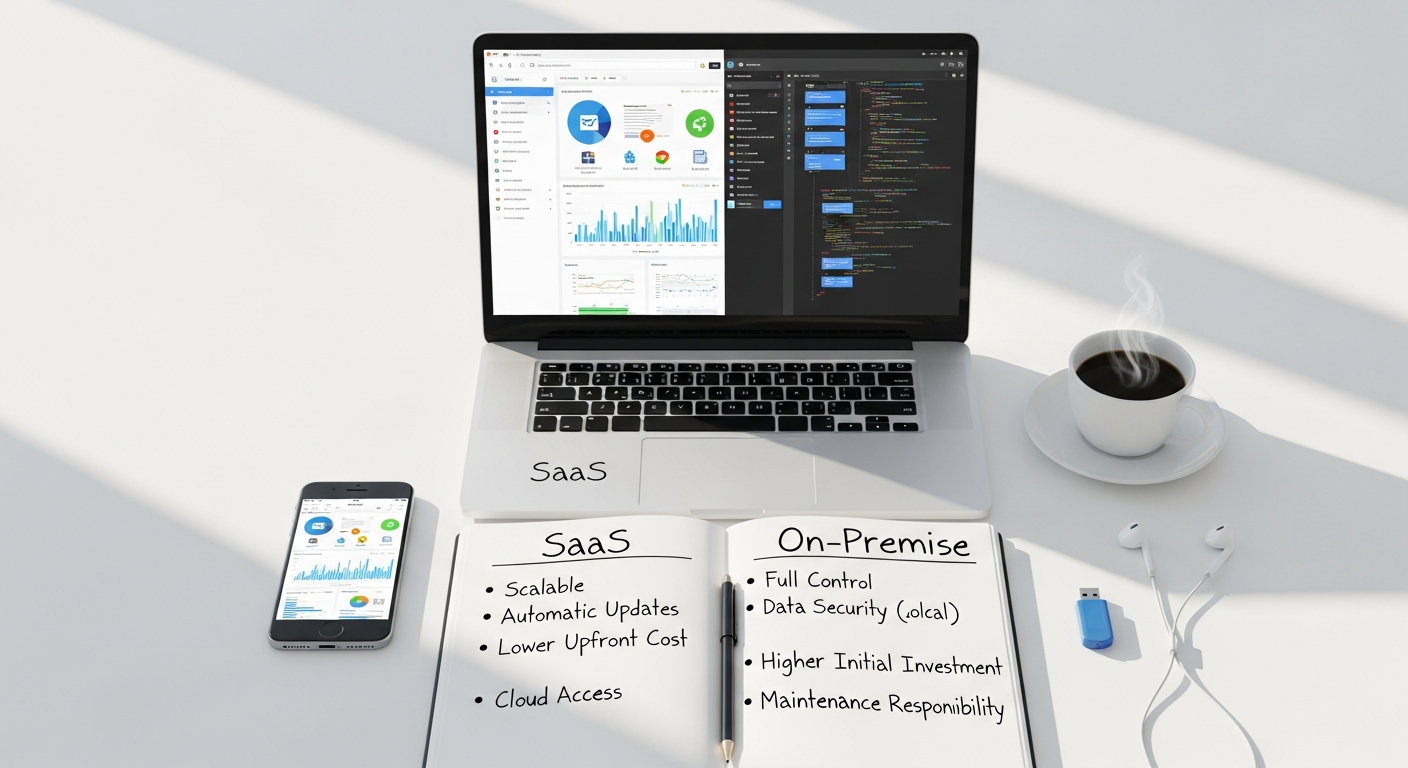
While on-premise still holds sway in specific niches, particularly where extreme data sensitivity, regulatory mandates, or highly specialized integrations are paramount, the overall trend clearly points towards SaaS. The convenience, flexibility, and cost structures of SaaS are proving irresistible for a wide spectrum of organizations, from nascent startups to global corporations. Understanding this foundational shift is the first step in evaluating which deployment model is best suited for your enterprise in 2026.
Financial Implications: OpEx vs. CapEx
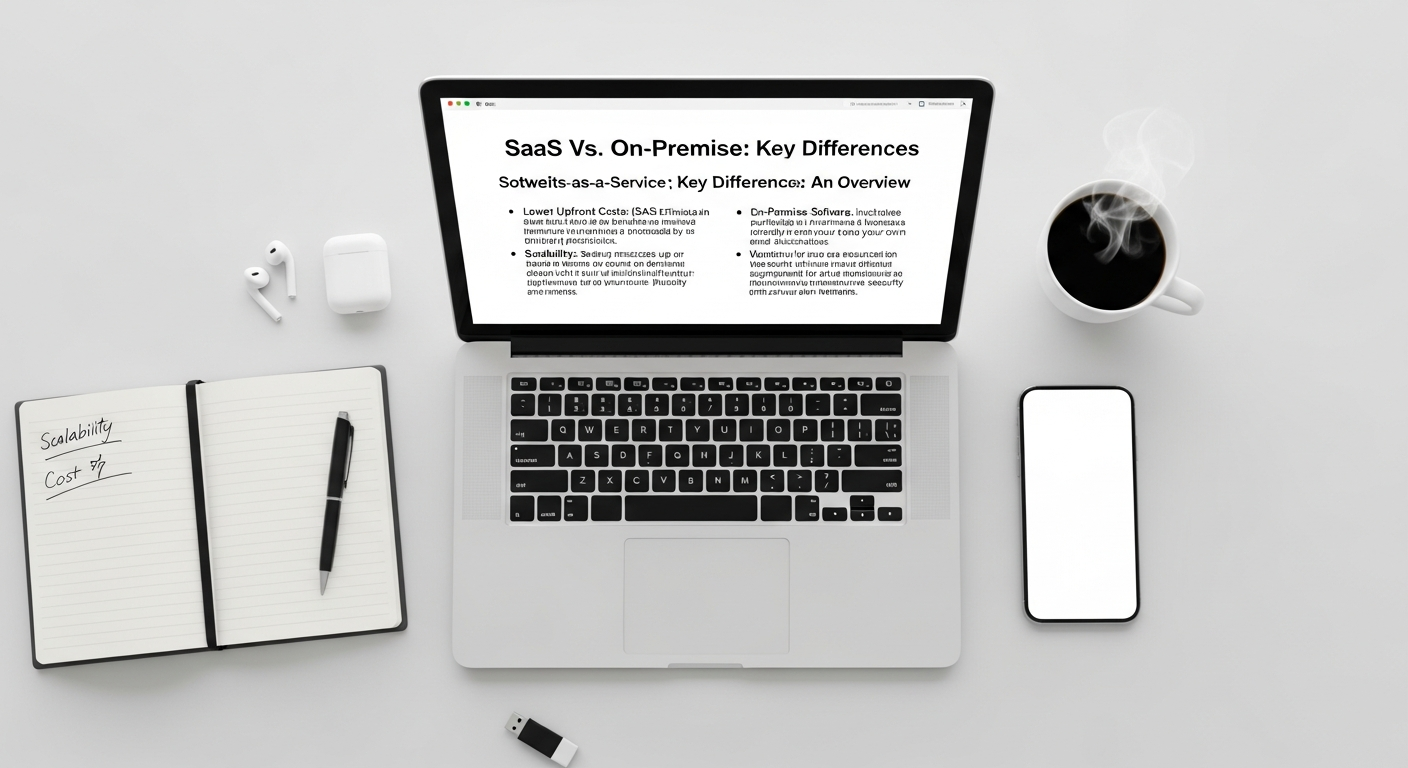
One of the most striking differences between SaaS and on-premise software lies in their financial models, impacting everything from budgeting and cash flow to long-term cost structures. This distinction is often simplified as Operating Expenditure (OpEx) versus Capital Expenditure (CapEx), but its nuances run deeper.
On-Premise: The CapEx Model
When a business opts for on-premise software, it typically involves a significant upfront investment, classifying it as a capital expenditure. This includes:
- Software Licenses: Often perpetual licenses requiring a large initial payment.
- Hardware Infrastructure: Purchasing servers, storage devices, networking equipment, and related hardware to host the software.
- Installation and Configuration: Costs associated with setting up the software and integrating it with existing systems.
- Ongoing Maintenance: Regular costs for IT staff salaries, power, cooling, physical security for data centers, and potential hardware upgrades.
- Support and Upgrades: Annual maintenance contracts for vendor support and access to future software versions, which are separate from the initial license fee.
The CapEx model means that the cost is largely incurred upfront, depreciated over several years, and requires substantial initial capital. While the long-term total cost of ownership (TCO) might theoretically be lower over a very extended period for certain highly stable, custom-built applications, the initial barrier to entry is high. This can be particularly challenging for startups or businesses with limited capital reserves.
SaaS: The OpEx Model
SaaS, on the other hand, operates predominantly on an OpEx model. Businesses pay a recurring subscription fee, typically monthly or annually, for access to the software. This fee usually covers:
- Software Usage: The right to use the application.
- Hosting and Infrastructure: The vendor manages all servers, storage, and networking.
- Maintenance and Updates: All software updates, patches, and routine maintenance are handled by the vendor.
- Support: Basic technical support is usually included.
The OpEx model offers several distinct financial advantages:
- Lower Upfront Costs: Eliminates the need for large initial capital outlays, freeing up cash flow for other critical business investments, such as marketing initiatives or product development.
- Predictable Budgeting: Recurring subscription fees make IT budgeting more predictable and simpler, as costs are spread out over time.
- Scalability: Businesses can easily scale up or down their subscriptions based on changing user counts or feature needs, avoiding the wasteful over-provisioning often seen with on-premise hardware.
- Reduced IT Overhead: The burden and cost of managing IT infrastructure are offloaded to the SaaS vendor, reducing internal IT staffing requirements or allowing existing staff to focus on more strategic initiatives.
- Tax Advantages: Operating expenses are typically fully tax-deductible in the year they are incurred, offering potential tax benefits compared to depreciating capital assets.
For many modern businesses, especially those prioritizing agility and efficient resource allocation, the OpEx model of SaaS presents a compelling financial argument. It transforms a significant capital investment into a manageable operational cost, aligning software expenditure more closely with business consumption.
Scalability and Flexibility: Adapting to Growth
On-Premise: Controlled but Resource-Intensive Scaling
With on-premise software, scalability is entirely within the control of the organization. If more capacity is needed (e.g., more users, more data, higher transaction volumes), the business must:
- Purchase and Install New Hardware: This means procuring additional servers, storage, and networking equipment.
- Configure and Integrate: The new hardware and software components must be set up, configured, and integrated into the existing infrastructure.
- Allocate IT Resources: Significant IT staff time and expertise are required for planning, implementation, and ongoing management of the expanded infrastructure.
- Longer Lead Times: The entire process, from procurement to deployment, can take weeks or even months, making rapid scaling challenging.
- Over-Provisioning Risk: To avoid future bottlenecks, businesses often over-provision hardware, leading to wasted resources during periods of lower demand. Conversely, under-provisioning can cripple performance.
While this model offers ultimate control and the potential for fine-tuned optimization, it demands substantial foresight, capital, and skilled IT personnel. Downscaling is even harder, often resulting in underutilized assets.
SaaS: Elasticity and On-Demand Resources
SaaS solutions inherently offer superior scalability and flexibility due to their cloud-native architecture. SaaS providers build their platforms on highly scalable cloud infrastructure, allowing them to:
- Elastic Scaling: Resources (computing power, storage, bandwidth) can be provisioned or de-provisioned almost instantly based on demand. This means businesses can seamlessly handle spikes in usage without experiencing performance degradation.
- Global Reach: Many SaaS platforms leverage global data centers, enabling businesses to expand their operations into new geographical regions with minimal effort and without needing to establish local infrastructure.
- Subscription-Based Scaling: Businesses can easily add or remove user licenses, modules, or features as their needs evolve, paying only for what they use. This is particularly advantageous for rapidly growing startups or those with seasonal demand fluctuations.
- Vendor Responsibility: The burden of managing and scaling the underlying infrastructure falls entirely on the SaaS vendor, freeing the client from this complex task. This allows businesses to focus on strategic initiatives rather than infrastructure management.
When considering How To Choose Business Intelligence Tool, for instance, the scalability of a SaaS BI solution means that as your data volume grows or more departments require access to insights, the platform can effortlessly keep pace without you needing to invest in more powerful servers or database licenses. This agility is a significant competitive advantage in a world where business needs can change overnight.
Security and Compliance: A Shared Responsibility
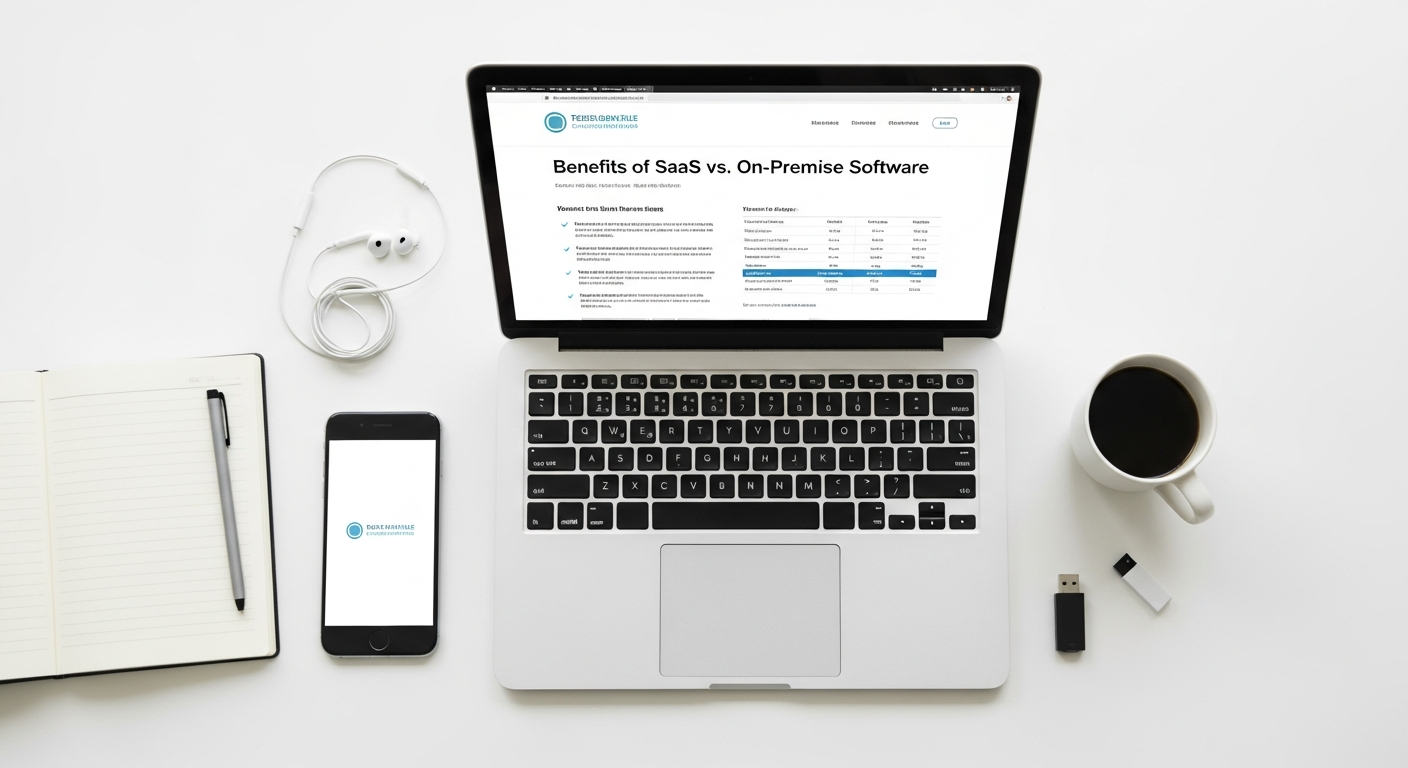
Security is paramount for any organization, and the choice between SaaS and on-premise software fundamentally alters how security and compliance responsibilities are managed. It shifts from a singular internal focus to a more distributed, shared responsibility model.
On-Premise: Full Control, Full Responsibility
With on-premise software, the organization bears complete responsibility for the entire security posture. This includes:
- Physical Security: Securing the data center, servers, and networking equipment from unauthorized physical access.
- Network Security: Implementing firewalls, intrusion detection/prevention systems, VPNs, and managing network access controls.
- Endpoint Security: Ensuring all devices accessing the network are protected with antivirus, anti-malware, and regular patching.
- Application Security: Securing the software itself, including regular patching, vulnerability management, and secure coding practices if custom applications are involved.
- Data Security: Encryption at rest and in transit, access controls, data loss prevention (DLP) strategies, and regular backups.
- Compliance: Ensuring all internal systems and processes meet industry-specific regulations (e.g., GDPR, HIPAA, PCI DSS) and governmental mandates.
- Staff Training: Educating employees on security best practices.
While this offers maximum control and allows for highly customized security protocols, it requires substantial investment in expert personnel, advanced security tools, and continuous vigilance. A single oversight can lead to a catastrophic breach, making it a high-stakes endeavor for organizations that may not have dedicated security teams.
SaaS: Shared Responsibility, Specialized Expertise
The SaaS model operates on a shared responsibility principle. The SaaS vendor is responsible for the security of the cloud (i.e., the underlying infrastructure, network, operating system, and the application itself), while the customer is responsible for security in the cloud (i.e., how they configure the application, manage user access, and what data they put into the application).
SaaS Vendor Responsibilities:
- Infrastructure Security: Physical security of data centers, network security, host security, virtualization security.
- Application Security: Secure coding practices, vulnerability scanning, penetration testing, regular patching of the application.
- Data at Rest/In Transit Encryption: Implementing robust encryption protocols.
- Disaster Recovery and Business Continuity: Ensuring data redundancy and availability.
- Compliance Certifications: Obtaining and maintaining certifications like ISO 27001, SOC 2, HIPAA, GDPR, which provide third-party validation of their security posture.
Customer Responsibilities:
- Identity and Access Management: Configuring user roles, permissions, multi-factor authentication (MFA), and ensuring only authorized personnel have access.
- Data Governance: Deciding what data is stored, ensuring data quality, and adhering to internal data retention policies.
- Configuration Management: Properly configuring security settings within the SaaS application.
- Endpoint Protection: Ensuring the devices used to access the SaaS application are secure.
- User Training: Educating employees about secure usage of SaaS applications.
A significant benefit of SaaS is that businesses leverage the specialized security expertise and resources of the vendor, which often far exceed what an individual organization could afford. SaaS providers invest heavily in cutting-edge security technologies and employ dedicated security teams working 24/7. This can lead to a more robust security posture overall, provided the customer diligently manages their end of the shared responsibility model. For many, this transfer of a large part of the security burden is a compelling reason to choose SaaS, allowing them to mitigate risks without becoming security experts themselves.
Maintenance, Updates, and IT Burden
The operational burden associated with software management is a critical factor in the SaaS vs. on-premise debate. This encompasses everything from routine maintenance and software updates to troubleshooting and disaster recovery. The chosen deployment model dictates who shoulders this significant responsibility.
On-Premise: High Internal IT Burden
With on-premise software, the entire operational burden rests squarely on the shoulders of the internal IT department. This includes:
- Hardware Maintenance: Regularly checking, repairing, or replacing servers, storage, and networking equipment. This includes managing warranties, vendor contracts, and physical upkeep.
- Software Installation and Configuration: Deploying the software, integrating it with other systems, and configuring it to meet specific business needs.
- Patch Management: Manually applying security patches and bug fixes to operating systems, databases, and the application itself. This is a continuous, time-consuming, and often complex process to ensure stability and security.
- Version Upgrades: Planning, testing, and executing major software version upgrades, which can be disruptive, require extensive testing, and may involve downtime.
- Backup and Disaster Recovery: Designing, implementing, and regularly testing robust backup and disaster recovery plans, including off-site storage and failover mechanisms.
- Monitoring and Troubleshooting: Constantly monitoring system performance, identifying bottlenecks, and troubleshooting issues as they arise, often requiring specialized skills and tools.
- Environmental Control: Managing power, cooling, and environmental conditions within the data center.
This extensive list translates into significant demands on IT staff time, requiring a larger team with diverse skill sets. It diverts valuable internal resources away from strategic initiatives and towards routine operational tasks. For smaller businesses or startups, the cost and complexity of maintaining an on-premise infrastructure can be prohibitive, often leading to under-resourced IT departments and increased risk.
SaaS: Vendor-Managed, Reduced IT Burden
One of the most attractive benefits of SaaS is the dramatic reduction in internal IT burden. The SaaS vendor assumes responsibility for the vast majority of operational tasks, including:
- Infrastructure Management: The vendor manages all hardware, operating systems, databases, and networking components.
- Software Maintenance and Updates: The vendor handles all patching, bug fixes, and routine maintenance of the application. Updates are typically pushed out automatically and seamlessly, often without any downtime or user intervention. This means users always have access to the latest features and security enhancements.
- Backup and Disaster Recovery: SaaS providers build in robust backup, redundancy, and disaster recovery mechanisms into their service level agreements (SLAs), ensuring high availability and data protection.
- Performance Monitoring: Vendors continuously monitor their platforms to ensure optimal performance and promptly address any issues.
- Security Management: As discussed, the vendor is responsible for securing the underlying infrastructure and the application itself.
This offloading of responsibilities allows internal IT teams to shift their focus from reactive maintenance to more strategic, value-added activities. They can concentrate on business-specific integrations, data analytics, user training, and innovation, rather than spending time patching servers or troubleshooting hardware failures. For organizations looking to maximize efficiency and leverage their IT expertise strategically, the reduced maintenance and update burden of SaaS is a compelling advantage. It frees up resources that can be better deployed, for example, in optimizing digital marketing campaigns or understanding the nuances of What Is Pay Per Click Advertising, where real-time data and swift platform integration are key.
Accessibility, Collaboration, and Integration
In the modern business world, where remote work, global teams, and interconnected systems are the norm, the ability to access software from anywhere, collaborate seamlessly, and integrate with other tools is non-negotiable. SaaS and on-premise solutions offer distinct capabilities in these areas.
On-Premise: Limited Accessibility, Complex Collaboration
Traditional on-premise software typically resides on servers within the company’s physical premises. This inherently limits accessibility:
- Location-Dependent Access: Users usually need to be on the company’s local area network (LAN) or connect via a Virtual Private Network (VPN) to access the software. While VPNs extend access, they can introduce latency and complexity.
- Collaboration Challenges: Real-time collaboration can be cumbersome. Sharing documents often involves emailing attachments, version control issues, and delays. Co-editing features are usually absent unless specific, complex third-party tools are integrated.
- Remote Work Hurdles: Enabling a fully remote workforce with on-premise software requires significant IT infrastructure (VPNs, remote desktop services, robust internet connections) and ongoing management, which can be costly and technically challenging.
- Integration Complexity: Integrating on-premise applications with other on-premise or cloud-based systems often requires custom development, middleware, and significant IT resources. Data silos are a common challenge.
While on-premise can offer very high performance within the local network, its limitations become apparent when businesses need to operate beyond the confines of their physical office.
SaaS: Ubiquitous Access, Enhanced Collaboration, Streamlined Integration
SaaS solutions, by virtue of their cloud delivery model, excel in accessibility, collaboration, and integration capabilities:
- Anytime, Anywhere Access: Users can access SaaS applications from any internet-connected device (desktop, laptop, tablet, smartphone), regardless of their physical location. This empowers remote work, supports mobile workforces, and enhances business continuity.
- Seamless Collaboration: Most SaaS applications are designed from the ground up with collaboration in mind. Features like real-time co-editing, shared workspaces, commenting, task assignment, and built-in communication tools are standard. This fosters greater teamwork and efficiency, especially for distributed teams. Platforms often include features to track individual contributions, which is critical for the efficiency of the Best Project Management Software Startups that thrive on team synchronization.
- API-First Integration: SaaS vendors typically provide robust Application Programming Interfaces (APIs) that allow their software to integrate seamlessly with other cloud services and even on-premise systems. This facilitates the creation of interconnected ecosystems where data flows freely between applications (e.g., CRM, ERP, marketing automation, accounting software).
- Reduced Data Silos: Easy integration helps break down data silos, providing a more holistic view of business operations and customer interactions. This is particularly vital when you are trying to understand How To Choose Business Intelligence Tool; a SaaS BI tool can often pull data from various SaaS sources much more easily than an on-premise counterpart struggling with disparate systems.
- Faster Onboarding: New users can be onboarded quickly with minimal setup, as there’s no software to install locally.
The inherent design of SaaS solutions supports modern work methodologies and fosters an environment of connectivity and efficiency. For businesses prioritizing agility, a dispersed workforce, and a highly integrated technology stack, SaaS offers undeniable advantages.
Strategic Advantages for Modern Businesses
Beyond the technical and financial considerations, the choice between SaaS and on-premise software has profound strategic implications for how a business operates, innovates, and competes in the market of 2026. The shift towards SaaS represents a broader strategic move for many organizations.
Innovation and Competitive Edge
SaaS providers are inherently incentivized to innovate rapidly. Their business model relies on continuous improvement to retain subscribers and attract new ones. This means:
- Faster Feature Cycles: SaaS users typically receive regular updates with new features and enhancements automatically, without any manual effort. This ensures businesses always have access to the latest capabilities, helping them stay competitive.
- Access to Cutting-Edge Technology: SaaS providers often leverage advanced technologies like AI, machine learning, and advanced analytics as part of their core offering. This allows smaller businesses to access sophisticated tools that would be prohibitively expensive or complex to build and maintain on-premise.
- Focus on Core Competencies: By offloading IT infrastructure management to SaaS vendors, businesses can reallocate their internal resources and expertise towards their core business functions, product development, and strategic initiatives. This focus can drive innovation and create a unique competitive advantage.
In contrast, on-premise software often has slower release cycles due to the complexities of deployment and user adoption. Businesses using on-premise solutions may find themselves lagging in features and capabilities compared to their SaaS-powered counterparts.
Business Agility and Market Responsiveness
The flexibility and scalability of SaaS translate directly into enhanced business agility:
- Rapid Deployment: SaaS applications can be deployed and configured much faster than on-premise solutions, sometimes in a matter of hours or days. This enables businesses to quickly respond to new market opportunities, launch new initiatives, or pilot new tools.
- Experimentation and Iteration: The subscription model allows businesses to experiment with different tools and services without a massive upfront commitment. If a solution isn’t working, it’s easier to switch or modify subscriptions. This fosters a culture of iterative improvement and innovation.
- Disaster Recovery and Business Continuity: Most SaaS providers offer robust disaster recovery and business continuity plans as part of their service, often leveraging geographically dispersed data centers. This significantly enhances an organization’s resilience against disruptions, ensuring critical operations can continue even in the face of unforeseen events.
For example, if a company needs to quickly pivot its marketing strategy to focus on a new channel or launch an intensive campaign for What Is Pay Per Click Advertising, having a SaaS marketing automation platform that can integrate rapidly with ad networks and provide real-time analytics is invaluable. An on-premise solution might require extensive setup or custom development, delaying market entry.
Data Analytics and Insights
SaaS platforms, by centralizing data and often integrating with various other cloud services, naturally lend themselves to advanced data analytics. Many SaaS tools come with built-in reporting and analytics capabilities, and their open APIs make it easier to feed data into dedicated business intelligence platforms. This facilitates a deeper understanding of customer behavior, operational efficiency, and market trends, which is crucial for informed decision-making. When you are determining How To Choose Business Intelligence Tool, the ease with which a SaaS BI solution can pull and process data from other SaaS applications like CRM, ERP, and marketing platforms becomes a major differentiator.
Ultimately, the strategic advantages of SaaS – encompassing rapid innovation, enhanced agility, reduced operational burden, and superior data insights – position it as the preferred choice for many organizations striving for growth and competitive dominance in 2026. While on-premise still serves specific, often legacy, needs, the future of enterprise software is undeniably in the cloud.
Frequently Asked Questions
Recommended Resources
You might also enjoy Trello Vs Asana Vs Monday Comparison from Bookmark Sharer.
Learn more about this topic in Color Theory In Ui Design at Layout Scene.
From Our Network
- best password manager apps 2026 (en Bookmarksharer)
- visual hierarchy in design explained (en Layoutscene)