Why Your Business Needs a Mobile App in 2026
The ubiquity of smartphones has fundamentally reshaped consumer behavior. People spend an average of several hours a day interacting with mobile applications, making them an indispensable channel for businesses to connect with their audience. Ignoring this trend in 2026 means missing out on significant opportunities to grow, engage, and innovate.
Enhanced Customer Engagement and Loyalty
A mobile app provides a direct, personalized channel to your customers. Unlike a website that requires users to actively seek it out, an app lives on their device, offering constant visibility and easy access. Push notifications, personalized content, and in-app messaging allow for real-time engagement, keeping your brand top-of-mind. This consistent interaction fosters a deeper connection, leading to increased customer loyalty and repeat business. When customers feel valued and find convenience, their allegiance to your brand strengthens considerably.
Improved Brand Visibility and Recognition
Having your app icon prominently displayed on a user’s home screen is a powerful branding tool. Each time they unlock their phone, your brand gets a subtle reinforcement. Furthermore, being listed in app stores like Apple’s App Store and Google Play Store significantly boosts your brand’s legitimacy and discoverability. It signals to potential customers that you are a modern, forward-thinking business committed to providing accessible and convenient services.
Direct Marketing Channel
Mobile apps offer an unparalleled direct marketing channel. You can send targeted promotions, special offers, and important updates directly to your users’ devices. This bypasses the clutter of email inboxes and the often-ignored nature of social media feeds, ensuring your message has a higher chance of being seen and acted upon. This direct line of communication is invaluable for driving sales and promoting new products or services.
Competitive Advantage
While many businesses recognize the importance of a mobile presence, not all have invested in a dedicated app. For those in competitive markets, an app can be a significant differentiator, setting you apart from rivals who only offer a mobile-responsive website. It positions your brand as innovative and customer-centric, attracting users who prioritize convenience and cutting-edge technology. In 2026, being ahead of the curve in mobile experience is a critical win.
Data Collection and Insights
Mobile apps are treasure troves of user data. By tracking user behavior, preferences, and interactions within the app, businesses can gain invaluable insights into their customer base. This data can inform product development, personalize marketing campaigns, and optimize the user experience. Leveraging these insights effectively requires robust data analysis, often facilitated by a strong Business Intelligence tool. Understanding what your users do, what they like, and where they encounter friction allows for continuous improvement and more informed strategic decisions, directly impacting your bottom line.
Increased Sales and Revenue
Ultimately, a well-designed mobile app can directly contribute to increased sales. Features like in-app purchases, loyalty programs, easy booking systems, and seamless checkout processes remove friction from the customer journey, encouraging conversions. Apps can also facilitate new revenue models, such as subscriptions or premium features, expanding your business’s financial scope.
Personalization and User Experience
Mobile apps excel at providing a highly personalized user experience. By leveraging user data, location services, and device capabilities, apps can tailor content, recommendations, and offers to individual users. This level of personalization enhances user satisfaction, making the app more useful and enjoyable, and fostering a stronger bond between the user and your brand.
Defining Your App Idea and Strategy
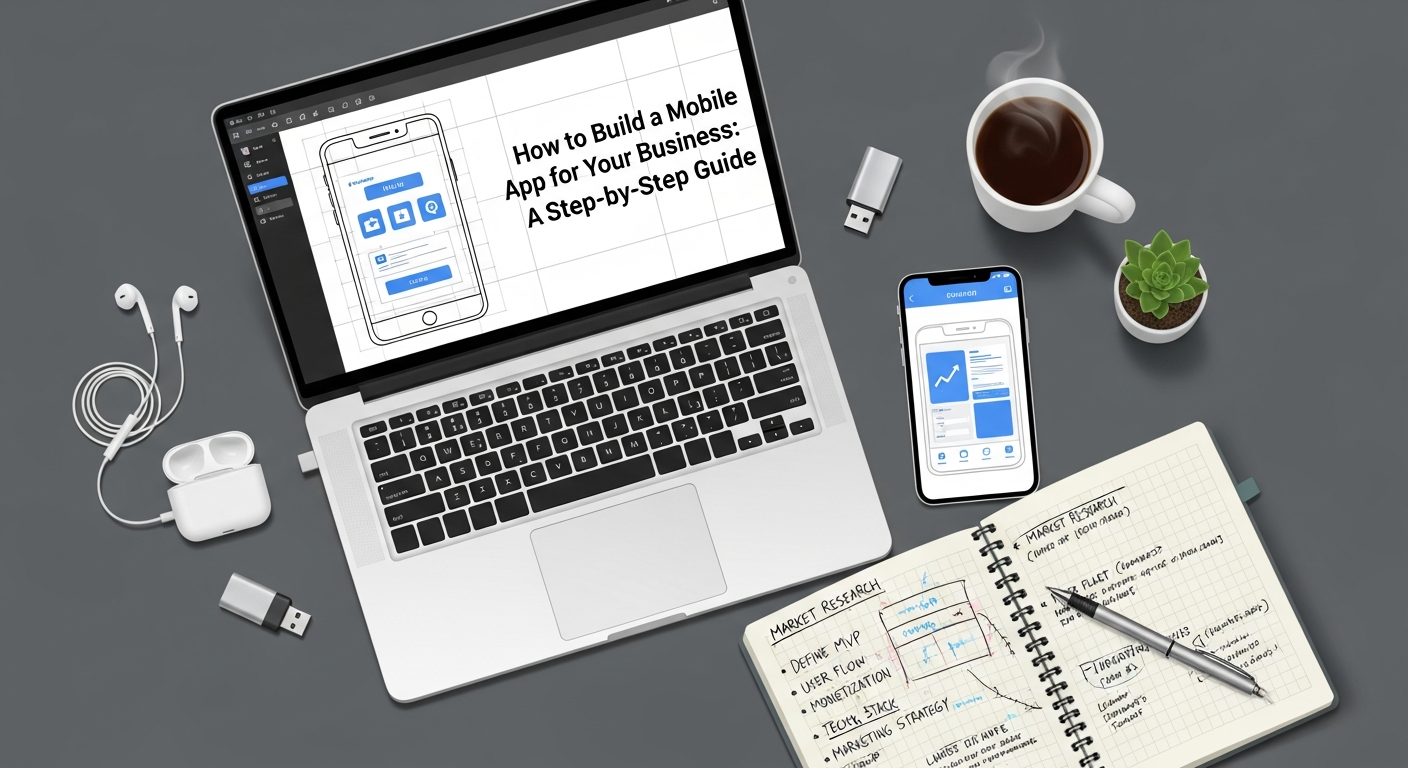
Before diving into development, a clear and well-defined strategy is paramount. A solid foundation ensures your app addresses a real need, resonates with your target audience, and aligns with your overall business objectives.
Problem Identification and Solution
Every successful app solves a problem or fulfills a need. Start by asking: What specific pain point does my business app address for my customers? Or, What unique value can it add to their lives or their interaction with my business? Perhaps it streamlines an ordering process, provides instant access to support, offers exclusive content, or creates a community. Clearly articulating the problem your app solves is the first step toward creating a valuable solution.
Target Audience Research
Who are you building this app for? Understanding your target audience is critical. Research their demographics, psychographics, mobile usage habits, preferences, and pain points. Create detailed user personas to guide your design and feature decisions. Knowing your audience helps you tailor the app’s functionality, design, and marketing efforts for maximum impact. A generic app appeals to no one; a targeted app delights its intended users.
Competitor Analysis
Examine existing apps in your industry or niche. What do they do well? Where do they fall short? How do users react to them? Analyzing competitors helps you identify market gaps, learn from their successes and failures, and discover opportunities to differentiate your app. Your goal isn’t to copy, but to innovate and offer a superior or unique experience.
Unique Value Proposition (UVP)
Based on your problem identification and competitor analysis, define your app’s Unique Value Proposition. What makes your app stand out? Why should users choose your app over alternatives? Your UVP should be clear, concise, and compelling, highlighting the core benefit your app provides that no other app does in quite the same way.
Feature Prioritization (MVP)
It’s tempting to want to include every possible feature in your first version. However, a Minimum Viable Product (MVP) approach is often more effective. An MVP is the version of your app with just enough features to satisfy early adopters and provide value, allowing for feedback for future development. Prioritize core functionalities that address your primary problem statement and UVP. This approach saves time and money, gets your app to market faster, and allows for iterative improvements based on real user feedback.
Platform Choice (iOS, Android, or Both)
Deciding whether to develop for iOS, Android, or both simultaneously is a crucial strategic decision. Consider your target audience’s device preferences, geographical market share, development costs, and timelines. For instance, if your target market primarily uses iPhones, an iOS-first approach might be suitable. Developing for both simultaneously can broaden your reach but also increases complexity and cost. Cross-platform frameworks can offer a middle ground, which we will explore further.
Business Goals and KPIs
Clearly define what success looks like for your app. Are you aiming for increased sales, enhanced customer service, higher brand engagement, or improved operational efficiency? Establish Key Performance Indicators (KPIs) to measure your app’s performance against these goals. Examples include daily active users (DAU), monthly active users (MAU), conversion rates, session duration, retention rates, and customer satisfaction scores. Setting clear goals and metrics from the outset is essential for guiding development and evaluating success.
The Mobile App Development Process: A Step-by-Step Guide
Step 1: Discovery & Planning
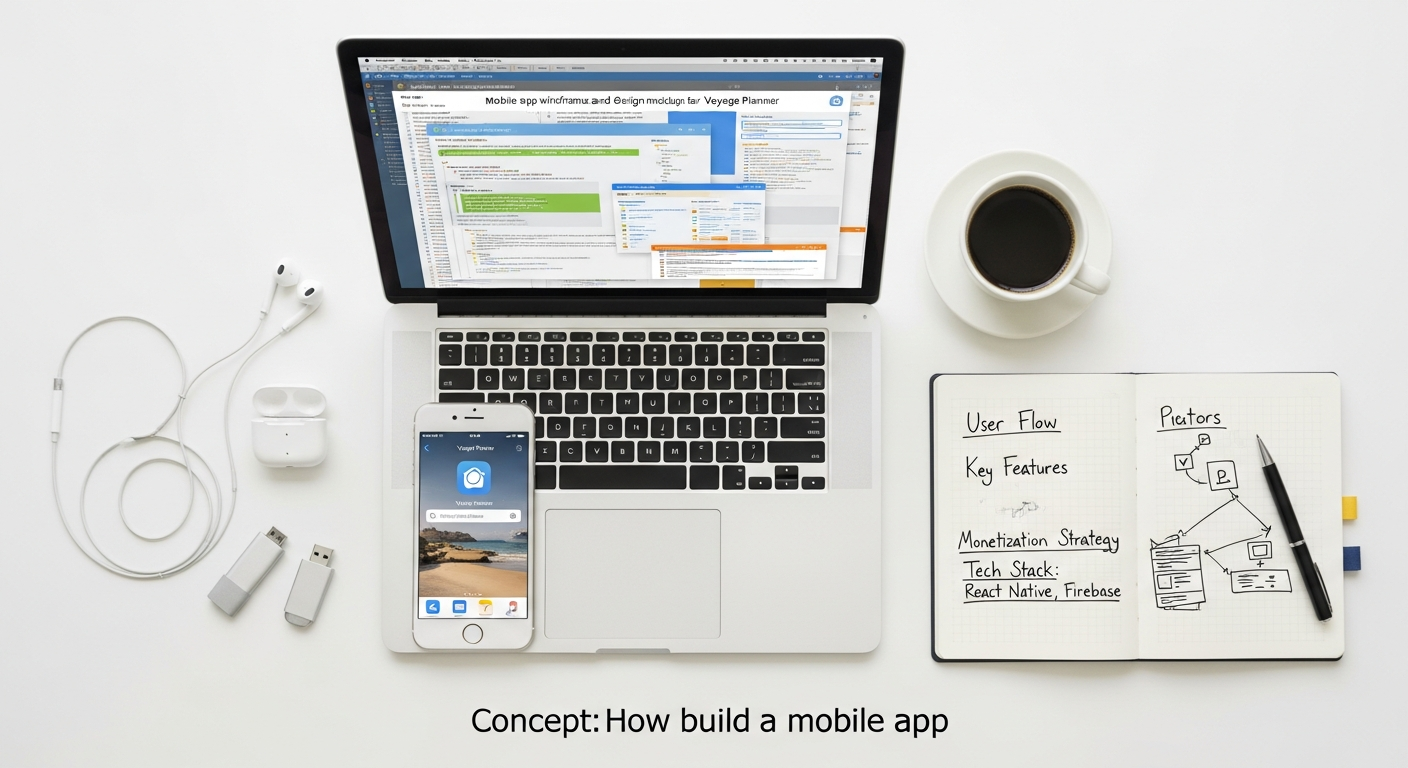
This initial phase is all about deep understanding and strategic outlining. It involves detailed discussions to gather requirements, define features, and map out the app’s core functionality. During discovery, business analysts and project managers work closely with stakeholders to translate business objectives into technical specifications. This includes creating detailed functional requirements documents, user stories, and use cases. Wireframing begins here, sketching out the basic layout and flow of the app without focusing on visual aesthetics. This stage also involves creating a project roadmap, defining milestones, and estimating resources. For managing these complex tasks, many businesses, especially startups, find immense value in utilizing the best project management software startups recommend, which helps track progress, assign tasks, and facilitate communication among the development team.
Step 2: UI/UX Design
Once the functional requirements are established, the focus shifts to how the app will look and feel. UI (User Interface) design concentrates on the visual elements users interact with – colors, typography, buttons, icons, and overall layout. UX (User Experience) design, on the other hand, focuses on the user’s journey and interaction with the app, ensuring it is intuitive, efficient, and enjoyable. This stage involves:
- Wireframing: Basic structural outlines of the app’s screens.
- Mockups: Static, high-fidelity representations of the app’s visual design.
- Prototypes: Interactive simulations of the app’s flow and functionality, allowing stakeholders to test the user experience before coding begins.
- User Testing: Gathering feedback on prototypes to identify usability issues and refine the design.
A well-designed UI/UX is crucial for user adoption and retention, as it directly impacts how users perceive and interact with your brand.
Step 3: Development & Coding
This is where the app truly comes to life. Developers write the actual code for the app, typically divided into two main parts:
- Front-end Development: Building the client-side of the app, which is everything the user sees and interacts with (the UI). This involves coding the user interface and connecting it to the back-end services.
- Back-end Development: Building the server-side, which includes databases, APIs (Application Programming Interfaces), and server logic. The back-end handles data storage, user authentication, and communication with external services.
- API Integration: Connecting the app to various third-party services, such as payment gateways, social media platforms, or analytics tools.
Throughout this stage, developers work in sprints, constantly integrating and testing their code to ensure functionality and stability. Collaboration and version control are critical here.
Step 4: Testing & Quality Assurance (QA)
Before an app can be launched, it must undergo rigorous testing to ensure it is stable, secure, and performs as expected. The QA team meticulously checks for bugs, glitches, and performance issues across various devices and operating systems. Key testing types include:
- Functional Testing: Verifying that all features work according to specifications.
- Performance Testing: Assessing the app’s responsiveness, stability, and speed under various loads.
- Usability Testing: Evaluating the app’s ease of use and user-friendliness with real users.
- Security Testing: Identifying vulnerabilities and ensuring data protection.
- Compatibility Testing: Checking performance across different devices, screen sizes, and OS versions.
Thorough QA is vital to deliver a high-quality app that meets user expectations and avoids negative reviews post-launch.
Step 5: Deployment & Launch
Once the app is thoroughly tested and approved, it’s ready for deployment to the respective app stores (Apple App Store for iOS, Google Play Store for Android). This involves preparing app store listings, including compelling descriptions, screenshots, and promotional videos. The submission process can be complex, requiring adherence to each platform’s specific guidelines and review processes. A successful launch also involves a pre-launch marketing strategy to generate buzz and ensure a strong initial download rate.
Step 6: Post-Launch Support & Iteration
Launching an app is not the end of the journey; it’s just the beginning. Post-launch activities include:
- Monitoring Performance: Tracking user engagement, crash reports, and feedback.
- Bug Fixing: Addressing any issues that arise in the live environment promptly.
- Updates and Enhancements: Releasing regular updates to add new features, improve existing ones, and adapt to evolving user needs and operating system changes.
- User Feedback Integration: Continuously gathering and analyzing user reviews and suggestions to inform future iterations.
An app is a living product that requires ongoing maintenance and improvement to remain relevant and successful.
Choosing the Right Development Approach and Technology Stack
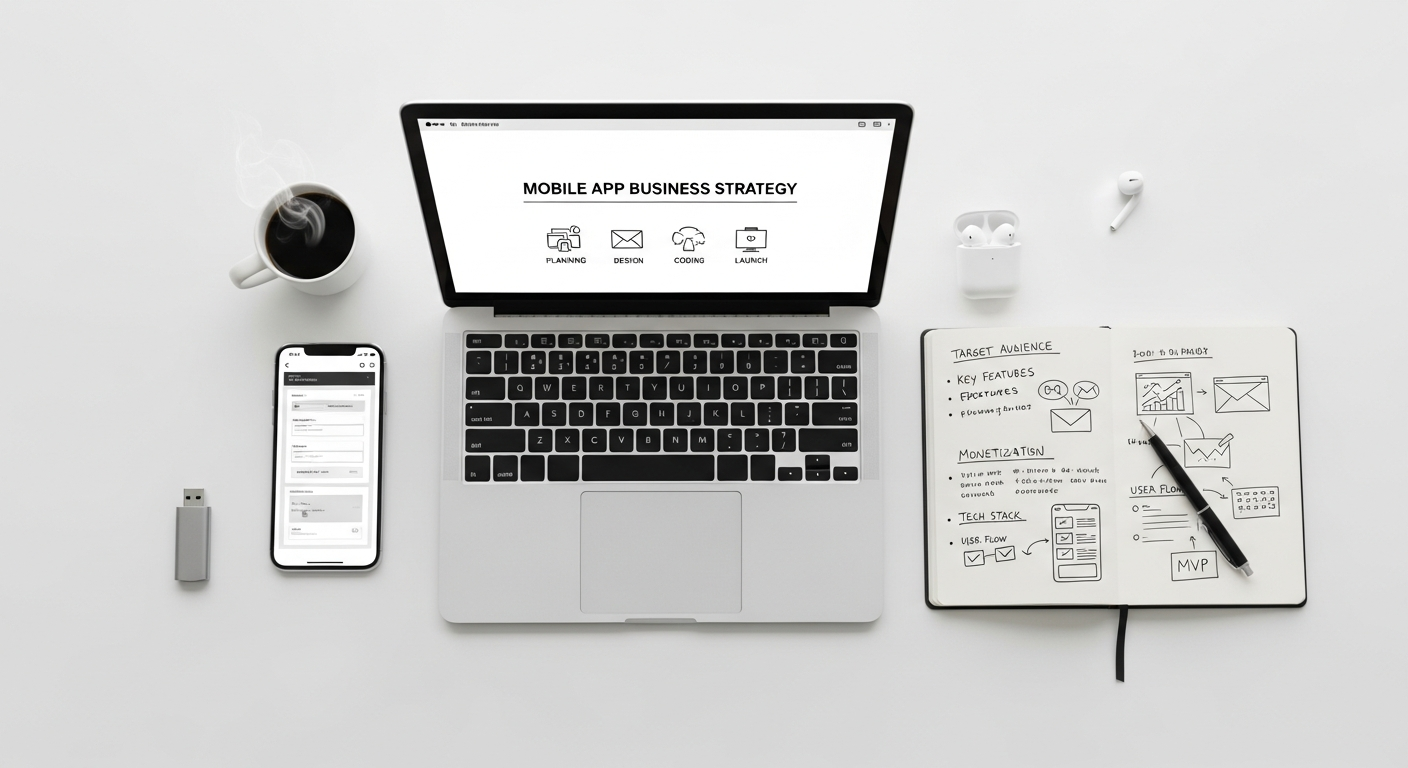
The choice of development approach significantly impacts your app’s performance, cost, and time-to-market. Understanding the options is crucial for making an informed decision.
Native App Development
Native apps are built specifically for a single mobile operating system (iOS or Android) using the platform’s native programming languages and tools. For iOS, this means Swift or Objective-C; for Android, Kotlin or Java.
- Pros:
- Optimal Performance and Speed: Native apps are highly optimized for their respective platforms, offering the best performance, responsiveness, and speed.
- Full Access to Device Features: They can fully leverage all device-specific functionalities, such as GPS, camera, microphone, gestures, and push notifications, without limitations.
- Superior User Experience: Native apps adhere to platform-specific UI/UX guidelines, providing a seamless and familiar experience for users.
- Enhanced Security: Generally offers better security features integrated with the OS.
- Cons:
- Higher Development Cost: Requires separate codebases for iOS and Android, meaning higher development costs and longer timelines if you want to target both platforms.
- Longer Development Time: Developing two separate apps takes more time and resources.
- Maintenance Overhead: Managing two distinct codebases can be more complex and costly in the long run.
Cross-Platform Development
Cross-platform development allows developers to write a single codebase that can be deployed on multiple operating systems (iOS and Android). Popular frameworks include React Native, Flutter, and Xamarin.
- Pros:
- Cost-Effective: Developing one codebase for two platforms significantly reduces development costs and time.
- Wider Reach: Allows you to target both iOS and Android users simultaneously with a single investment.
- Faster Time-to-Market: Quicker development cycles due to code reusability.
- Easier Maintenance: Updates and bug fixes can be applied to a single codebase.
- Cons:
- Potential Performance Limitations: While increasingly good, cross-platform apps might not always match the raw performance and responsiveness of native apps, especially for graphically intensive applications.
- Limited Access to Native Features: May require workarounds or third-party plugins to access certain device-specific functionalities, which can sometimes be complex or less efficient.
- Dependency on Framework Updates: Reliant on the framework’s updates and community support.
Hybrid App Development
Hybrid apps are essentially web applications wrapped in a native shell. They are built using web technologies (HTML, CSS, JavaScript) and then packaged into a native container using frameworks like Ionic or Cordova.
- Pros:
- Extremely Cost-Effective: Leverages existing web development skills and resources.
- Very Fast Development: Quickest time-to-market among the options.
- Single Codebase: Easy to maintain and update across platforms.
- Cons:
- Performance Issues: Can sometimes suffer from performance limitations and feel less “native” than other options.
- Limited Native Feature Access: Relies heavily on plugins to access device hardware, which can be less robust or secure.
- UX/UI Inconsistencies: May not perfectly adhere to platform-specific UI/UX guidelines, leading to a less authentic user experience.
Progressive Web Apps (PWAs)
PWAs are essentially websites that behave like native apps. They are built using web technologies but offer app-like features such as offline access, push notifications, and home screen installation, all without needing to be downloaded from an app store.
- Pros:
- No App Store Required: Eliminates app store submission processes and fees.
- Instant Access: Users can access them directly from a URL.
- Cost-Effective: Much cheaper to develop and maintain as they are web-based.
- Platform Independent: Works across all devices and browsers.
- Cons:
- Limited Native Features: Cannot access all device hardware features that native apps can.
- Less Discoverability: Not listed in app stores, which can reduce visibility for some users.
- No Push Notifications on iOS (Limited): iOS has historically offered limited support for PWA push notifications compared to Android.
The best approach depends on your specific needs, budget, desired performance, and feature requirements. For high-performance, feature-rich apps, native is often preferred. For broader reach and budget efficiency, cross-platform is a strong contender. For simple utility apps or if you already have a strong web presence, hybrid or PWA might be sufficient.
Budgeting, Funding, and Monetization Strategies
Building a mobile app is an investment, and understanding the financial aspects—from development costs to funding and monetization—is crucial for its long-term success.
Development Costs
The cost of building a mobile app can vary dramatically, ranging from a few thousand dollars for a very simple app to hundreds of thousands or even millions for complex, enterprise-level applications. Several factors influence the final price tag:
- App Complexity and Features: More features, intricate logic, AI integration, real-time capabilities, and custom animations directly increase development time and cost.
- Platform (iOS, Android, or Both): Native development for both platforms costs more than developing for a single platform or using cross-platform frameworks.
- UI/UX Design Complexity: Highly customized, cutting-edge designs require more design hours.
- Team Location and Expertise: Development rates vary significantly by geographical region (e.g., North America vs. Eastern Europe vs. Asia) and the experience level of the development team.
- Backend Infrastructure: The complexity of the server-side architecture and database design.
- Third-Party Integrations: Integrating with external APIs (payment gateways, social media, analytics) adds to the cost.
Hidden Costs
Beyond initial development, there are ongoing costs that businesses often overlook:
- Maintenance and Updates: Essential for keeping the app secure, compatible with new OS versions, and bug-free. This can be 15-20% of the initial development cost annually.
- Server and Hosting Costs: For backend services and data storage.
- Marketing and Promotion: Getting your app discovered requires significant investment (more on this later).
- App Store Fees: Annual developer program fees (e.g., $99 for Apple, $25 one-time for Google).
- Customer Support: Resources for handling user queries and issues.
- Security Audits: Regular checks to protect user data and app integrity.
Funding Options
Securing funding is a critical step for many businesses looking to build an app:
- Bootstrapping: Self-funding from existing business revenue or personal savings. Ideal for businesses with sufficient cash flow or those starting with a very lean MVP.
- Angel Investors: High-net-worth individuals who provide capital for startups, usually in exchange for equity.
- Venture Capital (VC): Firms that invest in high-growth potential businesses, typically in later stages than angel investors, also in exchange for equity.
- Crowdfunding: Raising small amounts of capital from a large number of people, often through platforms like Kickstarter or Indiegogo.
- Bank Loans or Lines of Credit: Traditional financing options, often requiring a solid business plan and collateral.
- Government Grants: Some governments offer grants for innovative tech projects or small businesses.
Monetization Models
How will your app generate revenue? Choosing the right monetization strategy is vital for your app’s financial viability:
- Freemium: The app is free to download and use, but premium features, content, or an ad-free experience are offered through in-app purchases or subscriptions.
- Subscription Model: Users pay a recurring fee (monthly or annually) for access to the app’s full features or content. Common for SaaS apps, streaming services, or content platforms.
- In-App Purchases (IAP): Users buy virtual goods, extra lives, new levels, or digital content directly within the app. Popular in gaming and content-rich apps.
- Advertising: Displaying ads within the app. This can include banner ads, interstitial ads, or rewarded video ads. For effective advertising, understanding concepts like What Is Pay Per Click Advertising becomes crucial, as it can be applied to mobile app install campaigns and in-app ads to generate revenue.
- Paid Apps: Users pay a one-time fee to download the app. This model is becoming less common as users prefer to try before they buy.
- Transaction Fees: If your app facilitates transactions (e.g., e-commerce, booking, or peer-to-peer services), you can take a percentage of each transaction.
- Sponsorships: Partnering with brands to integrate their content or promotions into your app.
- Data Monetization: Selling anonymized user data to third parties (with strict adherence to privacy regulations and transparent user consent).
Often, a combination of these models works best, allowing for diversified revenue streams.
Launching, Marketing, and Post-Launch Optimization
Building a great app is only half the battle; getting it into the hands of your target audience and ensuring its continued success requires a robust launch strategy, ongoing marketing, and continuous optimization.
Pre-Launch Strategy
Generating excitement and awareness before your app even hits the stores is critical for a strong launch.
- App Store Optimization (ASO): This is like SEO for app stores. Optimize your app title, subtitle, keywords, description, and screenshots to improve visibility and ranking in app store search results. A compelling icon is also vital.
- Landing Page: Create a dedicated landing page on your website to showcase your app, highlight its features, and capture email sign-ups for early access or launch notifications.
- Beta Testing: Recruit a group of early users to test your app, provide feedback, and help identify bugs before the public launch. Their testimonials can also be powerful marketing assets.
- Press Kit: Prepare a comprehensive press kit including high-resolution screenshots, app icon, logo, brand guidelines, and a compelling press release to share with tech journalists and influencers.
- Social Media Teasers: Start building anticipation on your social media channels with sneak peeks, countdowns, and behind-the-scenes content.
Marketing Channels
Once your app is live, a multi-channel marketing approach is essential to drive downloads and engagement.
- Digital Marketing:
- Content Marketing: Create blog posts, articles, and videos demonstrating your app’s value and how it solves user problems.
- Email Marketing: Leverage your existing email list to announce the launch and promote key features.
- Social Media Marketing: Actively promote your app on platforms where your target audience spends time, using organic posts and targeted ads.
- Paid Advertising: Invest in paid campaigns to reach a wider audience. This is where understanding What Is Pay Per Click Advertising becomes directly applicable. Run app install campaigns on platforms like Google Ads, Apple Search Ads, Facebook, and Instagram to drive direct downloads. Target specific demographics and interests to maximize your ROI.
- Influencer Marketing: Partner with relevant influencers who can showcase your app to their followers.
- Public Relations (PR): Secure media coverage in tech blogs, industry publications, and news outlets.
- In-App Promotions: If you have other apps or a strong web presence, cross-promote your new app.
App Store Submission
The actual submission process involves uploading your app package, metadata, screenshots, and descriptions to the respective app stores. Each store has specific guidelines that must be followed strictly. Apple, for instance, has a rigorous review process that can take several days, while Google Play Store submissions are often quicker. Ensure all legal requirements, privacy policies, and terms of service are in place before submission.
Post-Launch Analytics & Feedback
The work doesn’t stop after launch. Continuous monitoring and analysis are crucial for success.
- User Reviews and Ratings: Actively solicit and respond to user reviews on app stores. Positive reviews boost visibility and credibility, while addressing negative feedback shows responsiveness.
- Usage Data and Analytics: Implement robust analytics tools (like Google Analytics for Firebase or Mixpanel) to track key metrics such as daily/monthly active users, session duration, retention rates, feature usage, and conversion funnels. This data is invaluable for understanding user behavior. To make sense of this wealth of data and translate it into actionable strategies, businesses must choose the right Business Intelligence tool.
- Crash Reports: Monitor crash reports and performance issues to quickly identify and fix bugs, ensuring a stable user experience.
Continuous Improvement
An app is a living product that requires ongoing attention to remain relevant and competitive.
- Regular Updates: Release frequent updates to fix bugs, improve performance, add new features, and adapt to changes in operating systems.
- New Features: Based on user feedback, market trends, and your business goals, continuously plan and roll out new functionalities to keep users engaged.
- A/B Testing: Test different versions of features, UI elements, or marketing messages to optimize for better user experience and conversion rates.
- Security Patches: Regularly update your app to address security vulnerabilities and protect user data.
By treating your app as an evolving product and committing to continuous improvement, you ensure its long-term viability and success in the dynamic mobile market of 2026 and beyond.
Frequently Asked Questions
Recommended Resources
You might also enjoy How To Avoid Burnout Working Remotely from Bookmark Sharer.
You might also enjoy Adobe Illustrator For Beginners Guide from Layout Scene.