

How to Extend Your Laptop Battery Life: Expert Tips for Laptop Battery Optimization and Power Management
Maximizing the lifespan of your laptop battery is essential for optimizing device performance and ensuring productivity. Many users encounter frustration when their battery life diminishes, impacting their daily tasks and mobility. This comprehensive guide will delve into effective strategies to extend laptop battery life, covering essential power management techniques and practical tips for maintenance. As technology continues to advance, understanding how to care for your battery can lead to significant long-term benefits, including improved efficiency and reduced costs. The following sections will explore key factors affecting battery life, practical power-saving tips, app usage insights, battery calibration techniques, and productivity tips specifically for entrepreneurs and business professionals.
What Are the Key Factors Affecting Laptop Battery Life?
Various elements significantly impact laptop battery performance and longevity. Among the critical factors are user habits, software settings, and environmental conditions.
How Does Lithium-Ion Battery Technology Impact Battery Longevity?
Lithium-ion batteries, the standard in most laptops today, are designed to deliver high energy density and charge efficiency. They operate on the principle of ionic movement between electrodes, which can affect their longevity based on usage patterns. Over time, factors such as charge cycles and temperature fluctuations can lead to degradation, reducing the battery’s effective lifespan. Proper management of these elements can enhance the longevity of lithium-ion batteries, ensuring your laptop remains operational for longer periods between charges.
Which Practical Power Saving Tips Can Maximize Laptop Battery Duration?
Implementing specific strategies can have a substantial impact on extending your laptop battery life. Here are a few practical approaches:
- Adjust Screen Brightness: Lowering your display brightness can significantly save power while maintaining visibility.
- Utilize Battery Saver Mode: Most operating systems have a built-in battery saver feature that optimizes CPU performance and reduces background activity when the battery is low.
- Limit High-Performance Tasks: Running resource-intensive applications can drain your battery quickly. Opt for less demanding programs when possible.
After implementing these strategies, it’s crucial to understand how you can further integrate advanced techniques to enhance battery performance.
For those seeking additional resources or products to support their battery management, information hubs provide educational insights and products tailored for technology enthusiasts and entrepreneurs to achieve optimal device performance.
What Apps and Processes Drain Laptop Battery Most Rapidly?
Recognizing which applications are resource-heavy is fundamental to effective battery management. Specifically, certain software and background processes can significantly impact battery consumption.
- High-Performance Applications: Video editing software or sophisticated design tools typically consume more power due to their demanding nature.
- Background Applications: Apps running in the background may continue to drain battery life even when not actively used.
- Web Browsers: Browsers can occupy considerable resources, especially with multiple tabs open or when utilizing extensions.
By monitoring the apps you frequently use, you can effectively manage how much battery power they consume.
How to Perform Battery Calibration and Maintenance for Prolonged Battery Health?
Regular calibration and maintenance can significantly enhance your laptop battery’s accuracy and performance. This involves ensuring the battery accurately reflects its charge level, preventing overcharging or excessive depletion.
What Are Efficient Battery Calibration Techniques for Modern Laptops?
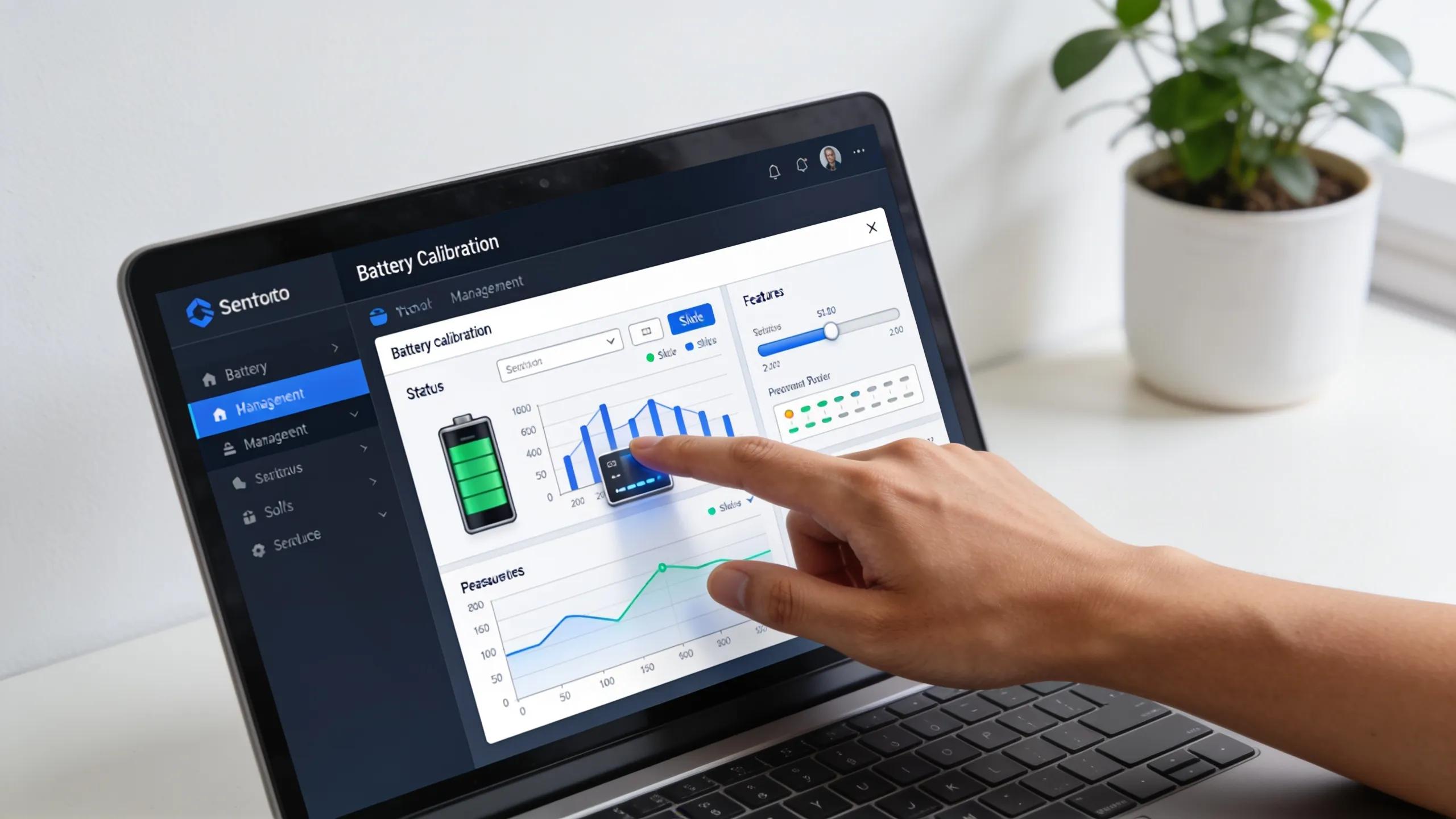
Effective battery calibration techniques include fully charging the battery and then letting it discharge completely on a monthly basis. This practice recalibrates the internal measurement systems, ensuring they provide accurate and reliable power readings. Utilizing software tools designed for battery maintenance can also simplify the calibration process, providing reminders and monitoring performance.
How Often Should Calibration Occur to Maintain Battery Accuracy?
Calibration should ideally occur every one to three months, depending on the intensity of use. For users who frequently run intensive applications, more frequent calibration may be beneficial. Neglecting this process can lead to discrepancies in charge levels, which may shorten battery lifespan over time.
What Are Essential Entrepreneurial and Mobile Productivity Tips for Battery Efficiency?
Business professionals often require strategies to manage battery life as part of their on-the-go lifestyles. Several practical approaches can help maintain efficiency during lengthy workdays.
How Can Business Travelers Optimize Battery Use During Long Workdays?

For business travelers, adopting power-saving settings, like enabling airplane mode during transit, can drastically extend battery life. Additionally, carrying a portable charger can ensure that devices remain operational throughout busy schedules. It’s also essential to regularly close any unnecessary applications and turn off Bluetooth when not in use to conserve power during long days away from an outlet.
What Emerging Technologies Improve Battery Life for Tech-Savvy Entrepreneurs?
Innovations in battery technology are rapidly evolving, enhancing how devices manage energy consumption. Current trends include the development of more efficient lithium-sulfur batteries and dynamic power management systems. These emerging technologies promise not only to extend battery life but also to improve overall device performance, making them vital for tech-savvy entrepreneurs looking for reliable and efficient equipment.
Incorporating these insights and strategies will enable you to maximize your laptop’s battery life effectively. Applying simple adjustments in usage patterns and making informed decisions about application management can lead to substantial improvements in battery longevity over time.