
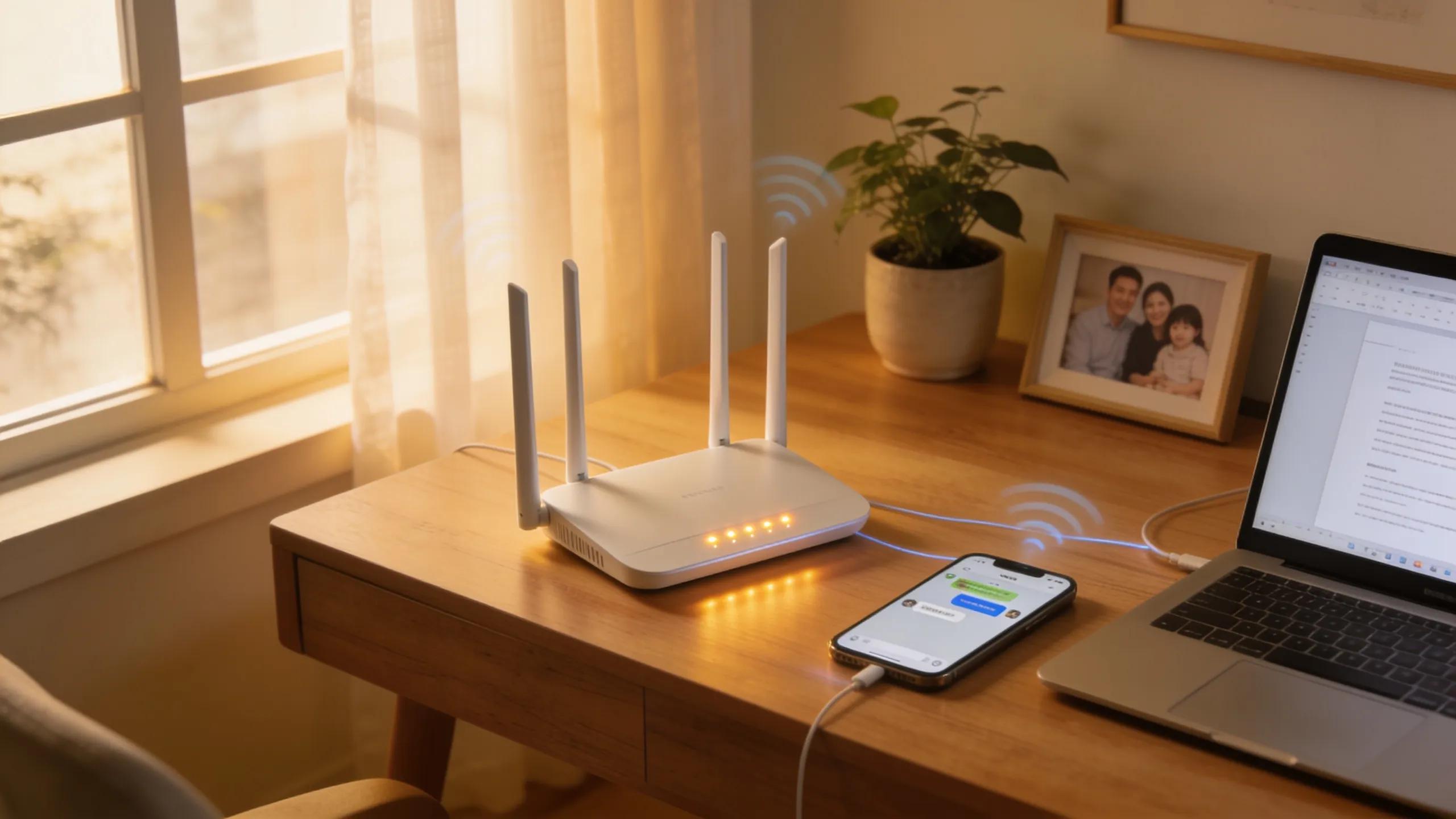
How to Tell If You Need a New Router: 7 Warning Signs of Router Failure and Upgrade Indications
A reliable internet connection is crucial for both personal and professional use. However, many users overlook the health of their routers until problems arise. Understanding how to tell if you need a new router involves recognizing various signs that indicate potential failures or inefficiencies. This guide details critical warning signs, helping you determine whether an upgrade is necessary or if troubleshooting might suffice. In this article, we’ll cover indicators of router failure, security concerns, and the best practices for selecting or replacing your device.
What Are the Key Signs Your Router Is Failing?
Recognizing the signs of a failing router is essential to maintaining a stable internet connection. These indicators often manifest through performance issues, security vulnerabilities, or connectivity problems. If you experience any of the following symptoms, it may be time to consider a router upgrade or replacement.
- Frequent Disconnects: If your devices frequently lose connection to the router, it signifies potential hardware failure.
- Slow Internet Speeds: A drop in your internet speed, particularly during peak usage times, often indicates a router that can no longer handle your needs.
- Inability to Connect: Difficulty connecting new devices to the network may point to router problems.
- Older Hardware: If your router is several years old, outdated technology may not support current internet speeds or security standards.
When considering these signs, it’s worth consulting platforms like Information Hub, which provides insights on technology to help users make informed decisions about routers.
Which Performance Issues Indicate Router Problems?
Several performance issues can signal that your router is failing. Look out for:
- Lagging Connections: If video streaming or online gaming is frequently interrupted, your router may struggle during high bandwidth activities.
- Dropped Connections: Regular disconnections are a clear indication that your router’s hardware may be compromised.
- Slow Data Transfer Rates: Data transfer rates significantly below what you expect from your internet service provider can indicate router inefficiency.
Testing your router’s performance can help isolate these issues, ensuring you know if replacement is necessary rather than merely adjusting your settings.
How Does Router Lifespan Affect Its Reliability?
The lifespan of a router typically ranges from three to five years depending on usage and technology. As routers age, their components may wear out, leading to decreased performance. Older routers often lack support for newer Wi-Fi standards, which affects their ability to deliver reliable service. Consider replacing your router if:
- It is more than five years old.
- It is slowing down consistently.
- It frequently requires resets or reboots.
Staying aware of these factors can help you upgrade before serious disruptions occur.
How Can Security Risks Signal the Need for a Router Replacement?
Security risks are one of the most critical reasons for replacing an old router. Outdated firmware can expose your network to vulnerabilities, making it essential to stay informed about your router’s security status. Routers that lack robust security features should be replaced, especially in an age where cyber threats are prevalent.
- Frequent Unauthorized Access Attempts: If you notice unfamiliar devices trying to connect to your network, it can signal a security issue.
- Malware Infections on Connected Devices: A router compromised by malware can lead to serious security breaches across all connected devices.
- Insecure Firmware: Routers that do not receive regular firmware updates may lack protection against emerging threats.
Addressing these signs promptly can prevent significant security breaches that can affect your personal and professional life.
What Virus and Malware Signs Affect Router Health?
Specific symptoms indicate that your router may have been infected by malware:
- Increased Data Usage: Unexpected spikes in data usage may suggest unauthorized access caused by malware.
- Router Reboots: Frequent, unexplained reboots can indicate malware interference.
- Unusual Settings Changes: Changes to your router settings without your input may signal a breach.
Monitoring router health and device performance is vital for maintaining network security.
Why Are Firmware Updates Critical for Router Security?
Firmware updates are crucial for ensuring your router operates securely and efficiently. Keeping your router’s firmware up to date helps protect against newly discovered vulnerabilities. Regular updates:
- Patch known security flaws.
- Improve overall performance.
- Enhance compatibility with newer devices.
Failure to update firmware can leave your network exposed to unauthorized access and cyber threats.
When Do Network Speed and Connectivity Problems Warrant a Router Upgrade?
Common network speed issues can also indicate when it may be time for a router upgrade. If you’re experiencing a combination of slow performance and connectivity cuts, an evaluation of your router’s capabilities is warranted.
- Slow Internet Speeds: If speed tests reveal much lower speeds than advertised, your router might be to blame.
- Dead Zones: Areas in your home where the Wi-Fi signal is consistently weak can point to a router struggling to maintain coverage.
- Incompatibility with New Devices: If newer devices are not connecting properly, it could signify a technological mismatch with your current router.
Recognizing these patterns can guide your decision-making on whether to upgrade to a new router.
How Does Network Interference Indicate Router Failure?
Network interference can arise from various sources, including other electronic devices and physical obstructions. Here’s how to identify it:
- Overlapping Networks: Multiple Wi-Fi networks on the same frequency can cause interference, leading to slower speeds and disconnections.
- Physical Barriers: Walls and floors may impede signal strength, especially if the router is placed in a less optimal position.
Assessing the environment around your router, including other electronics, is essential for identifying interference sources.
What Troubleshooting Steps Confirm Router Malfunctions?
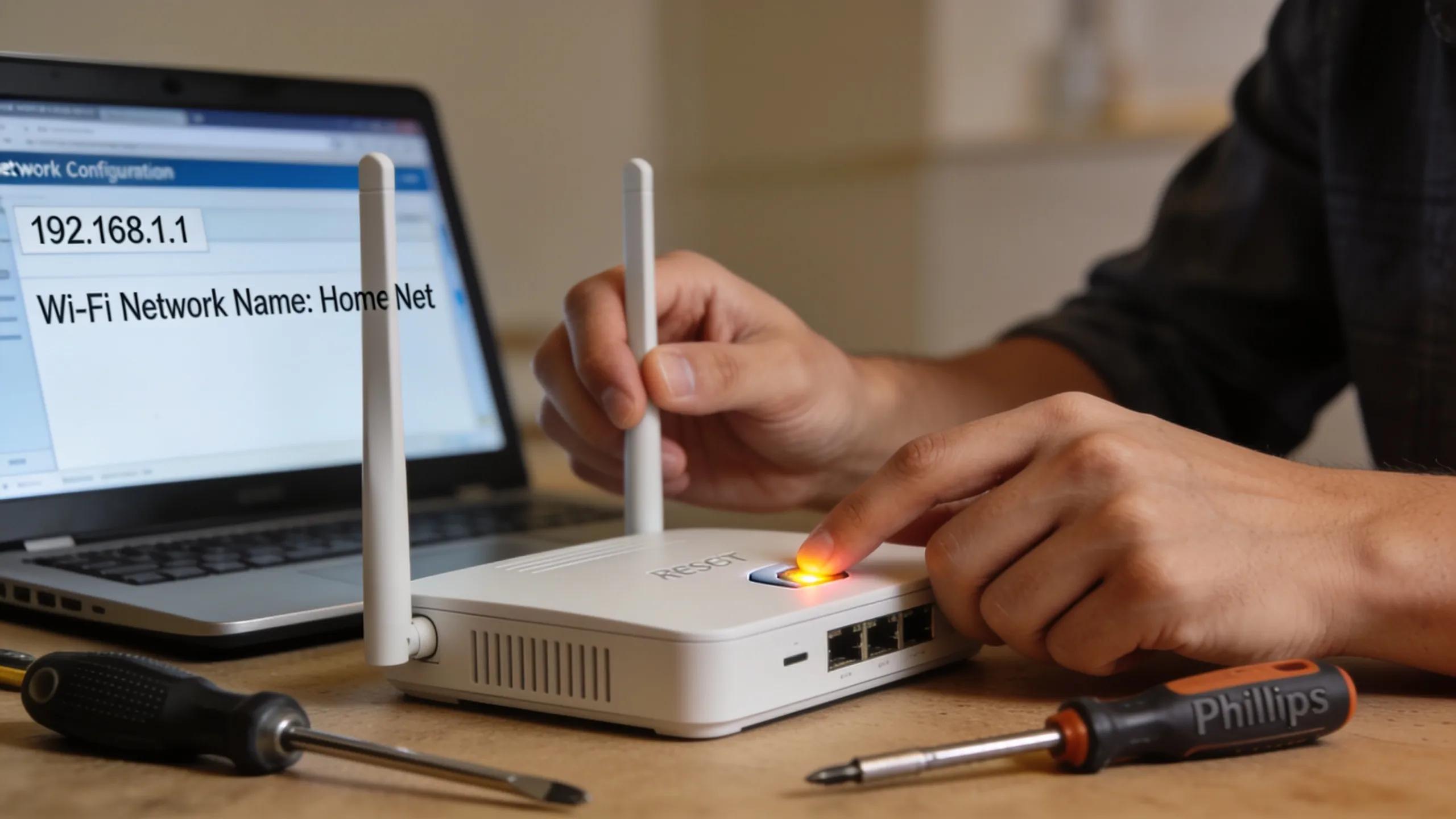
Troubleshooting steps can help confirm that your router is malfunctioning and may require replacement:
- Resetting the Router: Performing a factory reset can sometimes resolve connectivity issues.
- Checking Connections: Ensure that all cables are securely connected and in good condition.
- Firmware Updates: Verify that your router’s firmware is current and apply any available updates.
If issues persist after troubleshooting, consider replacing your device with a newer model.
What Are the Best Practices for Choosing and Replacing Your Router?

Selecting the right router is vital for ensuring effective and reliable internet performance, especially in environments with multiple devices. Understanding your specific needs will help in making the best choice.
- Assessing Coverage Needs: Larger homes may benefit from mesh systems that offer broader coverage.
- Prioritizing Features: Look for features like dual-band support, quality of service (QoS) options, and strong security protocols.
- Compatibility with ISPs: Ensure compatibility with your internet service provider to avoid speed limitations.
Choosing a router tailored to your needs can significantly improve your online experience.
Which Router Features Should Entrepreneurs Prioritize?
For entrepreneurs, specific router features can enhance productivity:
- Dual-Band Functionality: Provides flexibility and reduces congestion for multiple devices.
- Quality of Service (QoS): Prioritizes bandwidth for critical applications such as video conferencing.
- Strong Security Protocols: Protects sensitive information and corporate data from breaches.
Investing in these features can lead to better network performance and security.
How to Decide the Optimal Time for Router Replacement?
Determining when to replace your router hinges on several key indicators:
- Performance Decline: Noticeable drops in speed could indicate a need for replacement.
- Age of the Router: A router over five years old is often less capable of handling modern traffic demands.
- Security Vulnerabilities: Always consider upgrading when using older devices that may not support current security standards.
By staying alert to these indicators, users can ensure they maintain robust connectivity and security.