
Mastering OAuth2: A Comprehensive Guide to Secure API Integrations and Workflow Automation
In the architectural landscape of 2026, the reliance on interconnected SaaS ecosystems has reached an all-time high. For tech professionals, building a “working” integration is no longer the primary challenge; the hurdle lies in building a “secure and resilient” one. As organizations move away from legacy authentication methods, OAuth2 has solidified its position as the industry-standard framework for delegated authorization. Whether you are synchronizing CRM data, automating financial workflows, or building cross-platform DevOps pipelines, a deep understanding of OAuth2 implementation is non-negotiable. This guide moves beyond the basics, offering a technical deep dive into the nuances of modern OAuth2 flows, security enhancements like PKCE, and the practicalities of managing token lifecycles in high-scale automation. By implementing these patterns, you ensure that your integrations are not only functional but are built to withstand the evolving threat landscape of the modern web.
1. Decoding the OAuth2 Architecture for Modern Integrations
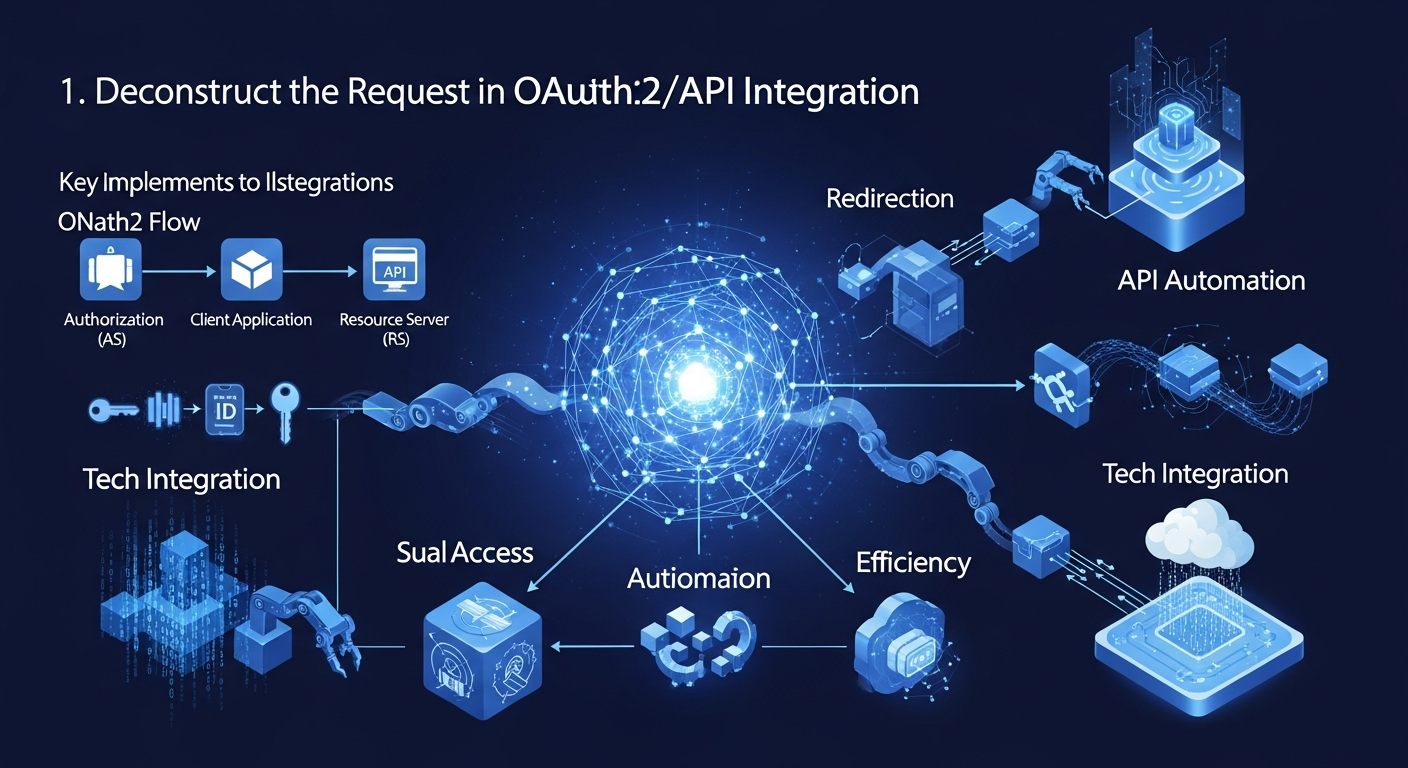
To implement OAuth2 effectively, one must first view it not as a single protocol, but as a flexible framework. At its core, OAuth2 is designed to allow a third-party application to obtain limited access to an HTTP service. For developers building integrations, this involves coordinating four distinct roles: the **Resource Owner** (the user), the **Client** (your application/integration), the **Authorization Server** (e.g., Okta, Auth0, or Google), and the **Resource Server** (the API containing the data).
The beauty of OAuth2 lies in the separation of concerns. The client never handles the user’s credentials (like a password). Instead, it receives an **Access Token**. In 2026, these tokens are almost universally formatted as JSON Web Tokens (JWTs), which are cryptographically signed to prevent tampering. When you initiate an integration, your application first identifies itself using a `client_id` and often a `client_secret`. However, the method by which you exchange these credentials for a token—known as the “Grant Type”—depends entirely on the environment in which your code is running. Understanding these roles is the prerequisite for choosing the right path for your workflow automation.
2. Selecting the Right Grant Type for Your Workflow
One of the most common mistakes in API integration is using an inappropriate Grant Type for the specific use case. Each flow is designed to mitigate specific risks.
* **Authorization Code Grant:** This is the gold standard for web applications where a back-end server can securely store a `client_secret`. It involves a redirection step where the user consents to the integration via the Authorization Server, which then returns a temporary code. Your server then exchanges this code for an access token.
* **Client Credentials Grant:** Essential for “headless” integrations or machine-to-machine (M2M) communication. If you are building a cron job that moves data between two cloud databases without any user intervention, this is the flow to use. There is no “user” involved; the application authenticates as itself.
* **Device Authorization Grant:** Increasingly relevant in 2026 for IoT devices or CLI tools that lack a browser. It allows the user to authorize the device via a secondary screen (like a smartphone).
In the current development environment, the “Implicit Grant” and “Resource Owner Password Credentials Grant” are considered deprecated due to security vulnerabilities. If you are building new integrations today, you should strictly avoid these in favor of more secure alternatives.
3. Enhancing Security with PKCE and Token Rotation
For years, the Authorization Code flow was considered vulnerable to “Authorization Code Interception” attacks, particularly in public clients like mobile apps or Single Page Applications (SPAs) where secrets cannot be hidden. The solution that has become mandatory for secure integrations is **PKCE (Proof Key for Code Exchange)**.
PKCE adds an extra layer of verification. When your application initiates the authorization request, it generates a high-entropy random string called a `code_verifier` and hashes it to create a `code_challenge`. The challenge is sent with the initial request. When it comes time to exchange the code for a token, the application sends the original `code_verifier`. The Authorization Server hashes the verifier and compares it to the original challenge. If they match, the server knows the request originated from the same client.
Furthermore, **Refresh Token Rotation** has become a critical security standard. Instead of a refresh token lasting indefinitely, every time you use a refresh token to get a new access token, the Authorization Server issues a *new* refresh token and invalidates the old one. This prevents “replay attacks” where a leaked refresh token could be used by an attacker to maintain perpetual access.
4. Implementing Scopes and the Principle of Least Privilege
One of the most powerful features of OAuth2 is the concept of **Scopes**. Scopes allow you to specify exactly what permissions your integration needs. For example, instead of asking for full access to a user’s GitHub account, a secure integration might only request `repo:status` or `read:user`.
When building integrations for tech professionals, transparency regarding scopes is vital. In your implementation:
1. **Request the minimum necessary scopes:** If your automation only needs to read data, do not request write permissions.
2. **Handle “Scope Creep”:** As your integration grows, you may need more permissions. Design your application to handle incremental authorization, where you prompt the user for additional scopes only when they attempt to use a specific feature.
3. **Validate Scopes on the Resource Server:** Never assume that an access token grants all permissions. Your API logic should always check the `scope` claim within the JWT to ensure the incoming request is authorized for the specific endpoint being hit.
Adhering to the “Principle of Least Privilege” protects both the service provider and the user, minimizing the “blast radius” in the event of a token compromise.
5. Managing Token Lifecycles and Graceful Error Handling
The robustness of an API integration is often judged by how it handles the “unhappy path”—specifically token expiration and revocation. Access tokens are, by design, short-lived (often expiring in 30 to 60 minutes). A high-quality integration must handle these expirations silently to provide a seamless experience for the end-user.
To implement this effectively, your integration logic should follow a “Try-Catch-Refresh” pattern:
1. **The Request:** Attempt to call the API with the current access token.
2. **The Catch:** If the API returns a `401 Unauthorized` error, check if the error message indicates an expired token.
3. **The Refresh:** Use the stored `refresh_token` to request a new `access_token` from the Authorization Server.
4. **The Retry:** Update your token storage (database or secure cache) and retry the original API call.
In 2026, automation platforms often utilize centralized “Secret Managers” or “Vaults” to store these tokens. Ensure that your token refresh logic includes proper locking mechanisms; if multiple concurrent processes try to refresh the same token simultaneously, it can lead to race conditions and invalidation of the refresh token.
6. Common Pitfalls and Debugging Strategies
Even experienced developers encounter hurdles when implementing OAuth2. Debugging these issues requires a systematic approach to the handshake process.
* **Redirect URI Mismatches:** This is perhaps the most frequent error. The redirect URI registered in your OAuth application settings must *exactly* match the one sent in the code request, including the protocol (HTTPS) and trailing slashes.
* **The “State” Parameter:** Always include a `state` parameter in your authorization request. This is a CSRF (Cross-Site Request Forgery) protection mechanism. The server returns the state value back to you; if it doesn’t match what you sent, the request should be aborted.
* **Clock Skew:** If your server’s clock is significantly out of sync with the Authorization Server, JWT validation will fail because the “issued at” (`iat`) or “not before” (`nbf`) claims will appear invalid. Using NTP (Network Time Protocol) is essential for production environments.
* **Scope Formatting:** Different providers use different delimiters for scopes (some use spaces, others use commas). Always consult the specific API documentation to ensure your scope string is formatted correctly.
By leveraging tools like Postman’s OAuth2 helper or dedicated libraries (like `Passport.js` for Node or `AppAuth` for mobile), you can abstract much of the complexity, but you must still understand these underlying mechanics to troubleshoot effectively.
***
Frequently Asked Questions (FAQ)
#
1. What is the difference between OAuth2 and OpenID Connect (OIDC)?
While OAuth2 is designed for **authorization** (giving a service permission to access data), OpenID Connect is an identity layer built on top of OAuth2 for **authentication** (verifying who the user is). OIDC introduces the “ID Token,” which contains user profile information, whereas OAuth2 only concerns itself with “Access Tokens.”
#
2. Should I store Client Secrets in my frontend code?
No, never. Client Secrets should only be stored on secure back-end servers. For client-side applications (like React or Vue apps), you should use the Authorization Code Flow with PKCE, which does not require a client secret.
#
3. How long should an Access Token be valid?
Standard practice in 2026 suggests that Access Tokens should be short-lived, typically between 15 minutes and 1 hour. Refresh tokens should have a longer lifespan but should be protected by rotation policies to minimize risk.
#
4. Can I use OAuth2 for internal microservices?
Yes. For internal service-to-service communication where no “user” is present, the **Client Credentials Grant** is the preferred method. This allows microservices to authenticate with each other securely without sharing global API keys.
#
5. What happens if a user revokes my application’s access?
When a user revokes access via the Authorization Server’s dashboard, your existing Access Token may remain valid until it expires (unless the Resource Server performs a live check). However, your Refresh Token will immediately become invalid, and your next attempt to refresh the token will fail, signaling that the user has disconnected the integration.
***
Conclusion: Future-Proofing Your API Strategy
Implementing OAuth2 is a fundamental skill for any professional involved in building modern API integrations and automating complex workflows. As we move deeper into 2026, the complexity of these integrations will only increase, with more granular permissions and stricter security requirements becoming the norm.
By mastering the various grant types, prioritizing PKCE for all client-side interactions, and implementing rigorous token lifecycle management, you build integrations that are both secure and user-friendly. Remember that security is not a “set-and-forget” task; it requires ongoing monitoring of token usage, staying updated on protocol revisions, and ensuring that your implementation adheres to the principle of least privilege. A well-architected OAuth2 implementation does more than just connect two systems—it builds a foundation of trust between your application and your users, ensuring that data remains protected even in an increasingly open and interconnected digital world.