Laying the Foundation: Essential Tools for Business Setup & Management
Before you even think about your first customer, establishing a solid operational foundation is paramount. The initial phase of business setup involves numerous administrative tasks, legal considerations, and establishing core communication channels. Having the right tools in place from day one ensures compliance, organization, and a professional appearance.
Legal & Compliance Management
While software can’t replace legal counsel, certain tools can help manage documents and processes.
- LegalZoom / Rocket Lawyer: These platforms offer services for business formation (LLC, Inc.), trademark registration, and access to legal document templates. They are invaluable for new entrepreneurs seeking to formalize their business structure efficiently and affordably.
- DocuSign / Adobe Sign: For signing contracts, agreements, and other legal documents digitally, these e-signature solutions are indispensable. They save time, reduce paperwork, and provide an audit trail, ensuring legal enforceability.
Communication & Collaboration Hubs
Effective communication is the lifeblood of any successful venture, even a solo one. As you grow, these tools become even more critical.
- Google Workspace (formerly G Suite): Offers professional email ([email protected]), cloud storage (Drive), video conferencing (Meet), and collaborative document editing (Docs, Sheets, Slides). It’s a comprehensive suite that’s often the first stop for many startups due to its familiarity and integration.
- Microsoft 365 Business Basic: A strong alternative to Google Workspace, providing Outlook for email, OneDrive for cloud storage, and access to web versions of Word, Excel, and PowerPoint, alongside Microsoft Teams for chat and video conferencing.
- Slack / Microsoft Teams: For real-time team communication, these platforms are unmatched. They reduce email clutter, foster quick decision-making, and centralize conversations around projects and departments.
By investing in these foundational tools, new entrepreneurs can lay a stable groundwork, ensuring that administrative burdens don’t overshadow the excitement of building a new business.
Streamlining Operations: The Best Project Management Software for New Ventures
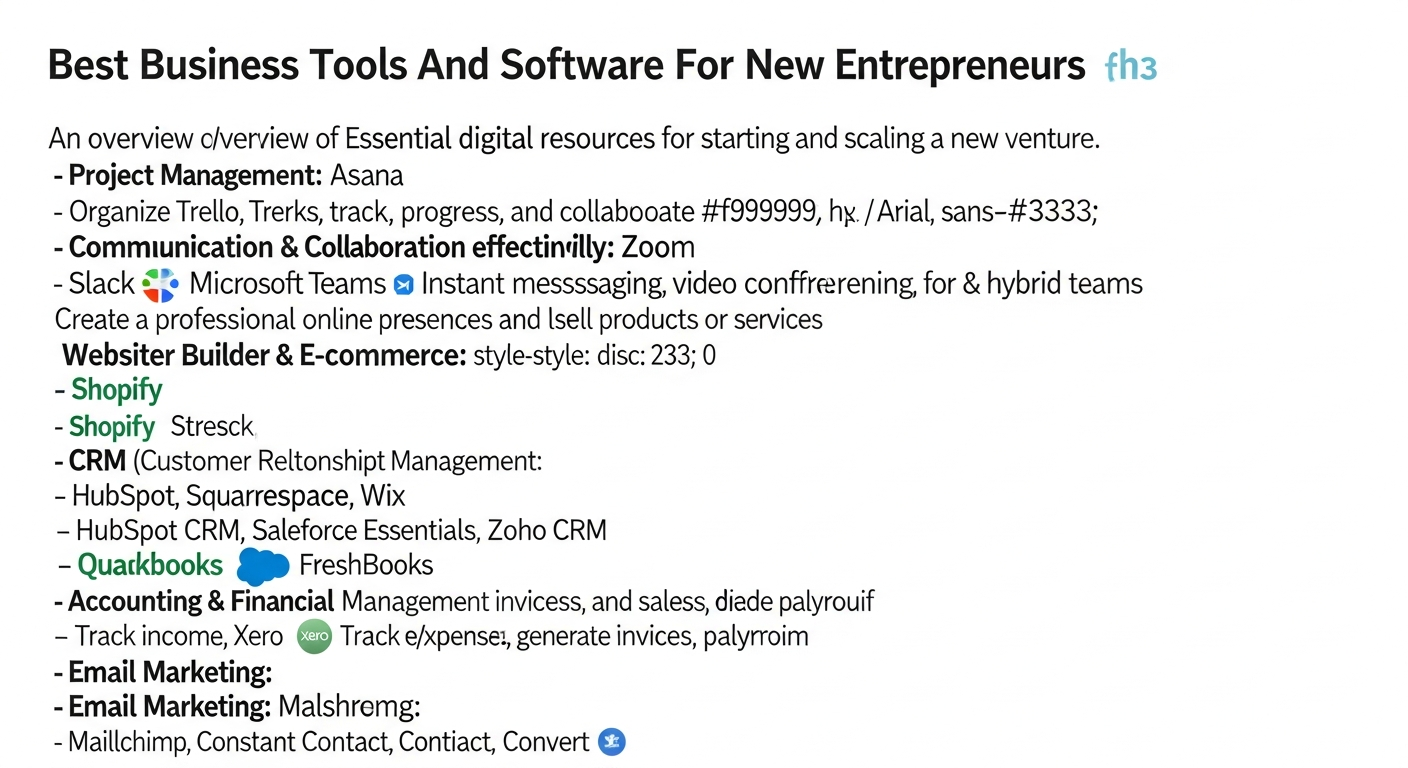
As your business gains traction, managing tasks, deadlines, and resources becomes increasingly complex. Without a robust system, projects can derail, deadlines can be missed, and team collaboration can suffer. This is where the Best Project Management Software comes into play, providing the structure and visibility needed to keep everything on track.
Why Project Management Software is Crucial
For new entrepreneurs, project management tools:
- Improve Organization: Centralize tasks, documents, and communications.
- Enhance Collaboration: Facilitate teamwork, assign responsibilities, and track progress transparently.
- Boost Efficiency: Automate routine tasks and provide clear timelines.
- Ensure Accountability: Clearly define roles and monitor individual contributions.
Top Recommendations for 2026
- Asana:
- What it is: A highly versatile project management tool known for its flexibility in managing projects, tasks, and team workflows. It offers various views including list, board, calendar, and timeline.
- Why it’s great for new entrepreneurs: Asana’s intuitive interface makes it easy to get started, even for those new to project management. Its free tier is generous, supporting up to 15 users with core functionalities. As your business grows, its robust feature set can scale with you, making it suitable for managing marketing campaigns, product launches, or client projects.
- Key features: Task assignment, due dates, customizable dashboards, file sharing, integrations with hundreds of other apps.
- Trello:
- What it is: A visually-driven project management tool based on the Kanban board methodology, where tasks are represented as cards moved across columns (e.g., To Do, Doing, Done).
- Why it’s great for new entrepreneurs: Trello excels in simplicity and ease of use. It’s perfect for small teams or solo entrepreneurs who prefer a visual overview of their workflow. Its drag-and-drop interface makes task management feel effortless, ideal for quickly organizing ideas, content calendars, or simple project flows.
- Key features: Boards, lists, cards, checklists, due dates, power-ups (integrations).
- ClickUp:
- What it is: An all-in-one productivity platform designed to replace multiple tools. It offers project management, document creation, goal tracking, and more.
- Why it’s great for new entrepreneurs: ClickUp’s strength lies in its incredible customizability and breadth of features. While it has a steeper learning curve than Trello, it can consolidate many functions into one platform, potentially saving costs and simplifying your tech stack. Its free plan is very feature-rich, making it an excellent option for ambitious startups looking for a comprehensive solution from the outset.
- Key features: Customizable views (list, board, calendar, Gantt), tasks, subtasks, checklists, docs, goals, time tracking, integrations.
Choosing the right project management software depends on your team size, complexity of projects, and preferred working style. Start with a free trial to see which tool best fits your nascent business culture.
Mastering Your Finances: Top Accounting Software for Entrepreneurs in 2026
The Importance of Dedicated Accounting Software
Effective accounting software allows you to:
- Track Income & Expenses: Understand where your money is coming from and where it’s going.
- Automate Invoicing: Create and send professional invoices, ensuring timely payments.
- Simplify Tax Prep: Organize financial data, making tax season less stressful.
- Monitor Cash Flow: Gain insights into your financial health and make informed decisions.
- Maintain Compliance: Keep accurate records required by law.
Leading Accounting Software Solutions for Startups
- QuickBooks Online:
- What it is: The industry standard for small business accounting, offering a comprehensive suite of features for managing finances in the cloud.
- Why it’s great for new entrepreneurs: QuickBooks Online is incredibly robust and scalable. It handles everything from invoicing and expense tracking to payroll, inventory, and advanced reporting. While it has a subscription cost, its widespread use means plenty of resources and accountants are familiar with it, which can be a huge benefit as you grow. Its integration capabilities are also extensive.
- Key features: Invoicing, expense tracking, bank reconciliation, financial reports (P&L, Balance Sheet), payroll integration, tax preparation tools.
- Xero:
- What it is: A cloud-based accounting software known for its user-friendly interface and strong emphasis on collaboration with accountants.
- Why it’s great for new entrepreneurs: Xero offers a clean, intuitive design that makes managing finances less intimidating. It’s particularly popular among tech-savvy entrepreneurs due to its modern feel and extensive marketplace of integrations. Its focus on bank feeds and easy reconciliation makes daily bookkeeping efficient, and its robust mobile app allows for on-the-go financial management.
- Key features: Invoicing, expense tracking, bank reconciliation, multi-currency support, project tracking, comprehensive reporting.
- FreshBooks:
- What it is: An accounting solution primarily designed for freelancers, consultants, and small service-based businesses, with a strong focus on invoicing and time tracking.
- Why it’s great for new entrepreneurs: If your business revolves around client services and invoicing, FreshBooks is an excellent choice. Its strength lies in its simplicity and powerful invoicing features, allowing you to create professional invoices, send reminders, and accept online payments effortlessly. It also includes robust time tracking and expense management.
- Key features: Customizable invoicing, time tracking, expense tracking, project management, payment processing, client management.
The right accounting software will simplify your financial life, giving you more time to focus on growing your business. Consider your business model, transaction volume, and budget when making your selection.
Building Customer Relationships: How to Choose a CRM System for Sustainable Growth
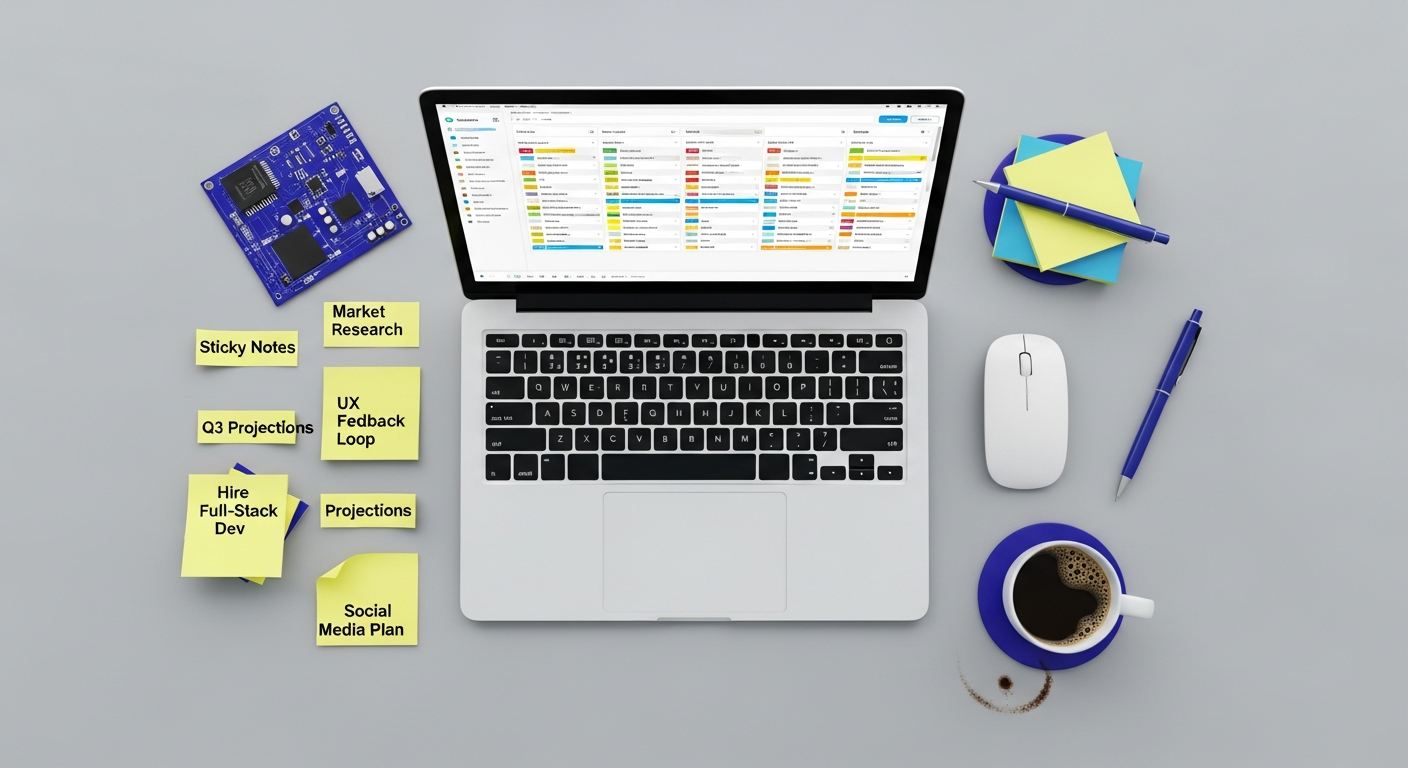
In the competitive landscape of 2026, customer relationships are your most valuable asset. A Customer Relationship Management (CRM) system helps you organize, track, and nurture these relationships, turning leads into loyal customers. For new entrepreneurs, understanding How to Choose a CRM system is vital for establishing efficient sales, marketing, and customer service processes from the start.
The Value of a CRM System for Startups
A CRM system helps new businesses:
- Manage Leads: Capture and track potential customers efficiently.
- Streamline Sales: Organize your sales pipeline, track interactions, and forecast revenue.
- Improve Customer Service: Centralize customer data for better support and personalized experiences.
- Automate Marketing: Segment customers and automate email campaigns.
- Gain Insights: Analyze customer data to identify trends and opportunities.
Key Considerations When Choosing a CRM
- Scalability: Can the CRM grow with your business? Look for platforms that offer different tiers or add-ons.
- Ease of Use: A complex CRM will go unused. Prioritize intuitive interfaces and minimal training requirements.
- Integration: How well does it integrate with your existing tools (email, accounting, project management)?
- Features: Do you need basic contact management, or advanced sales automation and marketing tools? Start with your core needs.
- Cost: Many CRMs offer free tiers for small teams or affordable starter plans.
- Mobile Access: Essential for entrepreneurs on the go.
Recommended CRM Systems for New Entrepreneurs
- HubSpot CRM (Free Tier):
- What it is: A powerful, yet user-friendly CRM that offers a robust free version perfect for startups, alongside scalable paid suites for sales, marketing, and service.
- Why it’s great for new entrepreneurs: HubSpot’s free CRM provides essential features like contact management, deal tracking, task management, and basic reporting. It’s incredibly intuitive and integrates seamlessly with HubSpot’s other marketing and sales tools as your needs expand. It’s an ideal starting point for businesses focused on inbound marketing and nurturing customer relationships.
- Key features: Contact management, company records, deal pipelines, meeting scheduling, email tracking, live chat, reporting dashboards.
- Salesforce Essentials:
- What it is: A streamlined version of the industry-leading Salesforce CRM, specifically designed for small businesses.
- Why it’s great for new entrepreneurs: If you envision significant growth and need a highly scalable, feature-rich CRM, Salesforce Essentials is a strong contender. It offers powerful sales and service capabilities, allowing you to manage leads, track opportunities, and provide excellent customer support. While more expensive than some alternatives, it provides access to the Salesforce ecosystem, which is unparalleled in its depth and integration options.
- Key features: Lead management, account & contact management, opportunity tracking, case management, mobile app, AppExchange integrations.
- Zoho CRM:
- What it is: Part of Zoho’s extensive suite of business applications, Zoho CRM offers a comprehensive solution for managing customer relationships.
- Why it’s great for new entrepreneurs: Zoho CRM provides a feature-rich free edition for up to three users, making it highly attractive for very small teams. It offers a balance of advanced features and affordability across its paid tiers, covering sales, marketing, and customer support. Its integration with other Zoho apps can create a powerful, unified business environment.
- Key features: Lead & contact management, sales automation, workflow rules, marketing campaigns, reporting & analytics, integrations with other Zoho apps.
Choosing the right CRM is a strategic decision that can significantly impact your sales and customer satisfaction. Begin by listing your absolute must-have features and then explore free trials to find the perfect fit.
Boosting Productivity & Collaboration: Communication and Office Suite Essentials
In the fast-paced world of startups, every minute counts. The right productivity and collaboration tools can dramatically enhance efficiency, foster seamless teamwork, and ensure that your business operates like a well-oiled machine. These are the daily drivers that empower communication, document creation, and information sharing.
The Power of Integrated Productivity Suites
For new entrepreneurs, integrated suites provide:
- Centralized Communication: Email, chat, and video conferencing in one place.
- Collaborative Document Creation: Real-time editing and sharing of essential business documents.
- Cloud Storage: Secure access to all your files from anywhere, on any device.
- Calendar Management: Scheduling meetings and managing deadlines effortlessly.
Key Productivity and Collaboration Tools for 2026
- Google Workspace:
- What it is: A cloud-native suite of productivity and collaboration tools from Google.
- Why it’s great for new entrepreneurs: Google Workspace (Gmail, Calendar, Drive, Docs, Sheets, Slides, Meet, Chat) offers an incredibly robust and familiar ecosystem. Its real-time collaboration features in Docs and Sheets are unparalleled, making it easy for teams to work together on proposals, reports, and spreadsheets. Its strong mobile apps ensure you’re always connected, and it integrates with countless third-party applications.
- Key features: Professional email, cloud storage, video conferencing, word processing, spreadsheets, presentations, shared calendars, instant messaging.
- Microsoft 365 Business Basic:
- What it is: Microsoft’s cloud-based productivity suite, offering web and mobile versions of its popular Office applications, plus email and collaboration tools.
- Why it’s great for new entrepreneurs: For businesses that prefer the Microsoft ecosystem, 365 Business Basic provides Outlook for email, OneDrive for cloud storage, and web versions of Word, Excel, and PowerPoint. Its integration with Microsoft Teams makes it a powerful hub for chat, video calls, and project collaboration, especially if you have team members who are already familiar with Microsoft products.
- Key features: Professional email, cloud storage, web apps for Word, Excel, PowerPoint, SharePoint, Microsoft Teams for communication and collaboration.
- Slack:
- What it is: A leading channel-based messaging platform designed for team communication and collaboration.
- Why it’s great for new entrepreneurs: While Google Workspace and Microsoft 365 include chat, Slack often offers a more dynamic and organized approach to team communication. It excels at reducing internal email, fostering quick discussions, and integrating with a vast array of other business tools (like project management or CRM software). Its channel structure helps keep conversations focused and searchable.
- Key features: Channels for organized communication, direct messaging, file sharing, audio and video calls, extensive app integrations, search functionality.
- Zoom / Google Meet / Microsoft Teams:
- What it is: Dedicated platforms for video conferencing and online meetings.
- Why it’s great for new entrepreneurs: As remote and hybrid work becomes standard, reliable video conferencing is non-negotiable. While often integrated into larger suites, dedicated services or robust built-in features (like those in Google Meet and Microsoft Teams) ensure clear communication with clients, investors, and remote team members.
- Key features: HD video and audio, screen sharing, recording, virtual backgrounds, meeting scheduling.
By leveraging these productivity and collaboration tools, new entrepreneurs can create a highly efficient and communicative work environment, irrespective of physical location.
Marketing Your Mission: Digital Marketing & Website Tools for Outreach
Even the best business idea won’t succeed if no one knows about it. For new entrepreneurs in 2026, a strong online presence and effective digital marketing strategies are non-negotiable. These tools help you build your brand, reach your target audience, and convert prospects into customers.
Building Your Digital Foothold
Digital marketing tools enable you to:
- Establish Online Presence: Create a professional website.
- Reach Your Audience: Engage with potential customers via email and social media.
- Analyze Performance: Track marketing efforts and optimize for better results.
- Build Brand Recognition: Consistently communicate your value proposition.
Essential Digital Marketing & Website Tools
- Website Builders (WordPress.com / self-hosted WordPress with Elementor, Squarespace, Wix):
- What they are: Platforms that allow you to create and manage a professional website without extensive coding knowledge.
- Why they’re great for new entrepreneurs: A website is your digital storefront. These builders offer user-friendly interfaces, customizable templates, and e-commerce functionalities, making it easy to establish an online presence quickly and affordably. WordPress (especially self-hosted with a page builder like Elementor) offers maximum flexibility and scalability, while Squarespace and Wix are excellent for beginners seeking drag-and-drop simplicity and all-in-one hosting.
- Key features: Drag-and-drop editor, responsive design, SEO tools, e-commerce capabilities, blogging platform, analytics integration.
- Email Marketing Platforms (Mailchimp, ConvertKit):
- What they are: Tools for building email lists, sending newsletters, marketing campaigns, and automating email sequences.
- Why they’re great for new entrepreneurs: Email remains one of the most effective digital marketing channels. Mailchimp offers a generous free tier for up to 500 contacts, making it perfect for startups to start building an audience. ConvertKit is highly favored by creators and content marketers for its intuitive automation and segmentation features. These platforms help you nurture leads, announce new products, and build customer loyalty.
- Key features: Email template builder, list management, segmentation, automation workflows, A/B testing, reporting.
- Social Media Management Tools (Buffer, Hootsuite):
- What they are: Platforms that allow you to schedule posts, manage multiple social media accounts, and analyze performance from a single dashboard.
- Why they’re great for new entrepreneurs: Social media is crucial for brand visibility and audience engagement. Manually managing multiple platforms is time-consuming. Tools like Buffer and Hootsuite streamline the process, allowing you to plan your content, schedule posts in advance, and monitor your social media presence efficiently, even with their free or low-cost plans.
- Key features: Post scheduling, multi-platform management, analytics, content curation, team collaboration.
- Graphic Design Tools (Canva):
- What it is: An online graphic design platform that allows users to create professional-looking visuals without design experience.
- Why it’s great for new entrepreneurs: From social media graphics and marketing materials to presentations and reports, Canva empowers entrepreneurs to create stunning visuals quickly and affordably. Its vast library of templates, stock photos, and design elements makes professional design accessible to everyone.
- Key features: Drag-and-drop editor, thousands of templates, stock photos & elements, brand kits, team collaboration.
By effectively utilizing these digital marketing and website tools, new entrepreneurs can build a compelling online presence and reach their target customers more effectively, driving growth and brand recognition.
Making the Right Choice: Key Considerations When Selecting Business Software
The sheer volume of available business tools can be overwhelming. While we’ve highlighted some of the best options for new entrepreneurs in 2026, the ‘right’ choice is always subjective and depends on your unique business needs. Here are critical factors to consider before committing to any software solution:
1. Identify Your Core Needs and Pain Points
Before looking at any software, clearly define the problem you’re trying to solve. Are you struggling with disorganization, inefficient communication, financial tracking,
Recommended Resources
Learn more about this topic in How To Create A Mood Board For Design Projects at Layout Scene.
Check out How To Find Remote Jobs In 2026 on Bookmark Sharer for a deeper dive.